
How to Size Self-Service Dispensary Kiosks for Your Store
Do not guess from square footage or buy one kiosk just to test the idea. Use your busiest hour, target self-service share, measured kiosk capacity, floor plan, and fulfillment workflow to size the right number of dispensary kiosks.
Most dispensaries ask the wrong question first.
They ask, “How many kiosks should we buy?” before they know how many orders the kiosks need to carry.
One kiosk might be enough for a steady neighborhood store. It can also become useless at 5:30 on Friday if three customers are waiting to order and the only unit is occupied. Four kiosks might look impressive, but they won’t help if every order lands on the same backed-up fulfillment counter.
The right number comes from the store’s busiest hour, not its total square footage or average day. You need to know how many orders arrive at the peak, what share of those customers are likely to use self-service, how much traffic one unit can handle in your actual workflow, and whether the rest of the store can keep up.
Here’s the math.
Quick answer: how many dispensary kiosks do you need?
Use three inputs:
- The number of orders your store completes during its busiest hour.
- The percentage of peak-hour orders you want to move through self-service.
- The number of completed orders one kiosk can handle during that hour in your store’s workflow.
Then calculate:
Peak self-service orders = peak-hour orders x target self-service share

Base kiosk count = peak self-service orders / completed orders per kiosk per peak hour
Round the result up to the next whole kiosk, then pressure-test that number against the floor plan, cash and payment mix, accessibility, network access, queue space, and fulfillment capacity.
That last step matters. The formula gives you a capacity estimate. It doesn’t tell you where the units should go or whether the rest of the operation can absorb the orders.
A simple kiosk-sizing example
Say a dispensary completes 48 orders during its busiest hour. The operator wants 25 percent of that volume to use self-service.
48 peak-hour orders x 25% self-service target = 12 self-service ordersDuring a pilot, the store observes that one kiosk supports eight completed orders during a comparable peak hour.
12 self-service orders / 8 completed orders per kiosk = 1.5 kiosksRound up, and the starting recommendation is two kiosks.
Those numbers are an example, not a Dispensify performance claim. Your store may be faster or slower depending on menu design, customer familiarity, scanner use, payment steps, receipt flow, POS handoff, and how quickly staff fulfill the order. The useful number is the one measured on your floor.
Step 1: Pull the busiest hour, not the average hour
Daily averages hide the exact problem a kiosk is supposed to help.
A store may complete 160 orders across a ten-hour day and still do 35 of them in one sharp rush. Sizing from the daily average makes the floor look deceptively quiet when the line actually forms.
Pull transaction counts by hour from several normal weeks. Separate ordinary weekdays from your busiest days, and flag promotions, holidays, product drops, and local events that create unusual traffic. You’re looking for a repeatable peak, not the single busiest hour the store has ever seen.
Use completed transactions when you can. Door traffic is useful for staffing and conversion analysis, but kiosk capacity is tied to people who actually enter the ordering workflow.
For a new store with no transaction history, use the operating plan as a scenario, not a forecast you pretend is settled. Run a conservative case, an expected case, and a high-demand case. Build the floor so another unit can be added later if the demand shows up.
Step 3: Measure what one kiosk can handle in your workflow
This is where most kiosk ROI estimates get shaky. A vendor picks a transactions-per-hour number, applies it to every store, and produces a clean answer with more certainty than the data supports.
Session time changes with the job assigned to the kiosk. Browsing a large menu takes longer than checking a repeat order. Scanning information from an ID to pre-populate customer fields adds a different step than product browsing alone. Payment and receipt printing change the cycle again. Cash handling changes both the hardware and the customer flow.
Before a full rollout, run a pilot or a controlled floor test and record:
- Sessions started
- Orders submitted
- Orders completed
- Median session time
- Staff interventions
- Customers who leave the kiosk before submitting
- Payment method
- Time from order submission to fulfillment
- Unit downtime and the reason for it
Use completed orders per kiosk during a real peak hour as the denominator in the sizing formula. Median session time is helpful for diagnosing the experience, but completed orders tell you what the lane actually contributed.
Step 4: Find out where the line really lives
A dispensary line can form in more than one place.
Customers can wait to browse, wait to enter an order, wait to pay, or wait for fulfillment. A self-service ordering kiosk adds capacity at the first two points. A payment-enabled or cash-enabled kiosk can carry more of the checkout path. Neither one fixes a fulfillment station that can’t pick and release orders fast enough.
Map the current customer flow from entry to exit:
Entry > check-in > browse > order > payment > fulfillment > exitMark every point where the customer stops and every point where an employee has to touch the transaction. Then decide which of those steps the kiosk should own.
If the store needs more ordering capacity, a standard self-service lane may solve the problem. If customers still have to rejoin a staffed line to pay, the operator should be honest about what that does to the queue. If cash is the constraint, review a cash-enabled dispensary kiosk as a separate lane rather than assuming every unit needs the same hardware.
The goal isn’t the largest kiosk count. It’s a clean handoff from the customer to the existing POS, payment, and fulfillment workflow.
Step 5: Match the unit mix to the floor
Two stores with the same peak volume may need different hardware because the floors work differently.
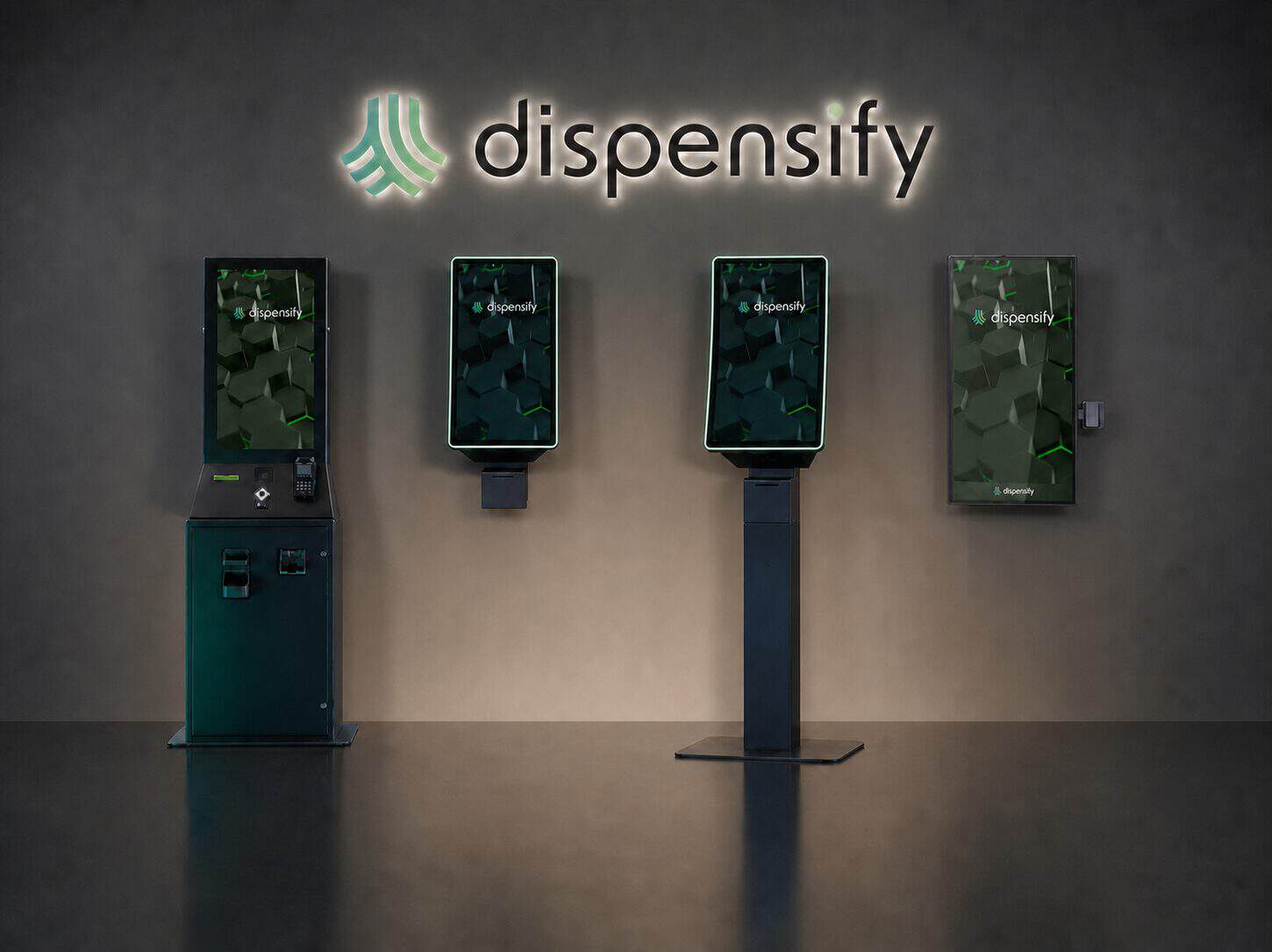
Floor-standing kiosks
A floor-standing unit gives self-service a visible destination. It works well when the store has room for a clear approach, a short queue, and staff sightlines. Plan for power, network access, customer circulation, and service access around the unit.
Wall-mounted kiosks
A wall-mounted dispensary kiosk preserves open floor area and can fit a narrow store where a pedestal would interrupt traffic. The wall still needs the right structure, power and network access, clear approach space, readable sightlines, and room for customers to use the unit without blocking the aisle.
Cash-enabled kiosks
A cash-enabled unit serves a different job than an ordering-only station. Plan for payment flow, change handling, replenishment, service access, and where customers go after the transaction. A store with meaningful cash demand may need one dedicated cash-capable lane alongside standard ordering kiosks rather than putting cash hardware into every position.
Custom kiosk builds
An off-the-shelf configuration won’t fit every footprint. If mounting, branding, screen orientation, peripherals, payment hardware, or cash handling requires a different enclosure, a custom cannabis kiosk build may be cleaner than forcing the floor around a standard cabinet.
You can compare the current floor-standing, wall-mounted, and cash-enabled options on the Dispensify kiosk lineup.
Step 6: Leave room for people
The kiosk footprint is only part of the layout.
Customers need room to approach, browse, and leave without crossing the next person’s path. Staff need to see when somebody is stuck without hovering over every session. The store also needs an accessible route and enough clearance for the intended users, mounting height, peripherals, and local requirements.
Watch for the details that are easy to miss on a floor plan:
- A queue that blocks the entrance or pickup counter
- Screen glare at the busiest time of day
- A receipt printer staff can’t reach easily
- A cash unit with no practical service path
- A wall-mounted unit placed where browsing exposes customer information to the room
- Weak wireless coverage or no protected network path
- A kiosk that looks available even when the customer still needs to join another line
Tape the footprint on the floor before installation. Walk the route with two or three people using it at once. A placement problem is cheaper to fix with tape than after power, network, or mounting work is finished.
Step 7: Check whether fulfillment can absorb the volume
Kiosks can reduce the wait to browse and submit an order because they add ordering lanes. If fulfillment can’t keep pace, the visible line may simply move from the counter to pickup.
Compare peak-hour kiosk demand with:
- Orders the fulfillment team can pick and release per hour
- The number of active fulfillment stations
- Space for staged orders
- Staff coverage during rushes
- The process for exceptions, substitutions, and customer questions
- The handoff between the kiosk, POS, inventory, payment, and receipt flow
If the store can accept 20 additional digital orders but can only fulfill five of them, another kiosk isn’t the next purchase. The downstream process needs attention first.
This is also why two locations in the same company may need different kiosk counts. Standardize the method, hardware rules, reporting, and support model. Let each store’s actual demand determine the final unit mix.
How to model dispensary kiosk ROI without making up a number
The honest ROI model uses observed store data.
Track the total deployed cost, including hardware, configuration, payment or cash components, installation, network work, training, and support. Then measure what changes during the pilot:
- Completed self-service orders
- Staff minutes required per self-service order
- Staff minutes required for the comparable staffed order
- Peak queue length and wait time
- Order abandonment
- Fulfillment time
- Downtime
- Staff intervention rate
If you want to value staff capacity, use this equation:
Monthly staff capacity redirected =
(staff minutes per comparable counter order - staff minutes per kiosk order)
x completed kiosk orders per month / 60
That result is capacity, not automatic payroll savings. The hours may be redirected to fulfillment, education, exception handling, inventory work, or another part of the floor. Only count hard-dollar savings when the operating plan actually removes or avoids a cost.
Revenue claims need the same discipline. Don’t assign every kiosk order to “incremental revenue.” Compare completed transactions, abandonment, basket behavior, and peak-hour throughput before and after the pilot. If those numbers improve, use the measured difference. If they don’t, the kiosk may still have value in customer choice or staffing flexibility, but the ROI case should say that plainly.
Start with a pilot, then decide whether to add another unit
A useful pilot has a question attached to it.
For example:
- Can one kiosk carry routine repeat orders during the Friday peak?
- Will customers use a wall-mounted ordering point near the entry?
- Does a cash-enabled lane keep cash customers from returning to the staffed counter?
- Can fulfillment absorb the added digital order volume?
- How often does staff need to step in?
Set the measurement plan before the unit goes live. Record the baseline from the staffed workflow, run the kiosk during comparable periods, and review what happened. The next unit should be justified by observed demand, not by the fact that the first unit looks busy in a photo.
For a new location, protect the option to expand. Put power and network where a second or third unit could go, leave space in the customer path, and make the initial hardware plan repeatable. You don’t have to buy every kiosk on day one to avoid an expensive retrofit later.
The answer in one sentence
Your starting kiosk count is peak-hour orders multiplied by the target self-service share, divided by the completed orders one kiosk can support during a real peak hour, rounded up and checked against the floor and fulfillment workflow.
That’s the number worth taking into a hardware conversation.
If you want help pressure-testing the inputs, book a Dispensify consultation. We’ll walk through the store layout, peak traffic, payment path, POS workflow, and fulfillment handoff before recommending a unit count or configuration.
Frequently asked questions
01Is one kiosk enough for a dispensary?
It can be. One kiosk may be enough when peak self-service demand stays within the unit’s observed capacity and a temporary queue is acceptable. Two units may make more sense when the peak exceeds that capacity, when the store needs redundancy, or when different parts of the floor require separate ordering and payment paths.
02How do I calculate the number of kiosks my dispensary needs?
Multiply completed peak-hour orders by the target self-service share. Divide that result by completed orders per kiosk during a comparable peak hour, then round up. Check the number against floor space, queue tolerance, accessibility, payment mix, network access, and fulfillment capacity before buying hardware.
03Should every dispensary kiosk accept cash?
Not necessarily. The unit mix should follow the store’s payment demand and customer flow. Some stores may use standard ordering kiosks plus one dedicated cash-enabled lane. Others may need a different mix. Map how cash customers move through checkout before deciding.
04Is a wall-mounted kiosk better than a floor-standing kiosk?
Neither format is automatically better. Wall-mounted units preserve floor space but require a suitable wall, clear approach, power, network access, and proper placement. Floor-standing units create a more visible self-service destination when the floor has room for them.
05Do dispensary kiosks reduce wait times?
They can reduce the wait to browse and enter an order by adding self-service capacity. The total customer wait also depends on payment, staff interventions, POS handoff, and fulfillment. If those steps are constrained, the queue may move instead of disappearing.
06What affects dispensary kiosk cost?
Cost depends on form factor, screen and peripheral configuration, scanner and receipt needs, payment or cash hardware, mounting, branding, installation, integration, network readiness, and support. The commercial dispensary kiosk page covers the available configurations and quote path.
More from the blog
 A self-service kiosk isn't replacing your budtenders. It's promoting them.The best stores give customers a choice between the fast lane and a real conversation. One line for everyone isn't a standard, it's a design flaw.Read article
 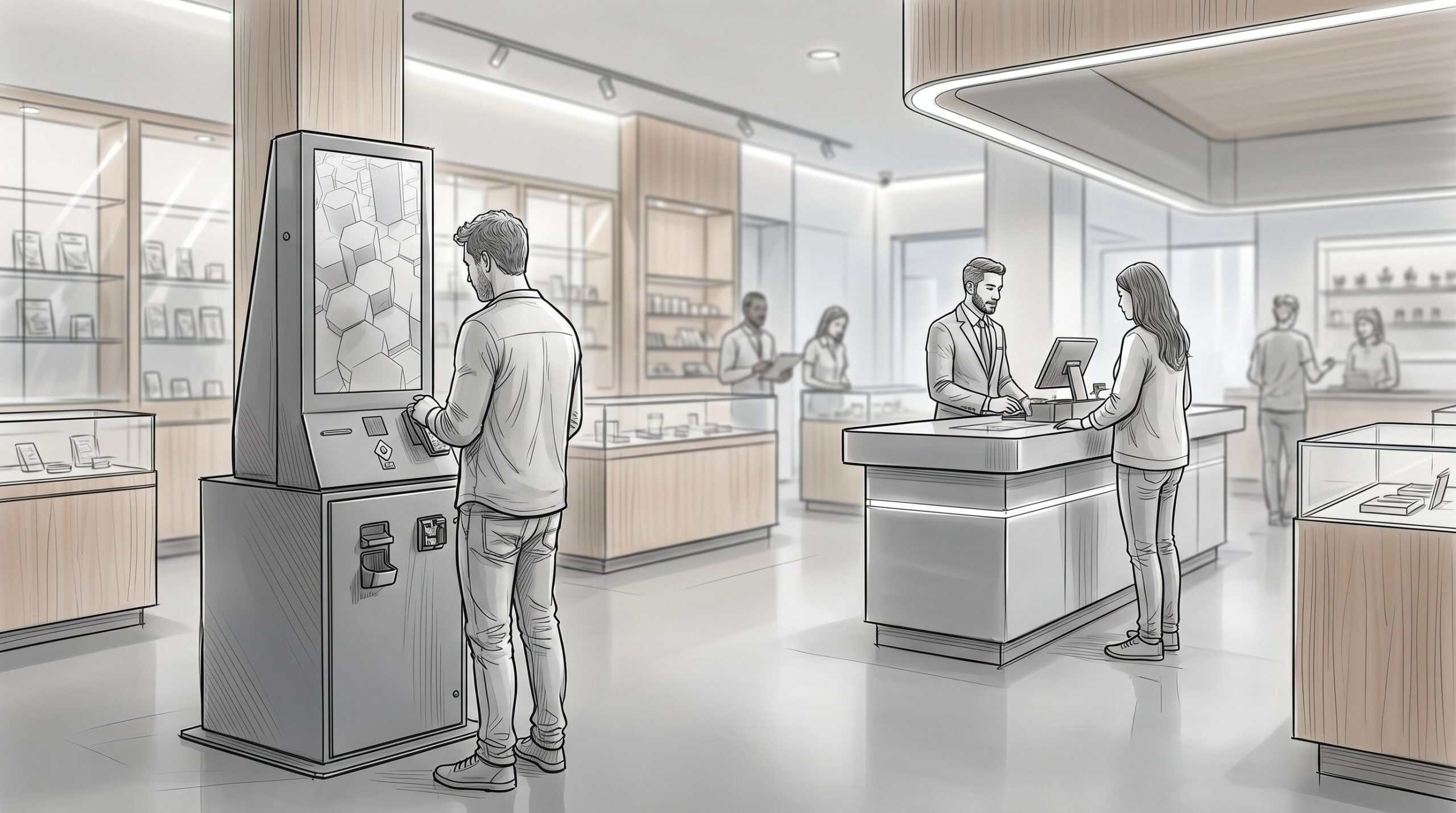 Self-Service Cannabis Kiosks: What Operators Should Know Before They DeploySelf-service is one of the few investments in cannabis retail where the math can be straightforward: shorter lines, larger baskets, and less pressure on the front of house when the Friday rush hits harder than expected.Read article
  Standardize Checkout, Cash, and Kiosks Across Every LocationMulti-location dispensary operations break at the checkout counter first. POS, scheduling and inventory software scale from one store to ten. The physical lane does not: how customers pay, how cash moves, how ID checks happen and who fixes the hardware on a Saturday are decided store by store unless someone standardizes them.Read article
 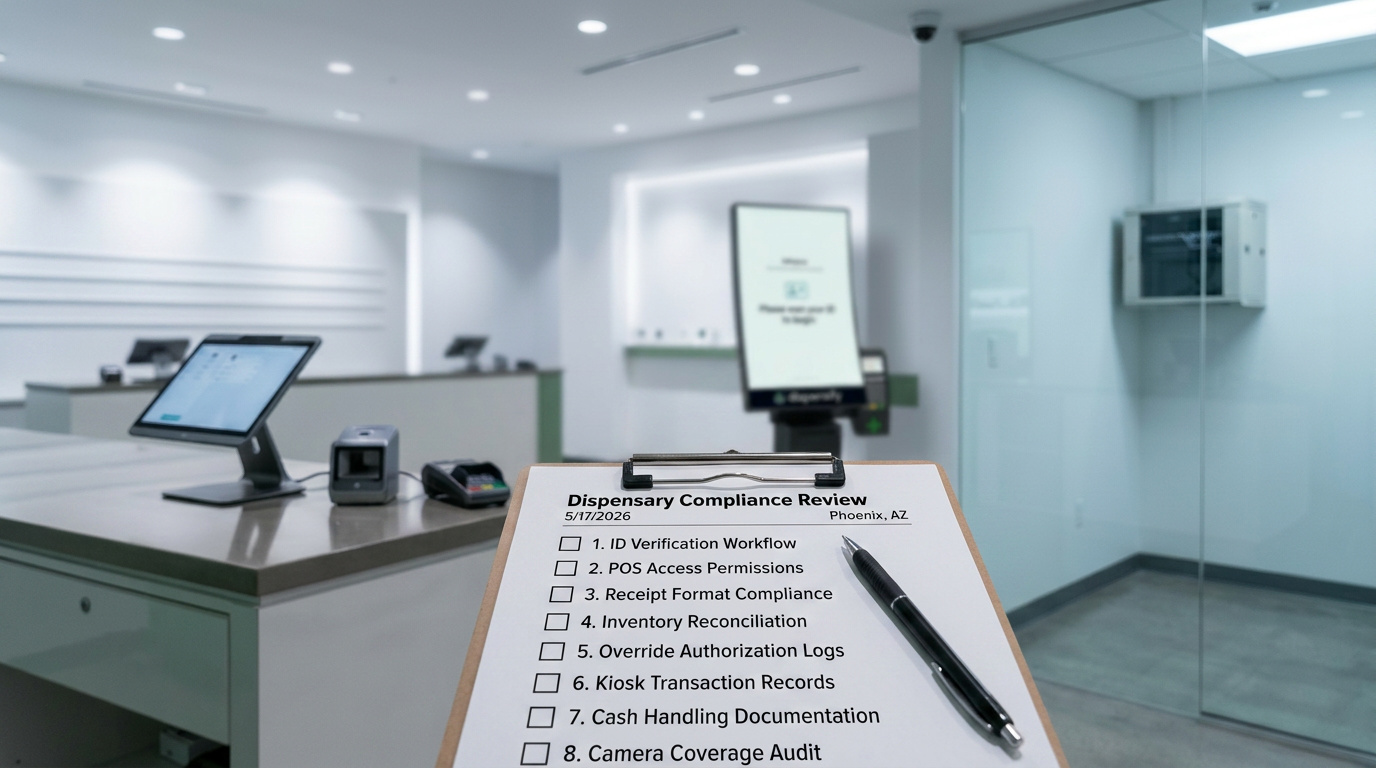 Dispensary Compliance Checklist for POS, Kiosks, and InventoryMost operators think about dispensary compliance as licensing paperwork. The application, the renewals, the annual fees, the state forms with deadlines.Read article
  Cannabis Cash Automation for Dispensary CheckoutMost dispensaries close the same way they did the day they opened. The doors lock, and a manager sits down at a back table to count the drawer by hand. The store got busier, the lines got longer, the deposits got heavier, and the cash room never changed.Read article