
Kiosks for High-Volume Dispensaries
Your busiest hour sets your ceiling. Size your kiosk lanes for the peak-hour rush and the rest of the day takes care of itself.
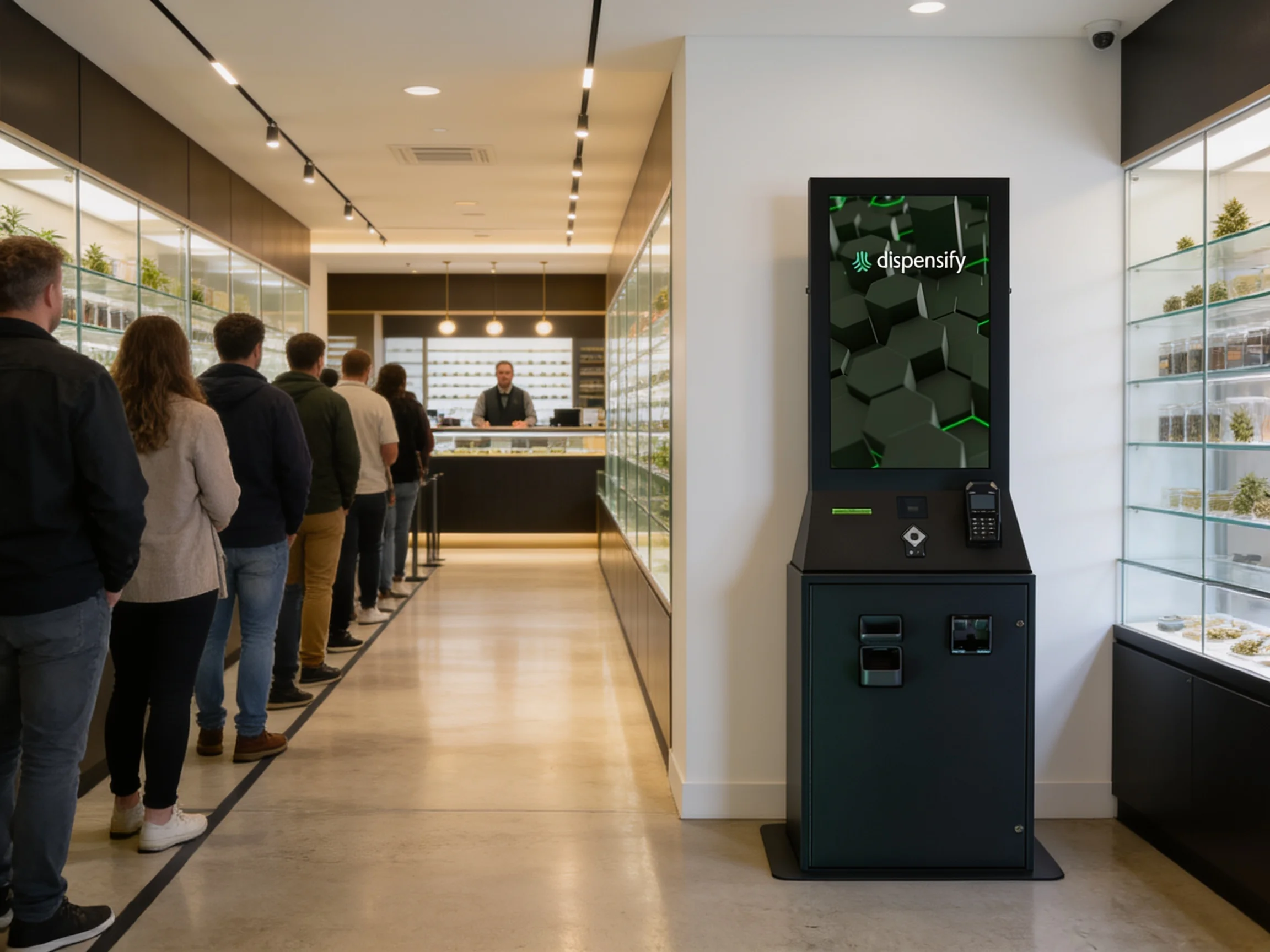
The peak-hour line is a throughput problem
Every high-volume dispensary runs the same shape of day: a quiet open, a lunch bump, then the after-work wall. Orders don't arrive evenly. They arrive in a spike, and your registers either clear it or they don't.
You can't schedule your way out of it. Staffing for one hour means overstaffing the rest of the day, and a register still moves at the speed of one conversation. Dispensary lines don't grow because your crew is slow. They grow because every order waits on the order ahead of it.
The peak-hour math
The initial calculator uses one disclosed daily-volume model: 68 planned self-service orders per kiosk per day after 15% capacity headroom, plus 2.5 staff-minutes associated with every order routed through self-service. Planning figures, not promises.
That daily estimate is a starting point. For a high-volume store, we then review actual hourly POS data, the self-service target, payment mix, and floor workflow before finalizing the lane count.
Run your daily ticket counts through /resources/roi-calculator, then bring the hourly report to a capacity review for the final recommendation.
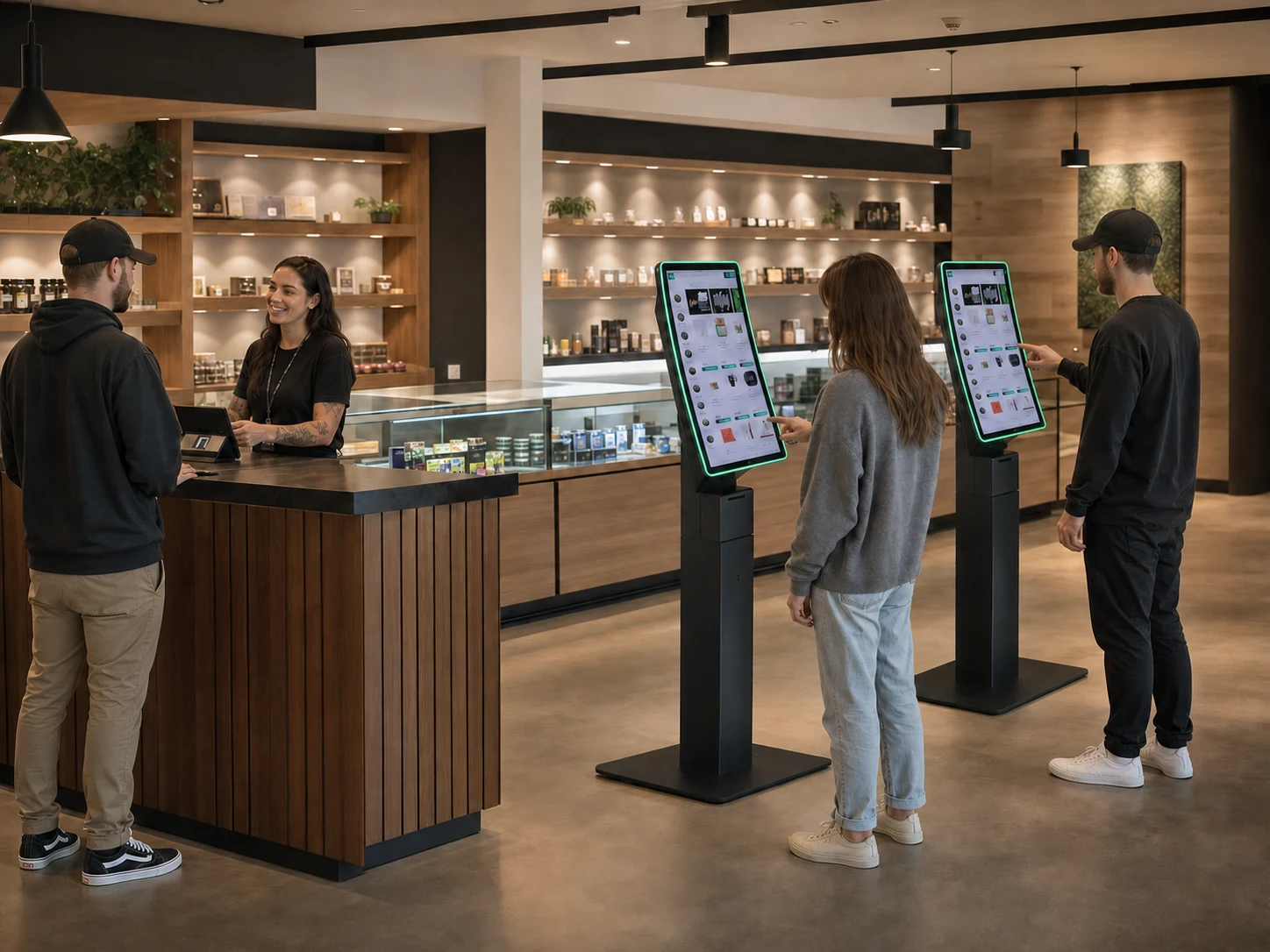
Registers serialize. Kiosks run in parallel.
A register is one conversation at a time: greet, check ID, talk, ring, tender, print. Everyone in line waits on every conversation ahead of them, and the people at the back are reading the line, not the menu. Some put the trip off. That's throughput you staffed for and never got.
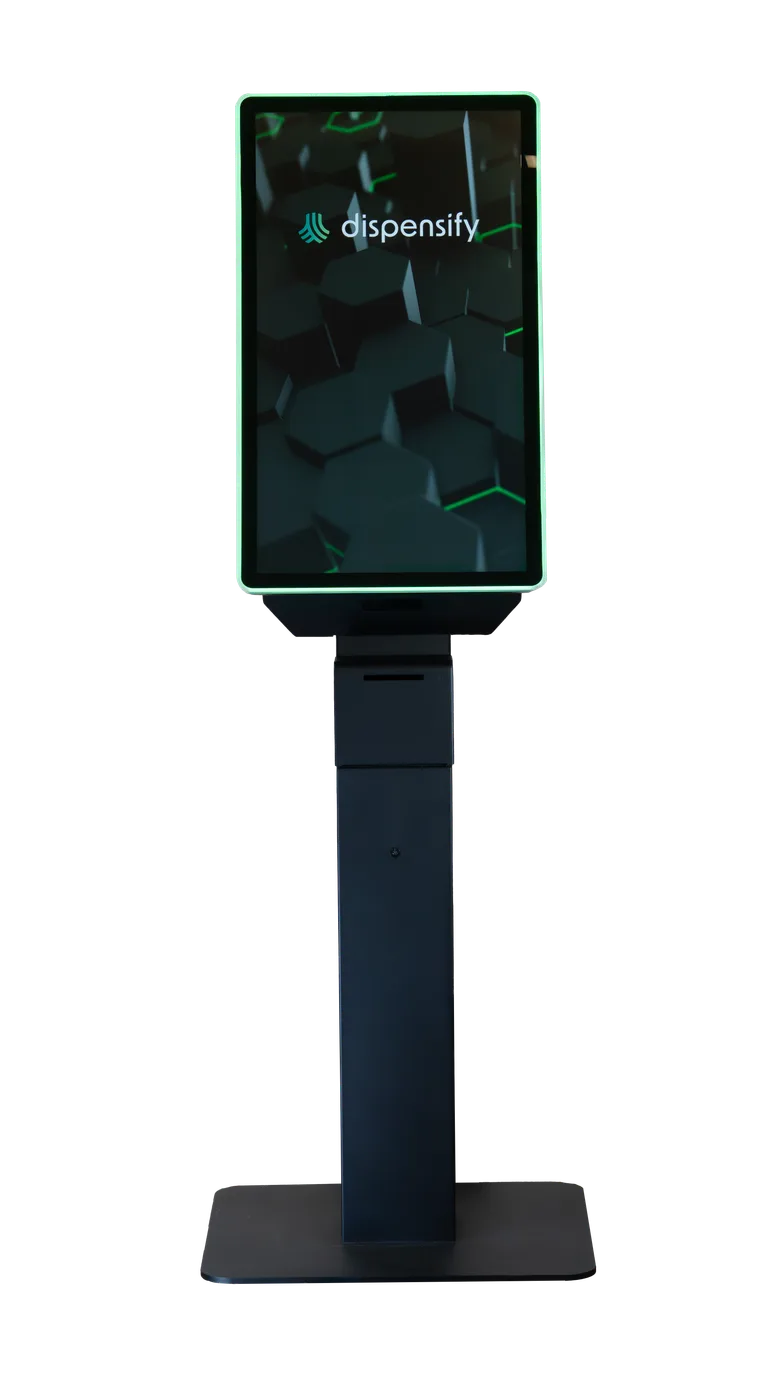
A kiosk lane runs beside the counter, not behind it. Scanner, screen, EMV reader, thermal printer: the customer builds the cart at their own pace while the lanes next to them do the same. Orders come off the printer as tickets, and your crew fills them instead of ringing them.
Nobody loses their budtender. The counter stays open for the complicated cart and the customer who wants the talk. The kiosks absorb everyone who already knows their order.
Configurations by volume
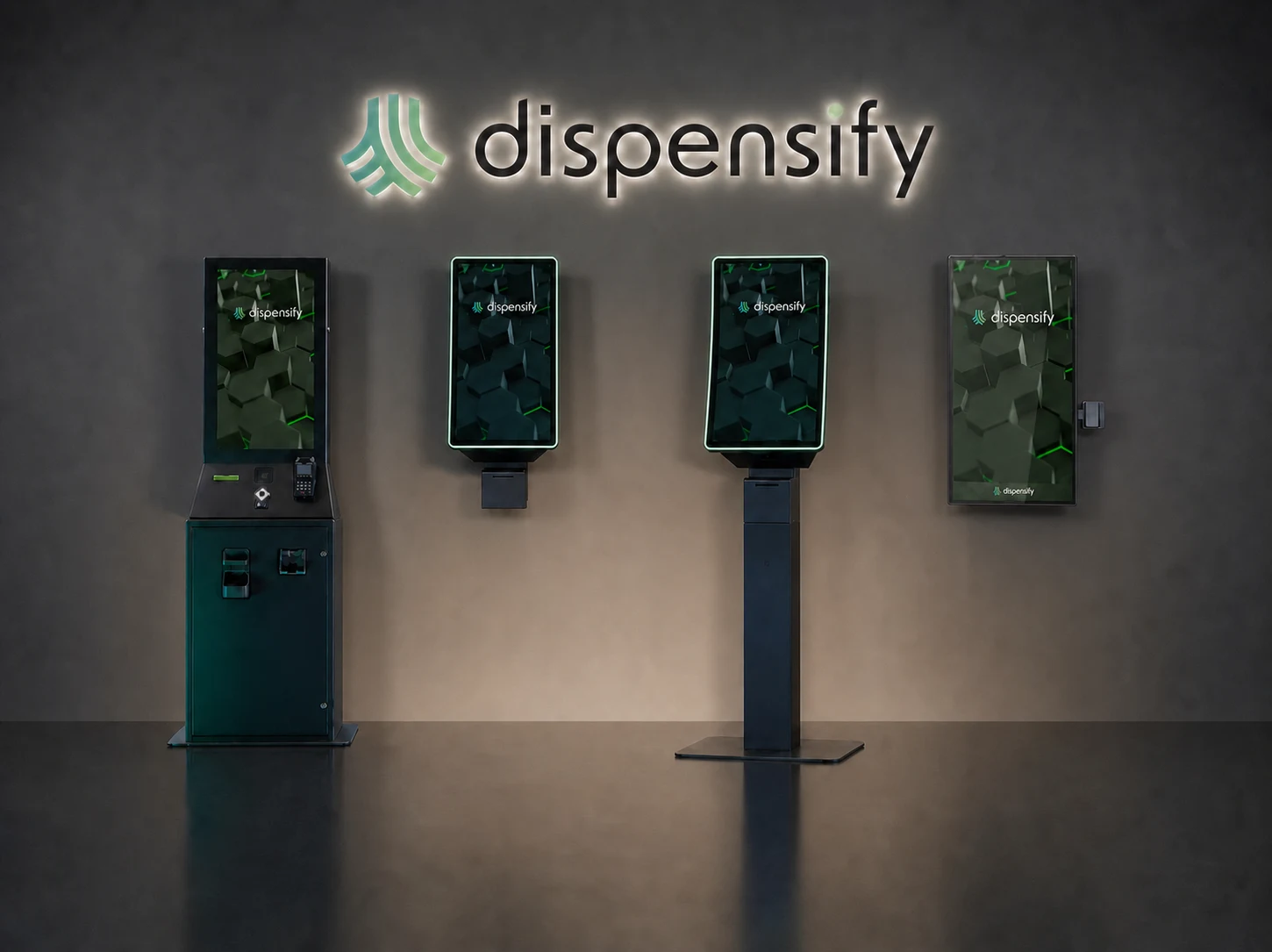
We spec by your daily ticket count and the shape of your peak, not a one-size bundle. These are the starting points: the unit-by-unit breakdown lives at /kiosk-solutions/compare.
- One store, one hard peak: two Giosk 32CF lanes up front. Scanner, EMV, thermal printer on each: the rush splits across both.
- Cash-heavy trade: make one lane a Giosk 32 Cash. With the optional cash recycler, it recycles bills and coins at the kiosk, so cash customers self-serve and there's less loose cash to count at close. More at /kiosk-solutions/cash-payment-solutions.
- Tight floor: a row of Giosk 32CW wall units with 32- or 43-inch screens and zero floor footprint. Lanes on the wall instead of the aisle.
- All-day volume, more than one peak: three or four mixed lanes, Giosk 32CF for card and Giosk 32 Cash for cash, sized against your busiest hour, never your daily average.
Run the numbers before you buy hardware
Start with the calculator at /resources/roi-calculator: it runs your tickets through the disclosed model and shows the lane math. Then book a capacity review at /get-started/capacity-review: your real volume, your floor plan, your cash mix, and a recommended configuration in writing.
When the spec is set, our crew handles the install: see /services/on-site-installation. You run the store. The lanes handle the line.
Size your lanes against real volume
Bring your peak-hour ticket counts. We'll run them through the disclosed capacity model and spec the units and lane count for your floor.