
A buyer's guide for dispensaries weighing a budtender-only counter, order tablets, digital signage, and a true self-service kiosk.
They're not the same purchase. Score them against the same six questions and the gaps get obvious fast.
Same six questions for every way to run a counter.
The companion ROI brief carries the sourced numbers.
The calculator turns proof into your store's math.
A walkthrough shows every step of the transaction.
Every self-service decision comes down to the same handful of questions. Ask them of every option on your list, including doing nothing, and the comparison mostly makes itself.
Can it clear the line at 4:20 on a Friday, or does it stall behind staff?
Does it grow the order at checkout, or just capture the order that was already coming?
Does it sign customers up while they check out, or leave repeat business to chance?
Can it take card and cash at the unit, or does every sale still end at the register?
Can its scanner parse ID data at the unit while your staff of record stays accountable for verification?
One team for install, integration, and support, or a stack of vendors pointing at each other?
| Criterion | Budtender only | Order tablet | Digital signage | Dispensify Giosk Cash |
|---|---|---|---|---|
| Clears the line at peak | ✕ | ~ | ✕ | ✓ |
| Grows the basket without adding wait | ~ | ✕ | ✕ | ✓ |
| Enrolls loyalty during checkout | ~ | ~ | ✕ | ✓ |
| Cash at the unit (optional recycler) | ✕ | ✕ | ✕ | ✓ |
| Pre-populates customer information from an ID scan | ✕ | ✕ | ✕ | ✓ |
| Sends orders straight into your POS | ✓ | ~ | ✕ | ✓ |
| Frees staff for guided service | ✕ | ~ | ✕ | ✓ |
| One team: install, integration, support | ~ | ~ | ~ | ✓ |
Comparison reflects typical category capabilities, not any single vendor's product.
A tablet takes an order. Signage shows a menu. Neither one finishes a sale. This is where the comparison stops being close.
With the optional cash recycler, Giosk 32 Cash accepts cash and issues change alongside receipt printing at the unit.
Ordering, ID scan, payment, receipt, and POS handoff happen at the screen. With a tablet, the register still does the rest.
Project management, install, POS integration, and help desk under one roof. It stays your help desk after launch.
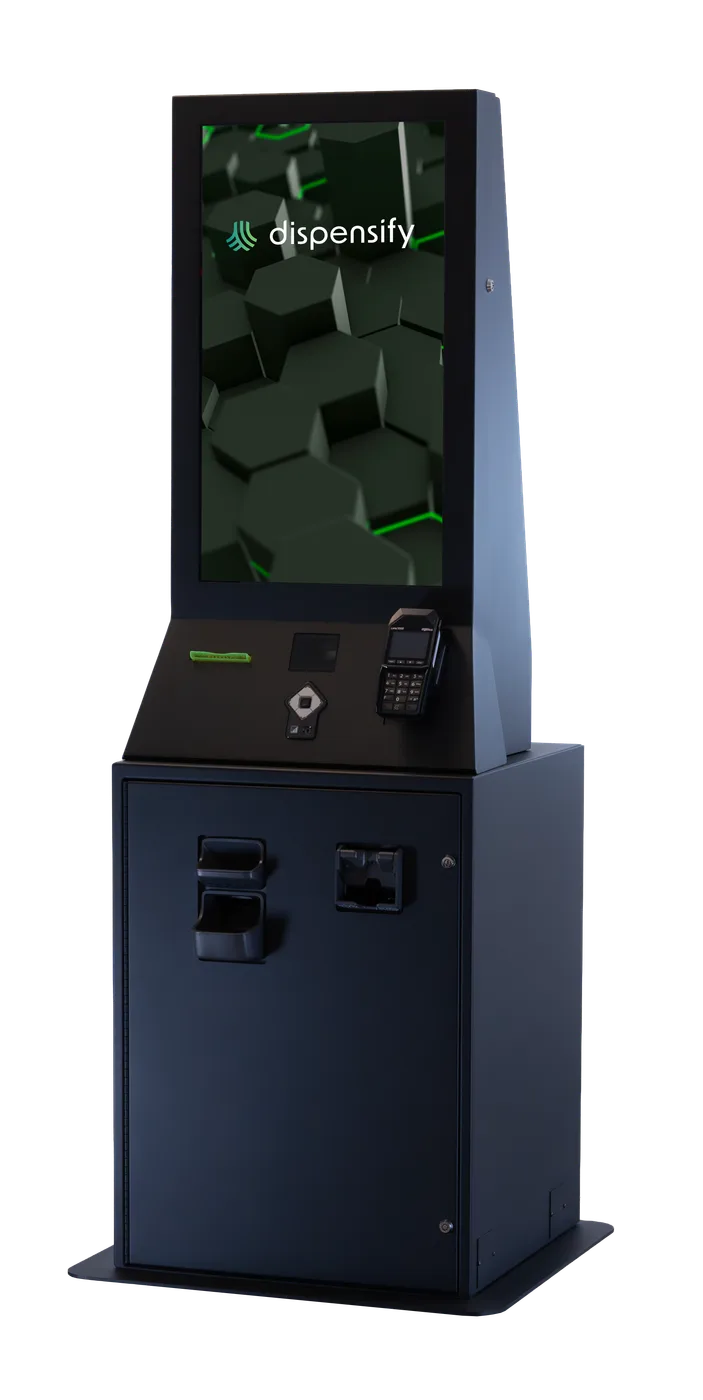
The right unit depends on your space, your volume, and whether cash belongs in the fast lane. The checkout experience stays the same across all of them.
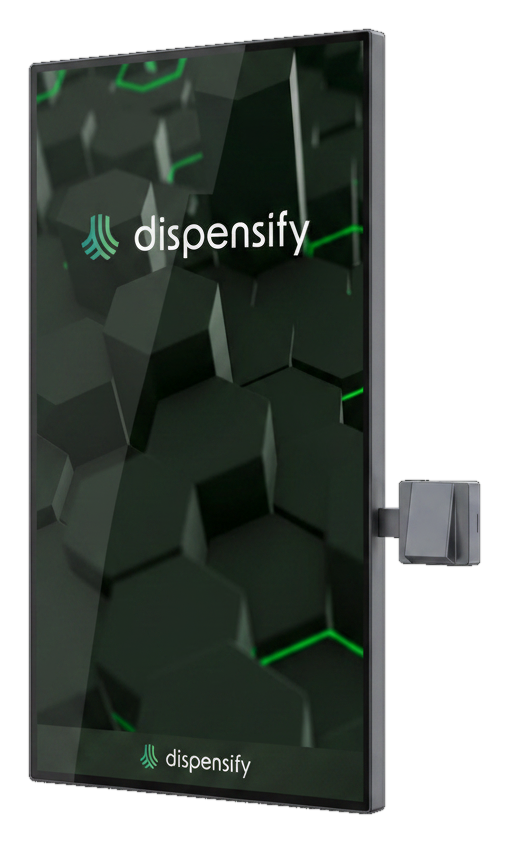
Wall-mounted, zero floor footprint.
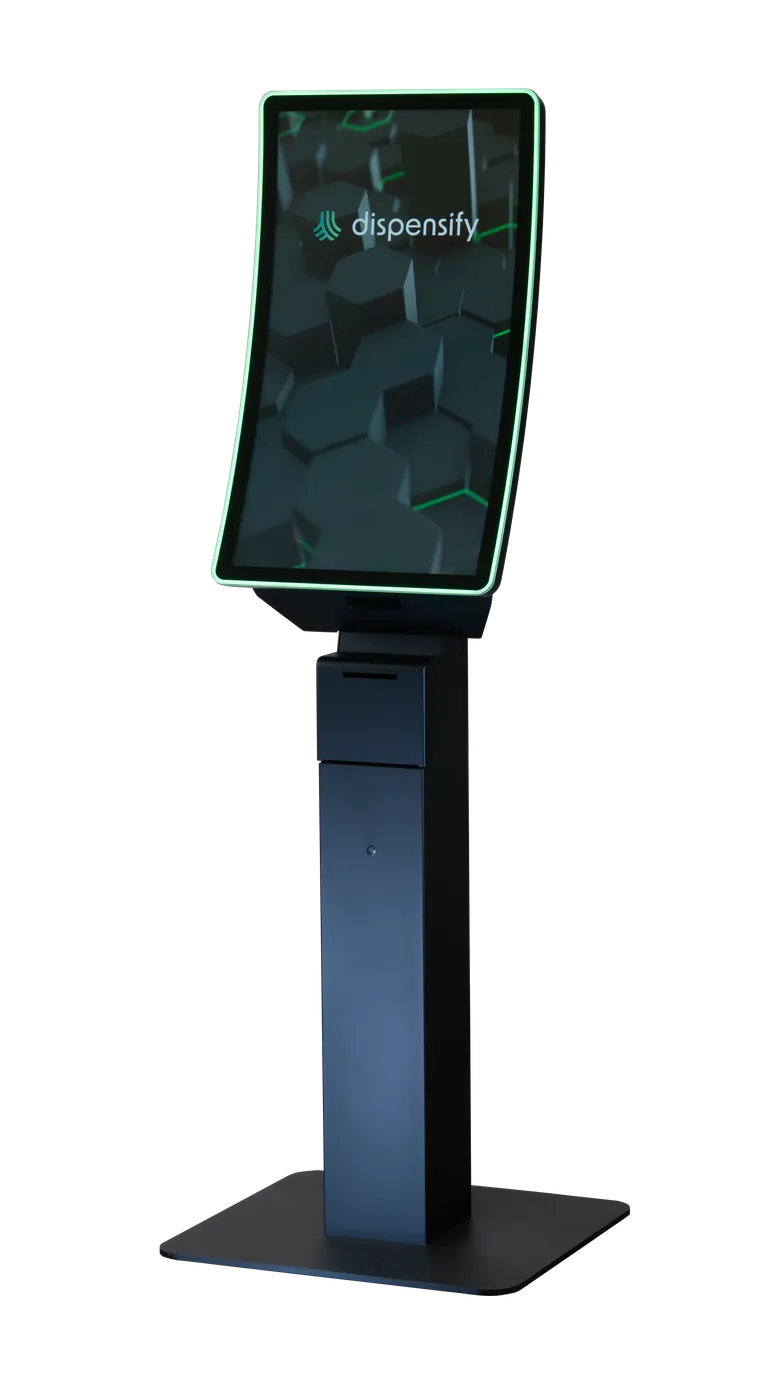
Freestanding self-service lane.
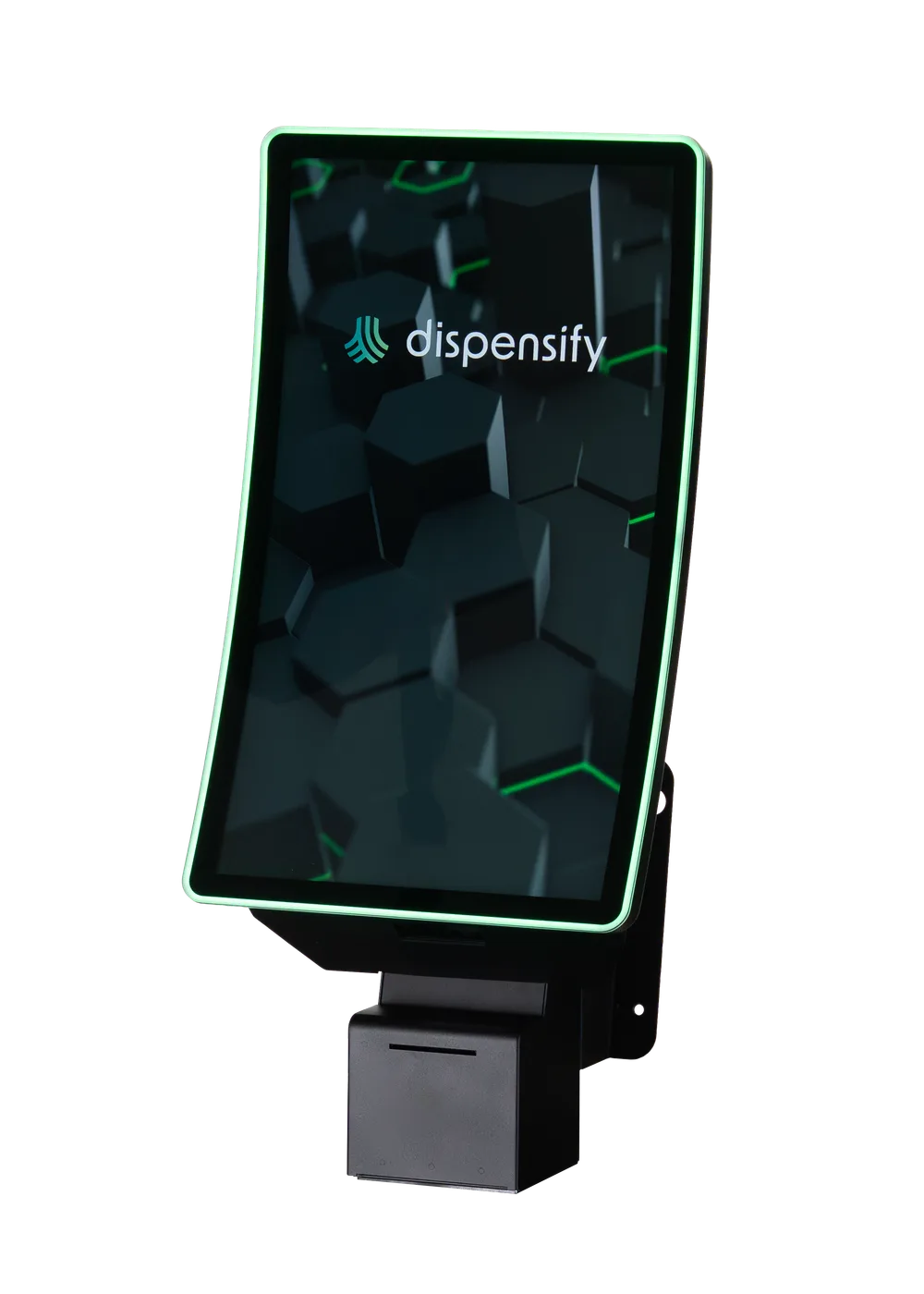
Same 32″ screen as the 32CF.
Optional cash recycler for cash intake and change.
Whatever you evaluate, make the vendor run the whole transaction live, not a slideshow of it. If a step needs a staff member's hands, you've found the bottleneck.
Scan a real product into a real cart.
Watch an ID scan pre-populate customer information.
Run card and cash end to end.
Printed at the unit, not at the register.
Find the sale in your POS seconds later.
Sign up a new customer mid-checkout.
Watch staff step in without resetting the order.
Change a screen from a laptop, not a ladder.
The comparison tells you what each option can do. The calculator tells you what that's worth on your floor: your volume, your payment mix, your peak hours.
Pick the right category.
The Checkout Fast-Lane ROI brief carries the source-backed numbers.
Your store's math.
Verify every step live.
We'll map where kiosks belong, what they should handle, and which unit fits the floor.
Book a checkout flow walkthroughCompanion volume: The Checkout Fast-Lane ROI Proof brief