
Giosk 32CF
The Giosk 32CF is Dispensify's flagship floor-standing dispensary kiosk: a visible self-service ordering lane with a curved 32-inch touchscreen, scanner, receipt printer, payment-ready hardware, LED accent lighting, and programmable idle-screen media.
A visible self-service lane built for the floor
Inspect the floor-standing 32C hardware: curved touchscreen, scanner path, receipt printer, payment-arm options, proximity-triggered media, and the LED accent system that ships installed on the unit.
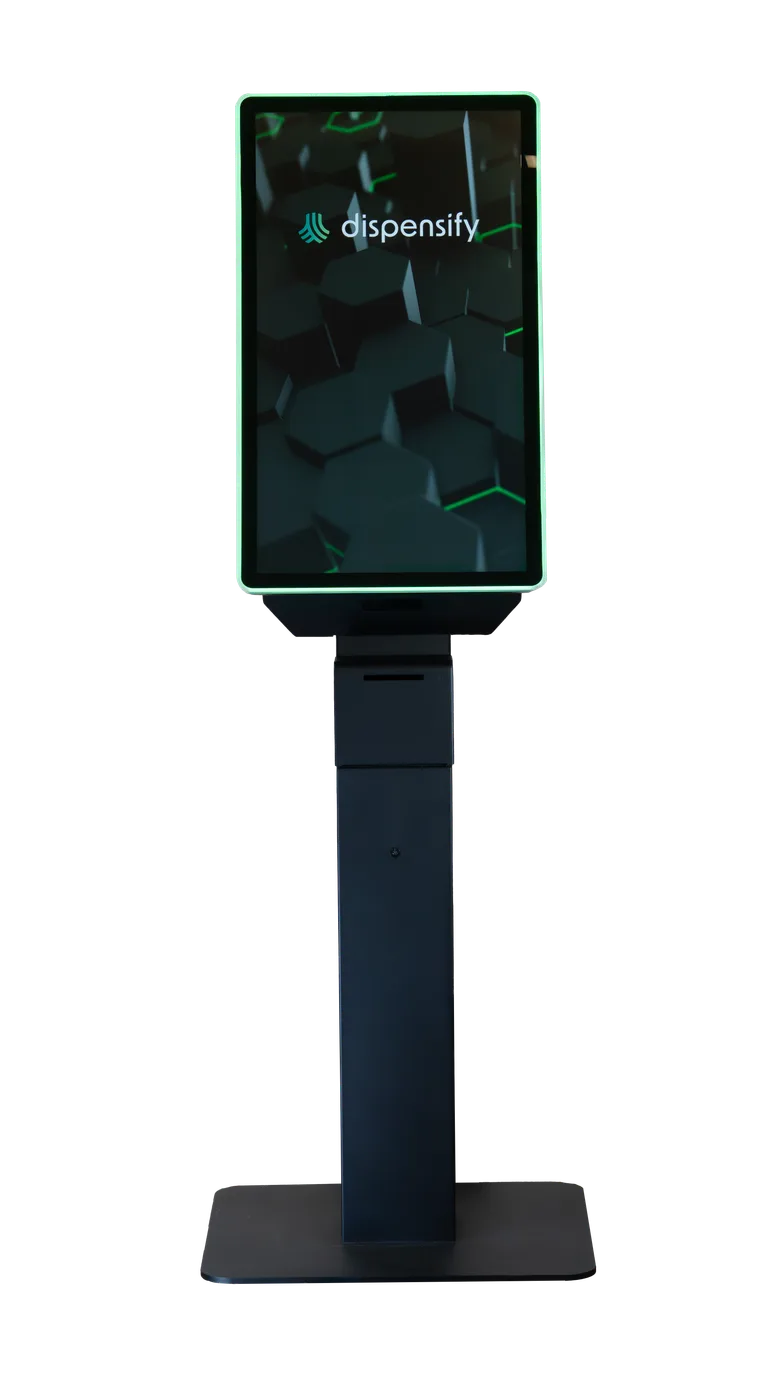
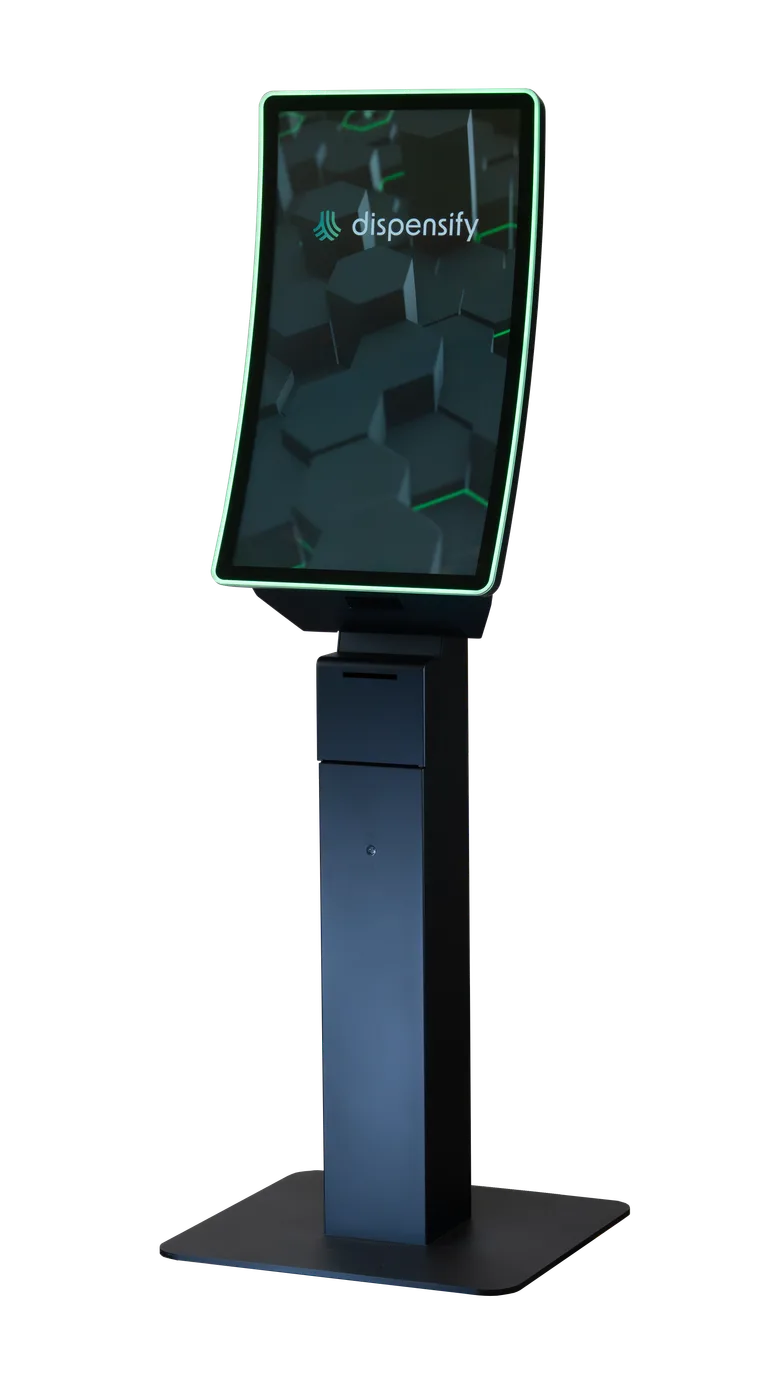
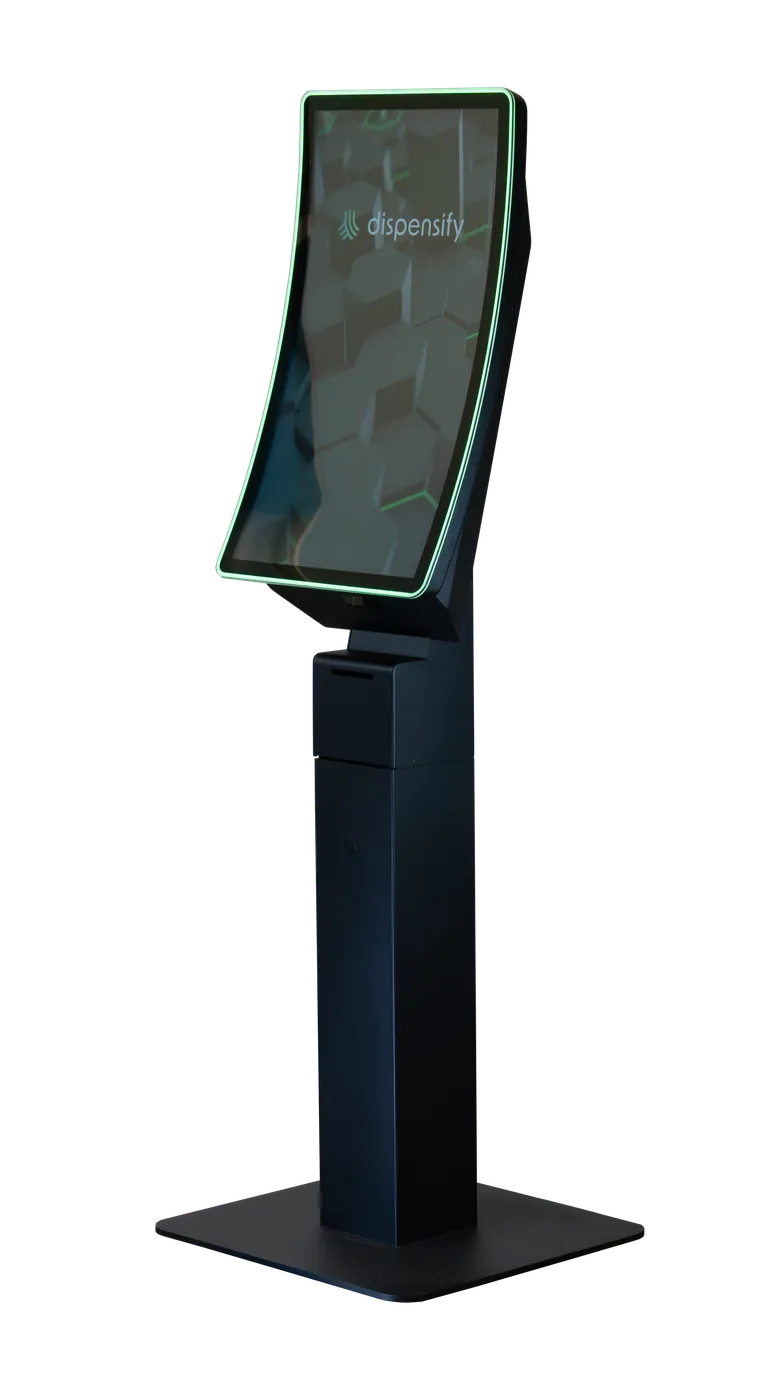
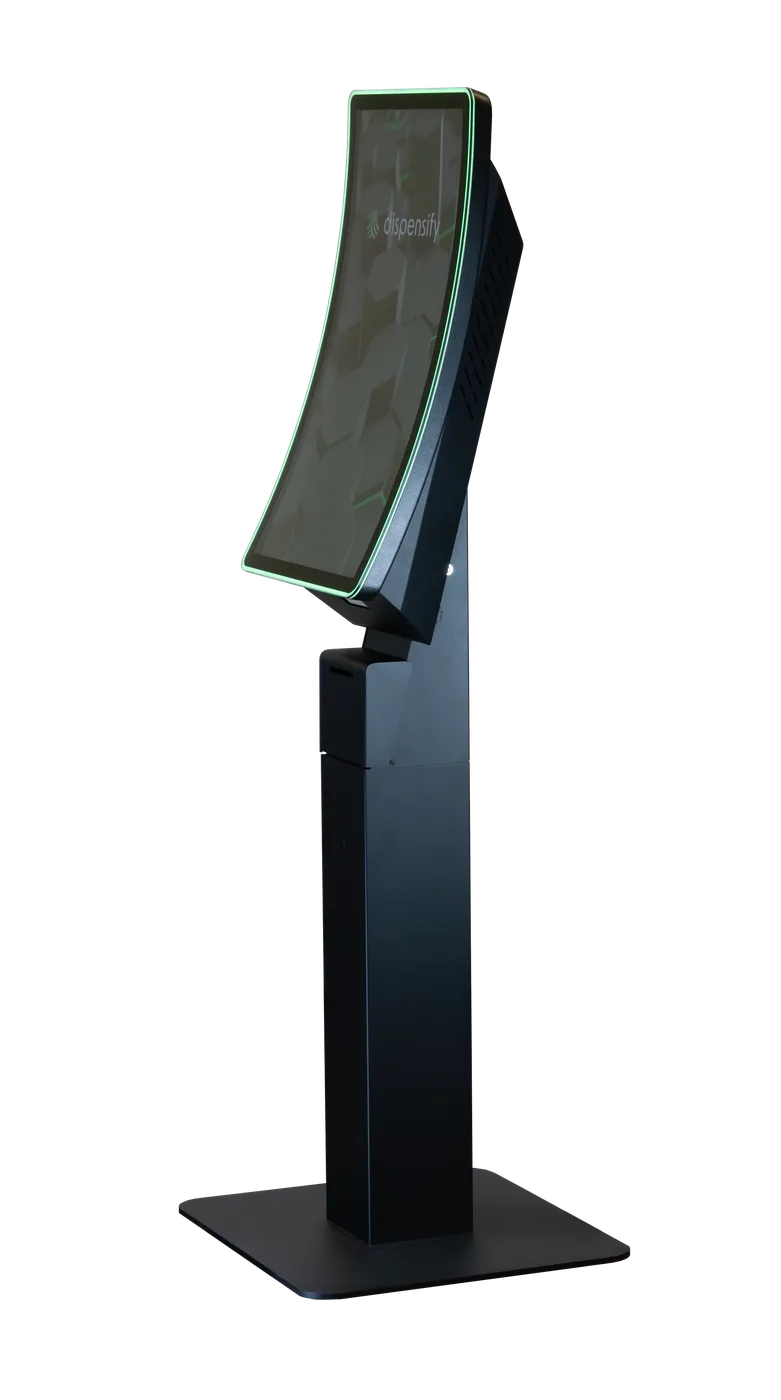
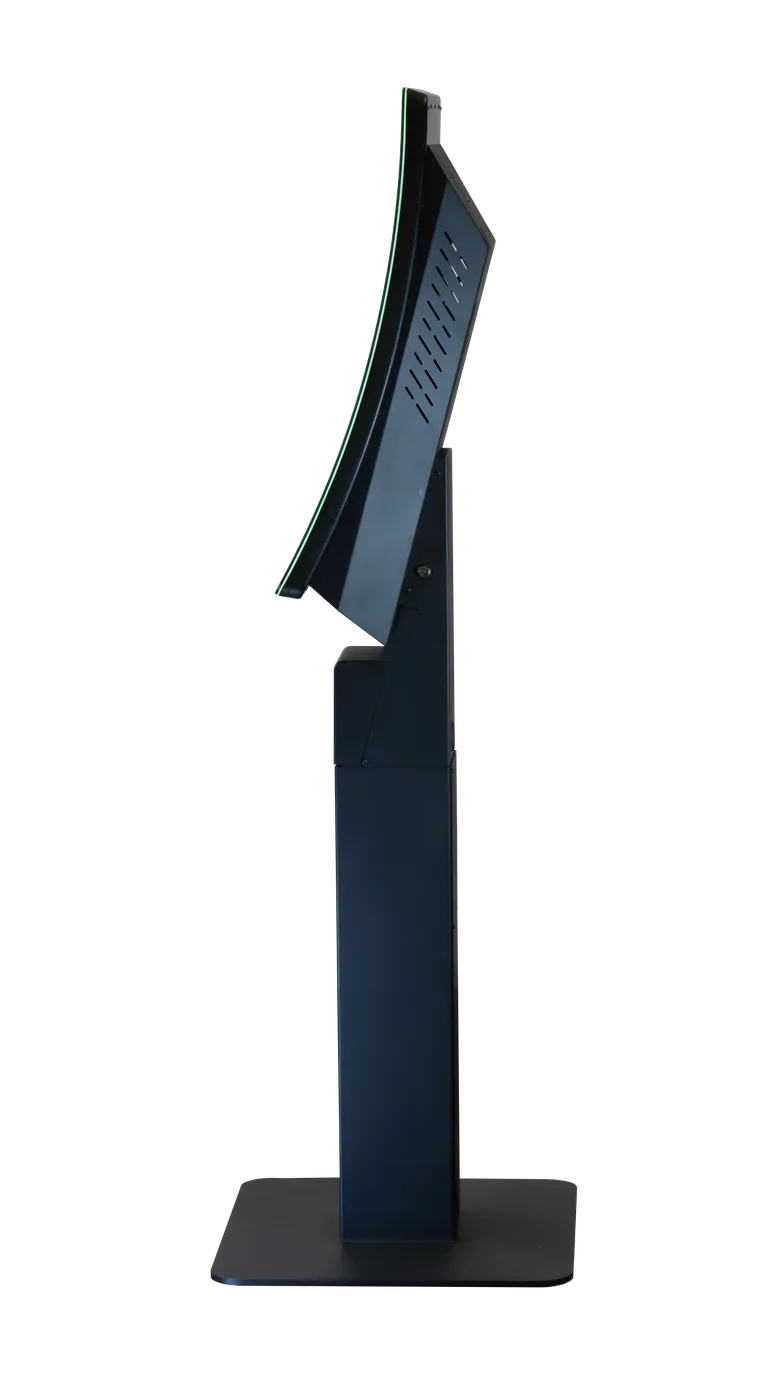
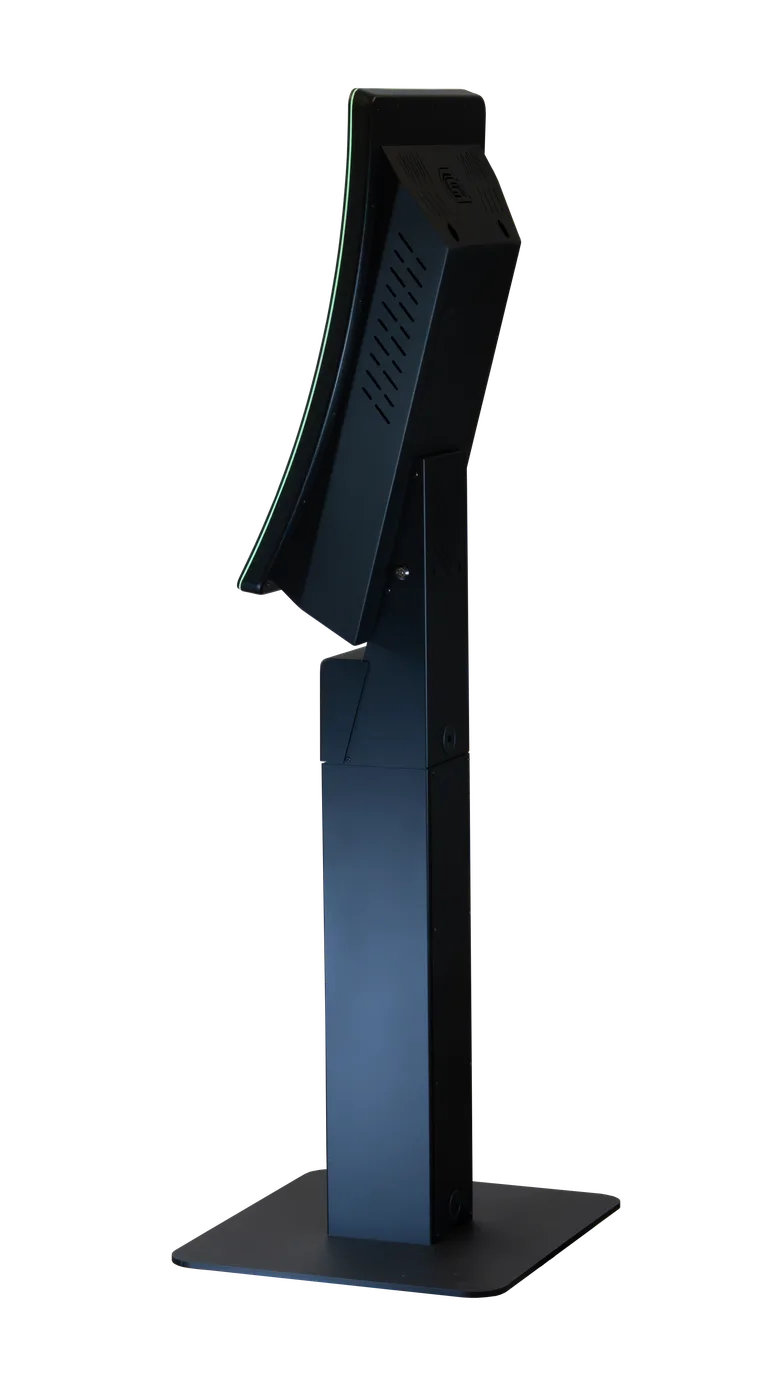
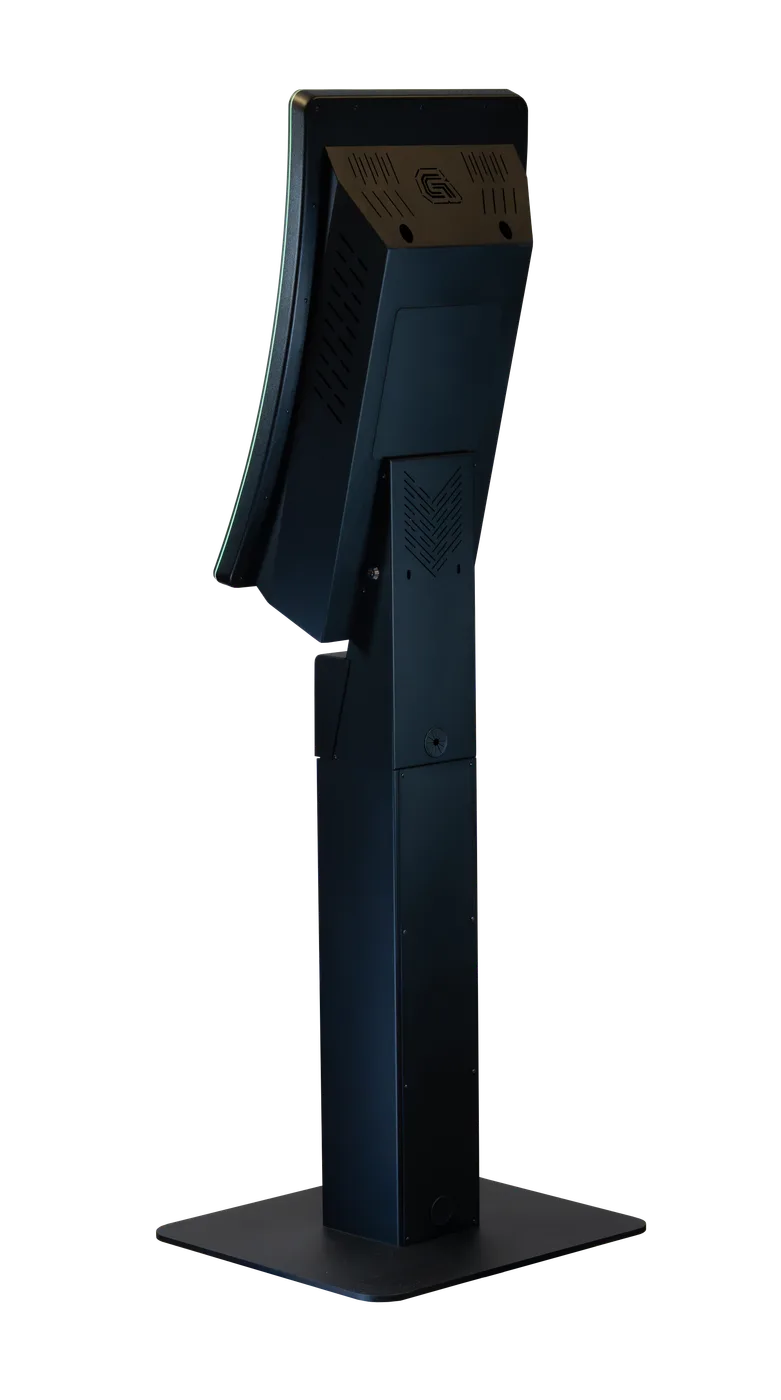
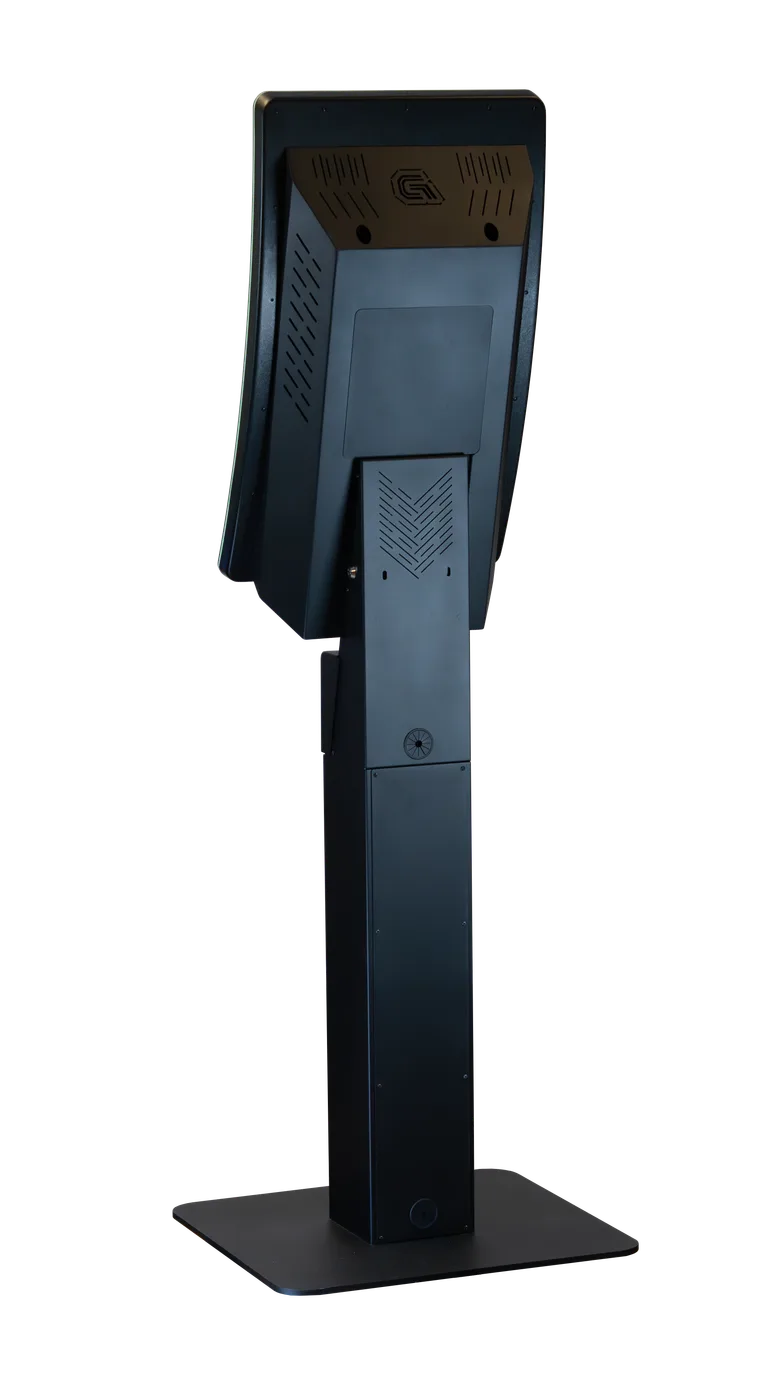
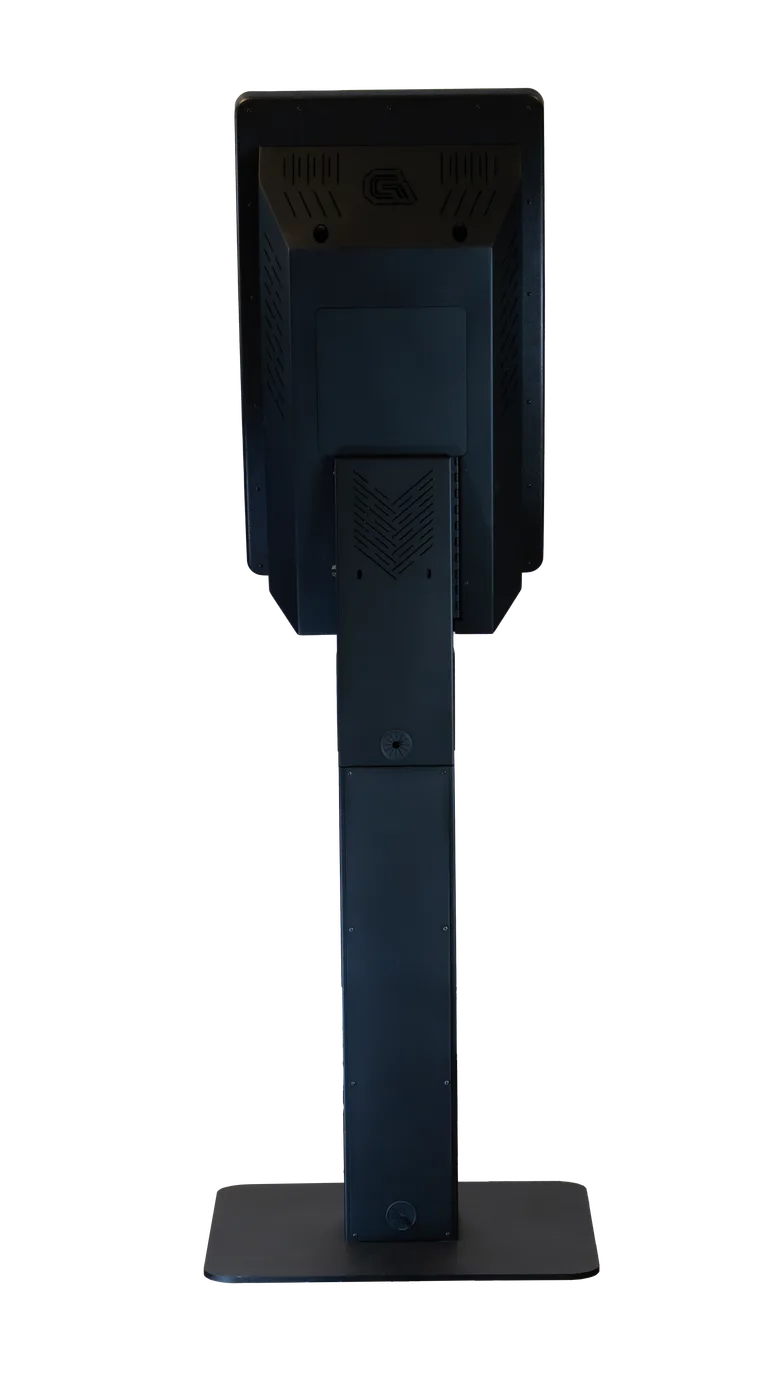
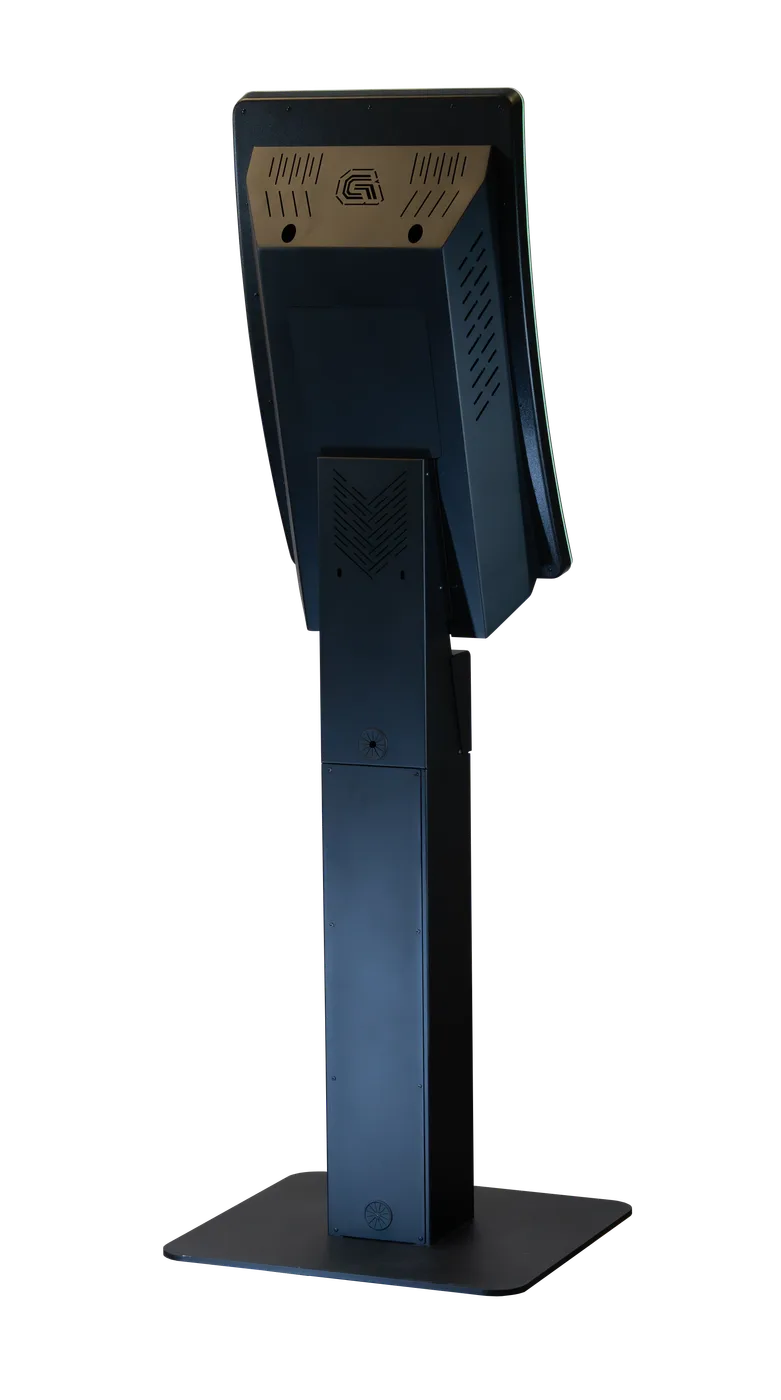
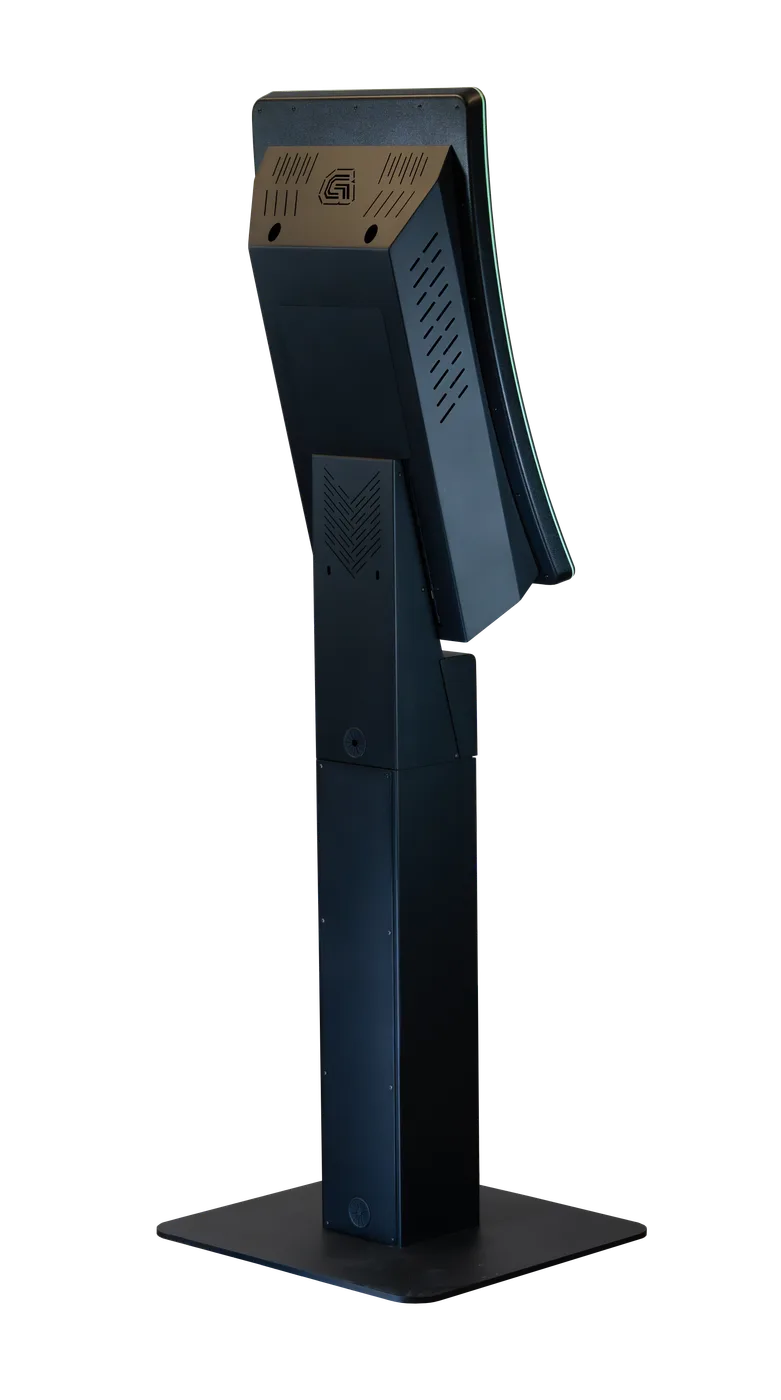
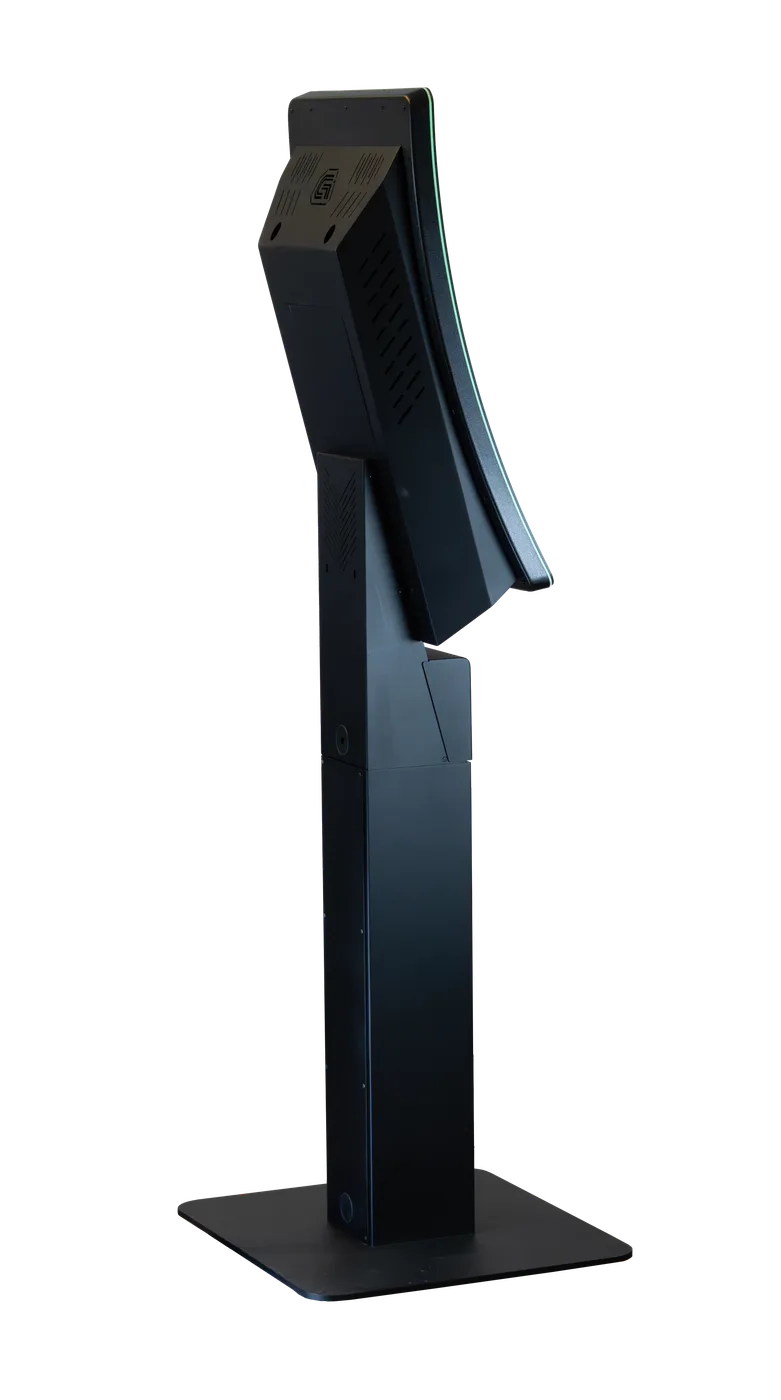
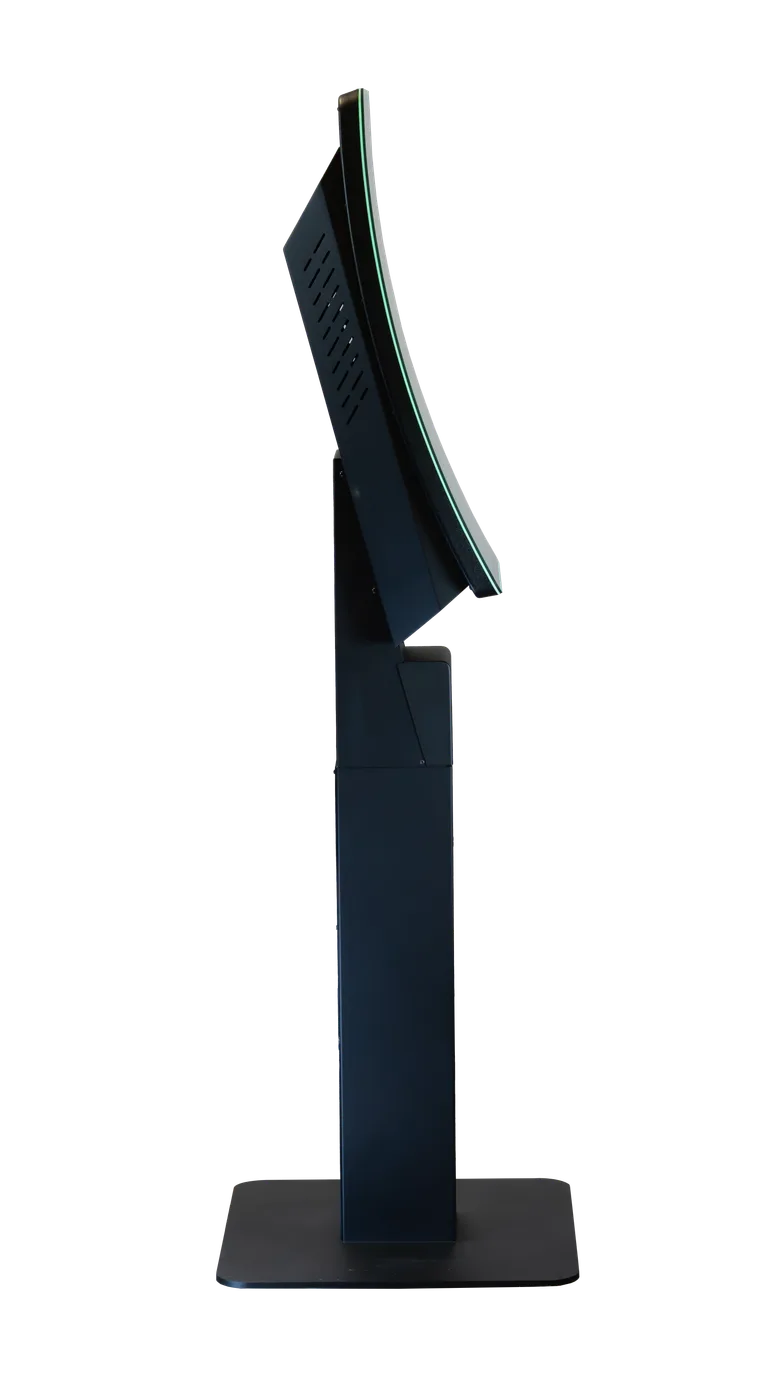
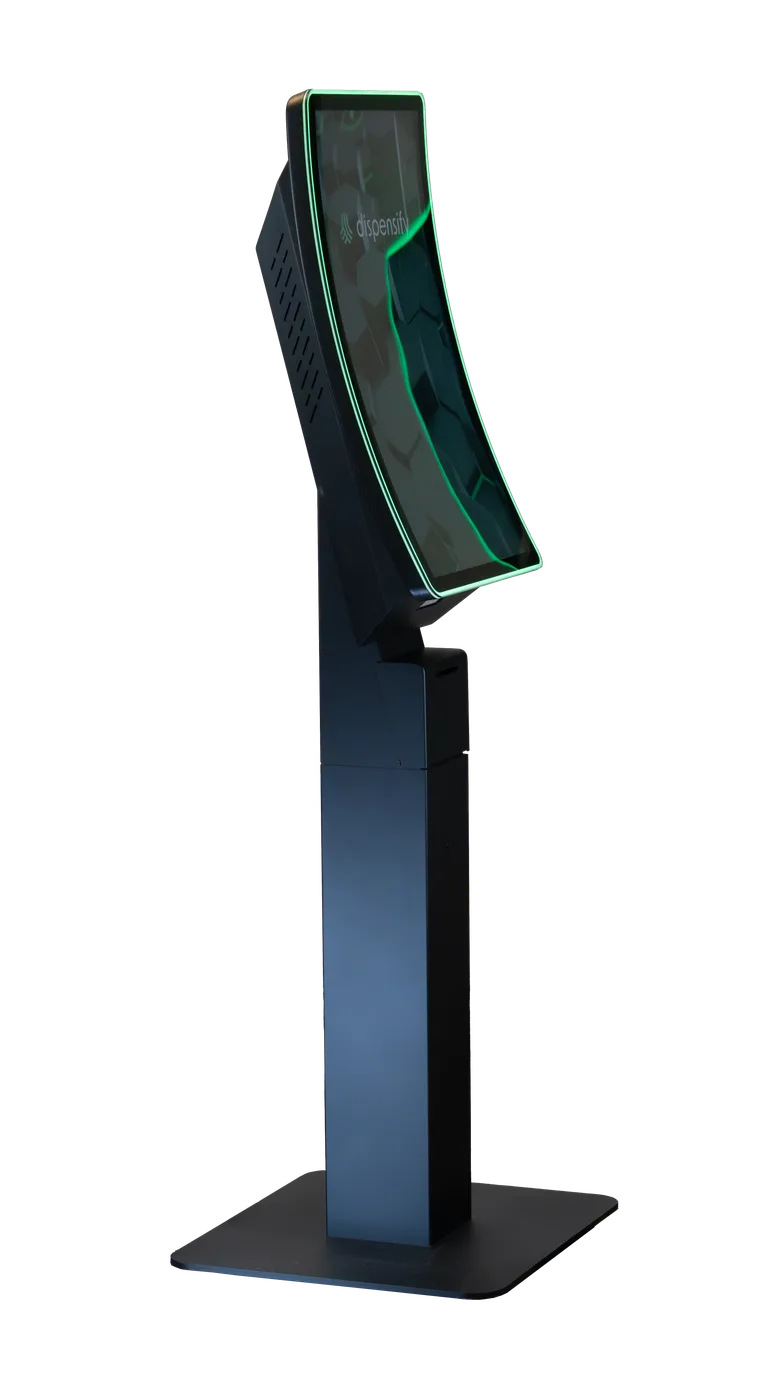
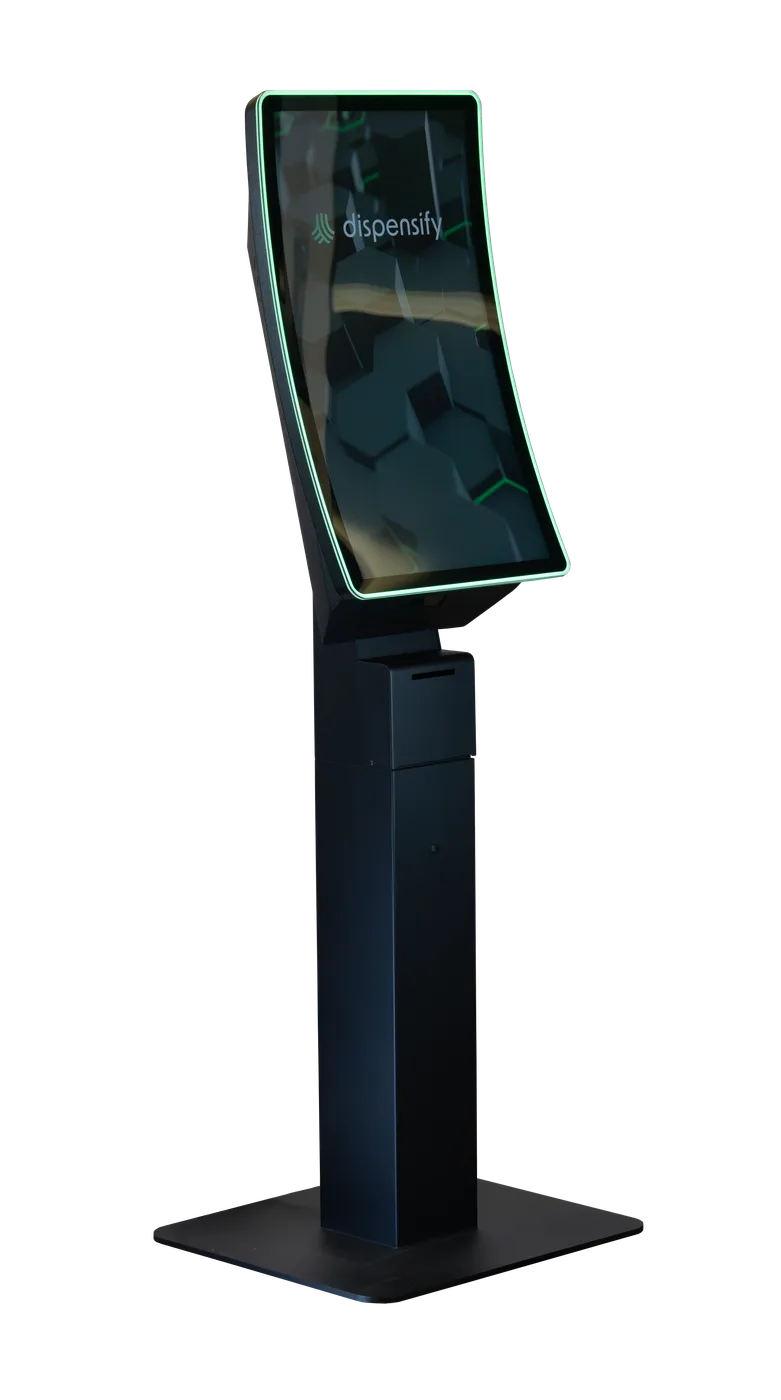
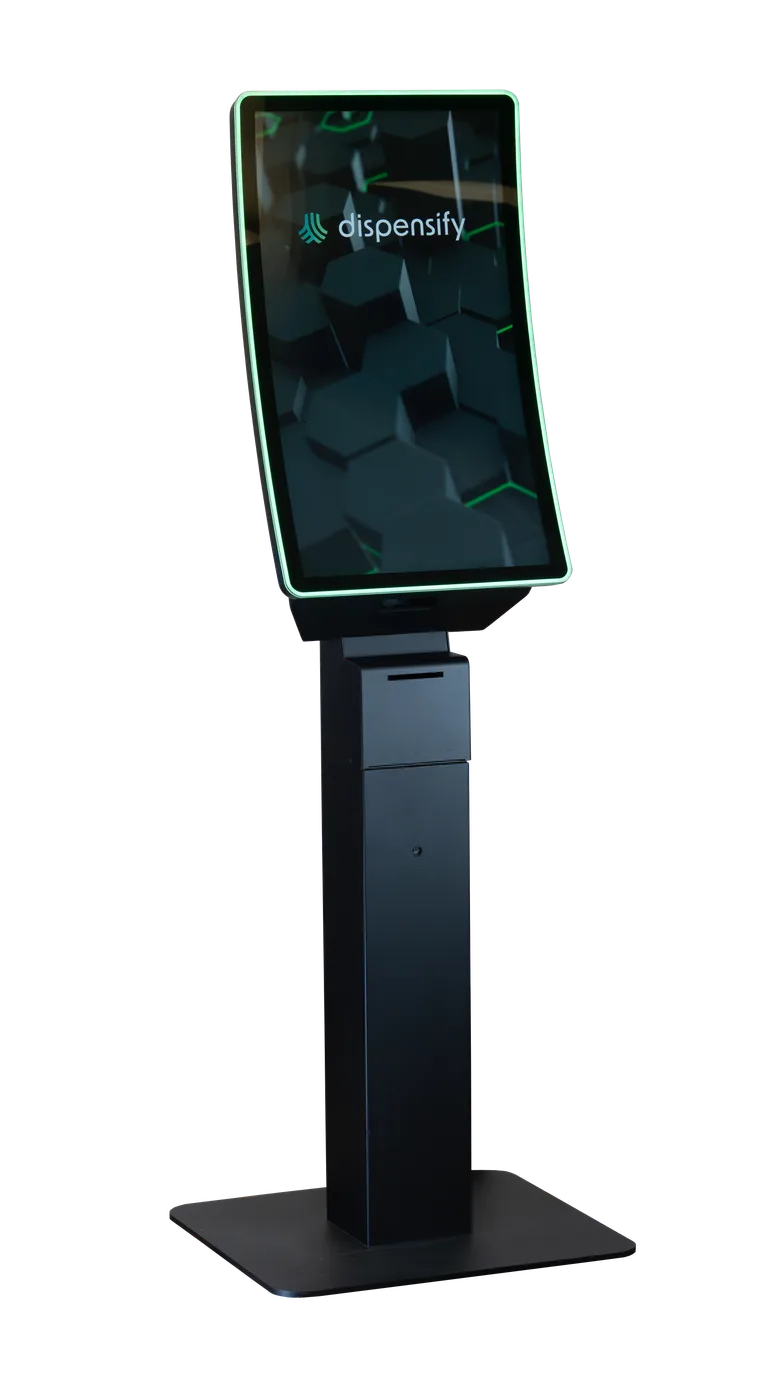
Curved self-service kiosk built for high-volume cannabis retail.
Core Features:
- 32-inch curved HD touchscreen
- Proximity sensor for walk-up detection and programmable idle-screen ads
- 1D/2D ID and product scanner
- Thermal receipt printer with auto-cutter
- EMV / payment workflow capability
- Windows 11 kiosk OS

2026 MJBizCon Innovation Awards finalist
MJBizCon named the Giosk 32C curve kiosk a finalist for Hardware & Device Innovation. Try one on the show floor at The Hub, The Grow Hub and The Innovation Stage, Dec. 1-4 at the Las Vegas Convention Center.
See the finalists on MJBizCon’s Innovation Awards page and in CannabisBuzzNow’s finalist coverage.
Planning baseline
Use these dimensions as the starting point for floor planning. Because the 32CF is a floor-standing pedestal, the plan should account for customer approach space, payment reach, receipt pickup, and the walking path around the unit.
Why choose the floor-standing 32C
Choose the Giosk 32CF when the kiosk needs to be a visible checkout destination, not a screen tucked against a wall. It gives returning shoppers a clear self-service lane and gives the store a premium physical unit for ordering, promotions, and payment handoff.
- High-traffic stores that need a dedicated self-service ordering lane
- Layouts where the kiosk should guide customers toward checkout or pickup
- Stores that want idle-screen media, house-brand promos, or vendor placements on the floor
Placement planning for a floor-standing kiosk
The 32CF works best when it's planned like a checkout lane, not a loose device. Pick a location where shoppers can stop, scan, pay, collect a receipt, and move toward pickup without blocking the main sales path.
- Give customers a clear front approach and side clearance for the payment arm
- Keep the receipt printer and scanner path visible from the shopper position
- Place the unit where idle-screen promotions can be seen without blocking queue flow
- Confirm power, network, ADA reach, and pickup handoff before quoting the final configuration
If you're still choosing the exact floor position, start with a capacity review. We'll map approach space and unit count against your real floor plan before pricing.
Turn the 32CF screen into in-store ad inventory
The floor-standing 32CF gives stores a customer-facing screen in a high-intent location. When the kiosk is idle, that screen can carry house-brand promos, vendor placements, bundles, limited-time offers, or store announcements.
The proximity sensor helps the unit behave like a retail media surface before the shopper arrives, then shift back into ordering when the customer walks up.
- Use idle time for sponsored placements from brands you already carry
- Promote house brands, bundles, or pickup-ready offers on the sales floor
- Add a programmable media surface without installing another standalone screen

Configure before pricing
The best 32CF quote depends on the version you actually plan to install. Use the builder to choose the pedestal setup, payment-arm option, ADA reach option, and LED accent before sending the build through for pricing.
- Start with the floor-standing Giosk 32CF
- Choose integrated payment hardware, side-mounted arm, or ADA arm
- Preview the LED accent color
- Send the completed build with the pricing request
Once the configuration is locked, each unit is staged and checked before shipment so the installed kiosk matches the scanner, receipt, payment, LED, and floor-placement plan.
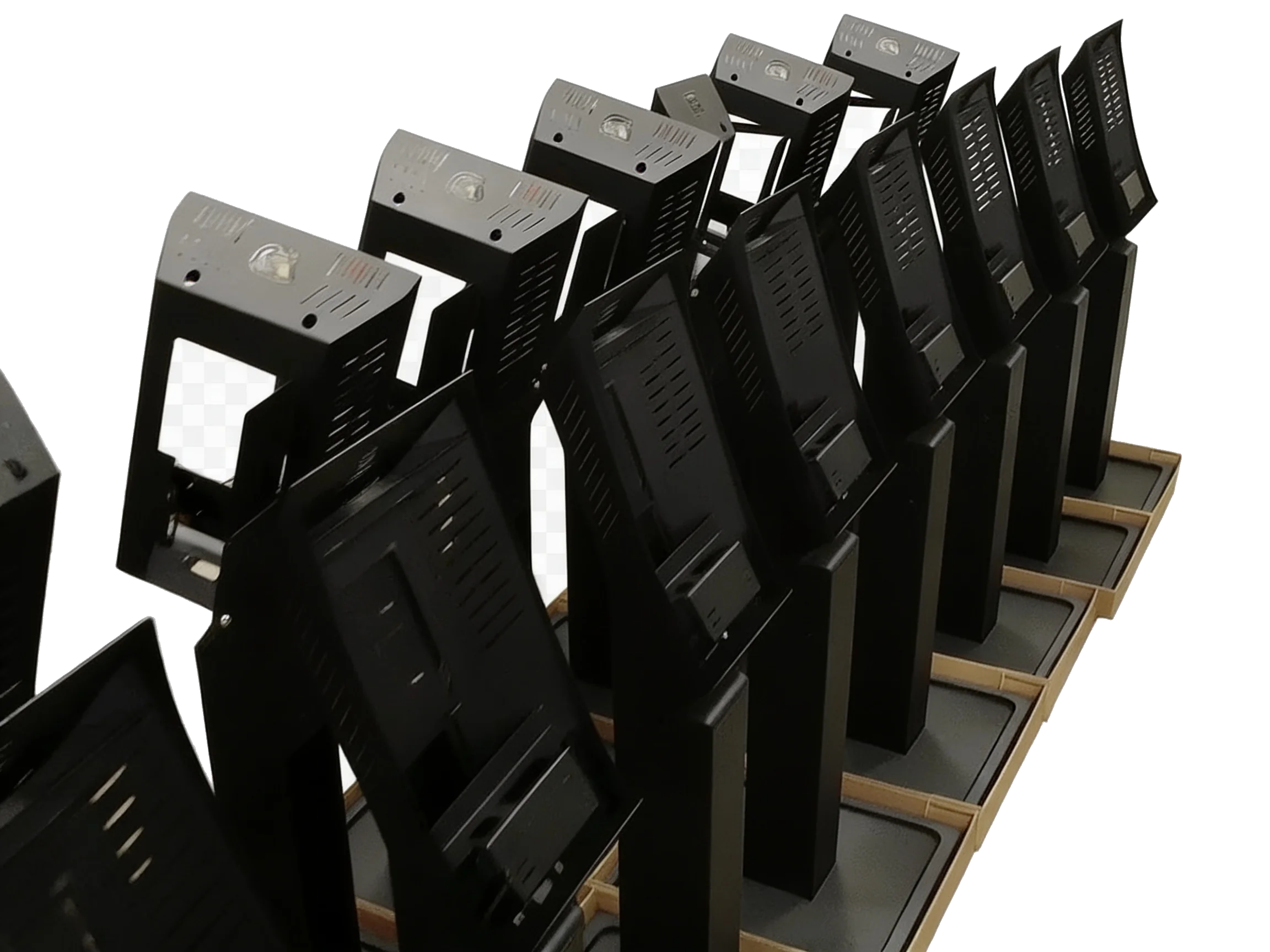
Lit in your colors, from the crate
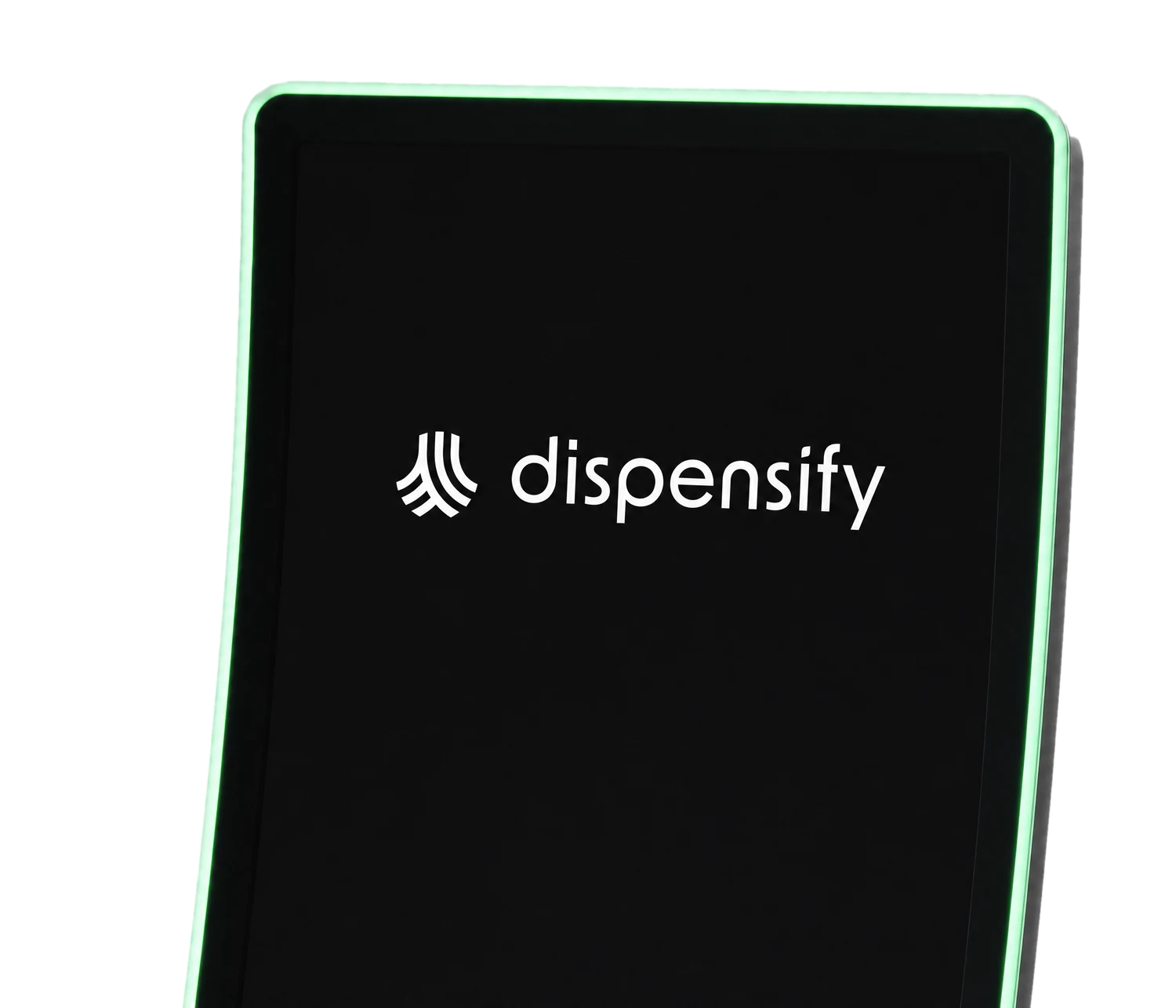
The LED strip around the glass ships installed on every Giosk 32CF and Giosk 32CW, and it lights in whatever color your store runs. Drag the bar and watch it change. Same lineup, same strip, same glass.
Frequently Asked Questions
01How tall is the Giosk 32CF?
The Giosk 32CF planning height is 67.8 inches.
02How wide is the Giosk 32CF?
The Giosk 32CF planning width is 24 inches.
03Does the Giosk 32CF support an ADA arm?
Yes. The 32CF can be configured with a side-mounted arm or a lowered ADA arm for reach planning.
04What does the proximity sensor do on the Giosk 32CF?
The proximity sensor helps the kiosk respond when a shopper walks up. A store can use the screen for idle media or promotions, then move the customer back into the ordering flow when the unit detects someone approaching.
05Can the Giosk 32CF LED color be selected?
Yes. The 32CF supports color-selectable LED accent lighting, so the installed kiosk can match the store environment, brand palette, or wayfinding plan.
06Can the Giosk 32CF run ads or store promotions?
Yes. The 32CF can use the idle screen for house-brand promotions, vendor placements, bundles, limited-time offers, or store announcements before the customer starts ordering.
07What should a dispensary plan before installing a Giosk 32CF?
Plan the customer approach, power, network, pickup handoff, payment reach, scanner position, receipt pickup, and ADA path before finalizing the quote. The 32CF works best when it's treated like a checkout lane, not a loose screen on the floor.
08Should I use the configurator before requesting pricing?
Yes. The configurator helps attach the mount, payment-arm setup, ADA reach option, and LED accent to the pricing request, so the quote comes back matched to the version you want installed.
Spec it for your floor.
Tell us which unit, payment path, cash workflow, and site constraints you’re working with. We’ll help map the setup before you commit.