




Touchscreen POS
Commercial terminals and all-in-one systems for staffed checkout and customer-facing displays.
Keep the POS your team already uses, or plan a switch without rebuilding the physical checkout layer. Dispensify coordinates kiosk handoffs, POS hardware, networking, deployment, and support around the approved software path. Treez is supported today; Dutchie and Flowhub require an integration fit review.
Tap a category to jump to the hardware. Dispensify selects devices around your approved software, counter layout, and support needs.
Touchscreen POS
Commercial terminals and all-in-one systems for staffed checkout and customer-facing displays.



Printers & Cash Drawers
Receipt printers and cash drawers matched to transaction volume, counter layout, and cash control.

 IDVisor
Scanning & Product Lookup
Barcode, product, and ID scanners planned around staff reach, lookup speed, and your workflow.
Every deployment starts with the platform and workflow your stores will use. Dispensify reviews device requirements, kiosk handoffs, counter layout, connectivity, peripherals, and vendor responsibilities before hardware is specified.
Document the POS software, operating requirements, locations, and support contacts already in place.
Confirm terminal placement, peripherals, network access, power, and staff workflow.
Match commercial devices to the approved software and store requirements.
Prepare, label, test, and document equipment before it reaches the location.
Coordinate installation, vendor handoffs, store readiness, and ongoing technical support.
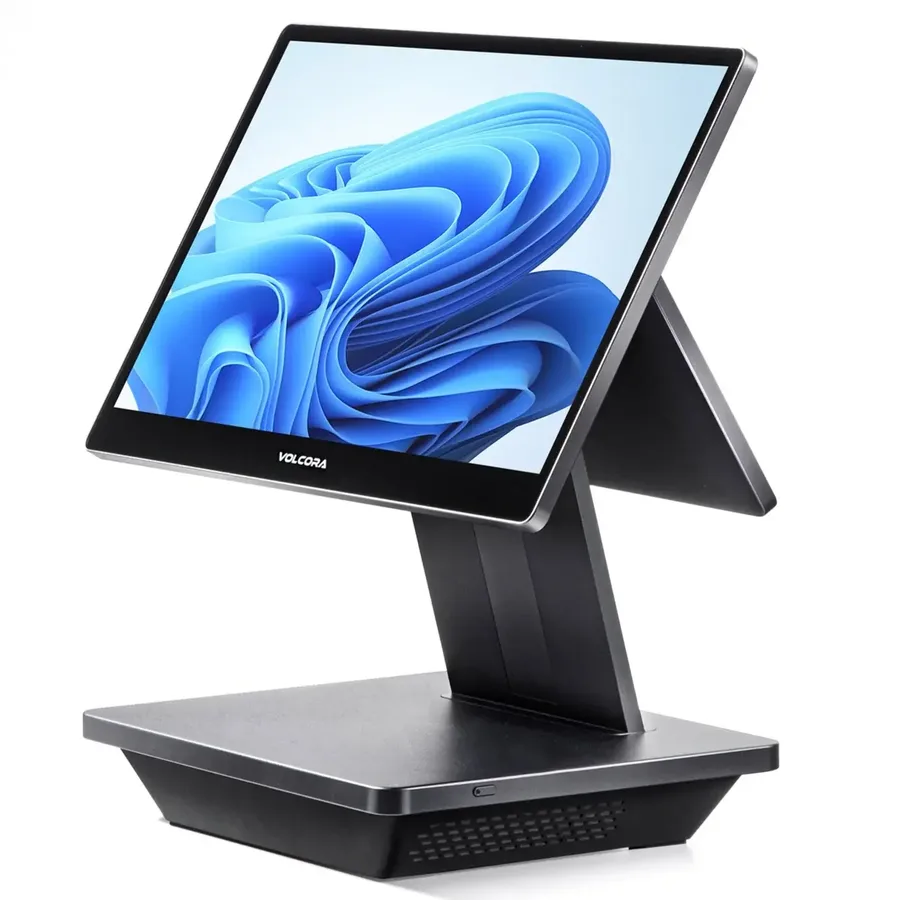
Treez is the supported integration path today. Dutchie, Flowhub, Blaze, Sweed, and other POS environments require a documented integration fit review before compatibility, integration scope, or vendor responsibilities are confirmed.
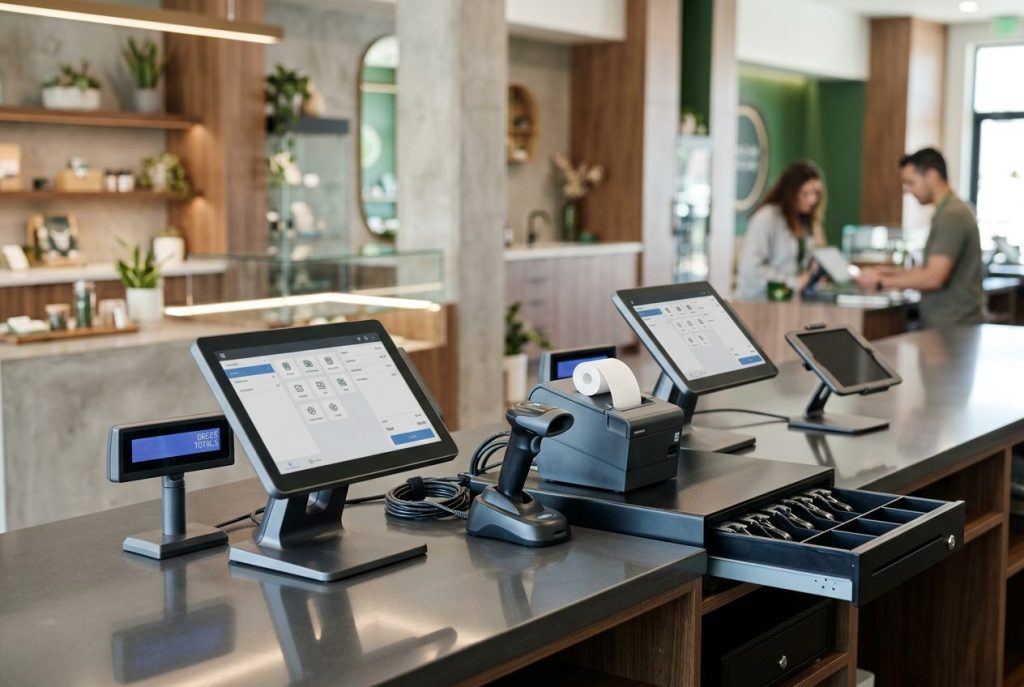
A reliable POS station is more than a screen. The terminal, scanner, printer, drawer, workstation, network connection, and cable plan all need to support the same staff workflow. For the stock-visibility and POS-sync path, review dispensary inventory management.
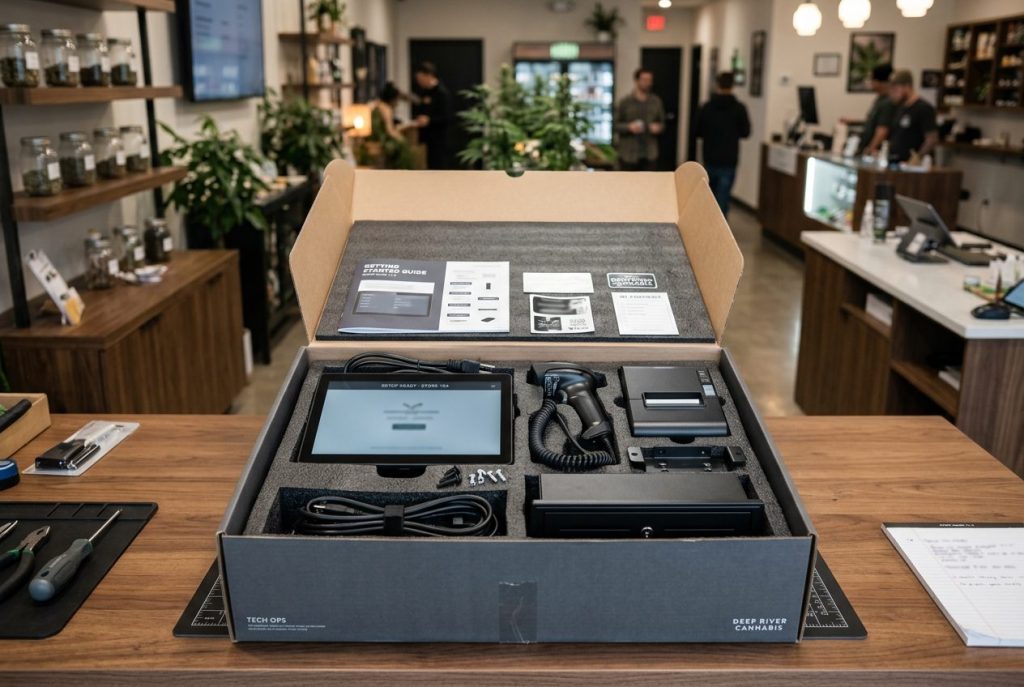
Dispensify stages the physical equipment before it reaches the store. Devices can be labeled, assembled, documented, and tested against the approved configuration so installation does not begin with a pile of unopened boxes.

When a deployment includes a POS change, Dispensify can coordinate the hardware scope with Salve-led migration and project support. Software planning, equipment readiness, vendor handoffs, and location launch requirements stay connected.
The result is one implementation plan for the systems and physical equipment the store needs on launch day.
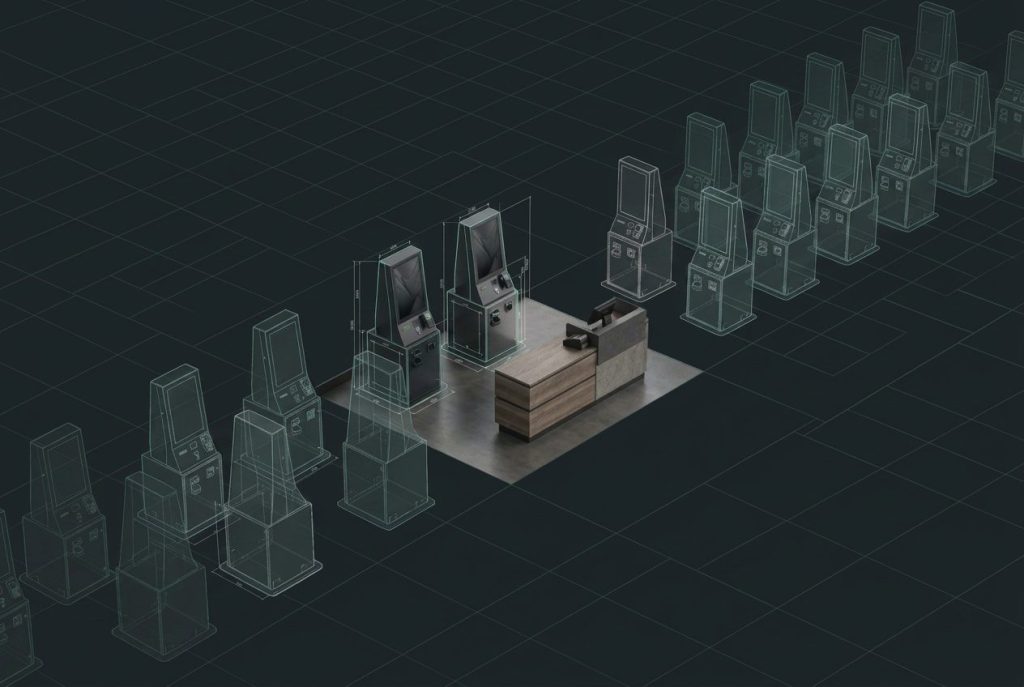
Multi-location operators need consistent equipment, configuration standards, documentation, and support. Dispensify helps define a repeatable POS hardware package while preserving the location-specific details that affect installation. See how that fits into a complete multi-location checkout, cash, and kiosk standard.
Dispensify connects the software requirements, physical hardware, deployment work, and support model behind a dependable dispensary checkout environment.
No. Dispensify plans and deploys kiosk handoffs, physical hardware, networking, and rollout around the POS software your operation has selected. Treez is the supported integration path today; a POS change can also be coordinated with Salve-led migration support.
Treez is supported today. Dutchie, Flowhub, and other POS environments begin with a platform-specific fit review. Dispensify confirms hardware, operating-system, peripheral, network, handoff, and vendor requirements before compatibility or deployment scope is promised.
Dispensify can provide touchscreen POS systems, printers, cash drawers, scanners, workstations, customer displays, and related retail peripherals based on the approved store requirements.
Yes. Dispensify can define a repeatable equipment and configuration standard, then document the network, power, placement, and installation details unique to each location.
Dispensify can provide ongoing technical support, proactive monitoring, and vendor coordination through Managed Services.
Tell us which unit, payment path, cash workflow, and site constraints you’re working with. We’ll help map the setup before you commit.