
New store rollouts: open your dispensary with systems live
A new store opens once. We build the schedule backward from that date (survey, network, install, configure, train, launch) so your first customer checks out on a machine that has already run orders.
Opening day is a deadline, not a delivery date
Most new dispensary technology arrives in boxes the week of launch. Then the network isn't ready, the POS sync fails, and your crew learns the kiosk in front of paying customers.
We work the other direction. Hardware ships tested. Configuration happens before the doors open. By launch morning the scanner, the printer, and the payment terminal have already run full orders with your staff: the only new thing in the building is the customers.

Six steps, in order, on a calendar
Every rollout follows the same sequence as every Dispensify install: documented step by step under implementation. For a new build, each step gets pinned to your construction timeline.
Want one contract covering all six? That's turnkey services.
- Survey: floor plan, power, counter depth, ADA clearance, queue path
- Network: drops run while the walls are open, tested before hardware ships
- Install: our crew sets, levels, cables, and powers every unit
- Configure: POS integration, live menu, payments, receipt printer
- Train: your staff runs full orders on the machines before launch day
- Launch: doors open on systems that have already been proven
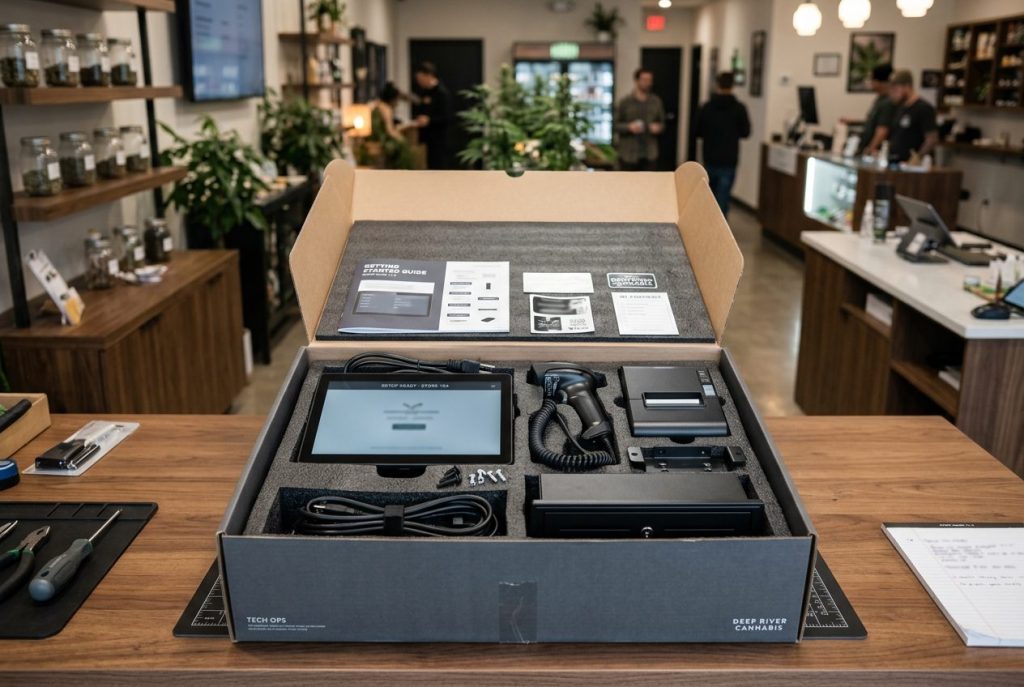
Pick the hardware before the drywall closes
A new build is the one time you place kiosks before the counters exist. Decide positions during buildout and the power and network drops go exactly where the units will stand.
If your market runs heavy on cash, start with the 32 Cash. Deciding between units? Compare all four.

Size the floor before you order
We size new stores with one disclosed model: 68 planned self-service orders per kiosk per day after 15% headroom, plus 2.5 staff-minutes associated with each self-service order. Run your own numbers in the ROI calculator.
Then bring projected traffic to a capacity review. We'll tell you how many units day one needs, including when the answer is fewer than you planned.

What standardization buys you at store two
If this opening is your second store, or the first of ten, the rollout is also a standardization decision. Same hardware, same configuration, same training at every address.
Operating several sites already? See multi-location operations for how the model holds up across a footprint.
- One spare-parts shelf covers every location
- Staff trained at one store can work the floor at any store
- One support contact for the whole footprint
- Every opening after this one reuses the same playbook
Hear it from people who've opened stores
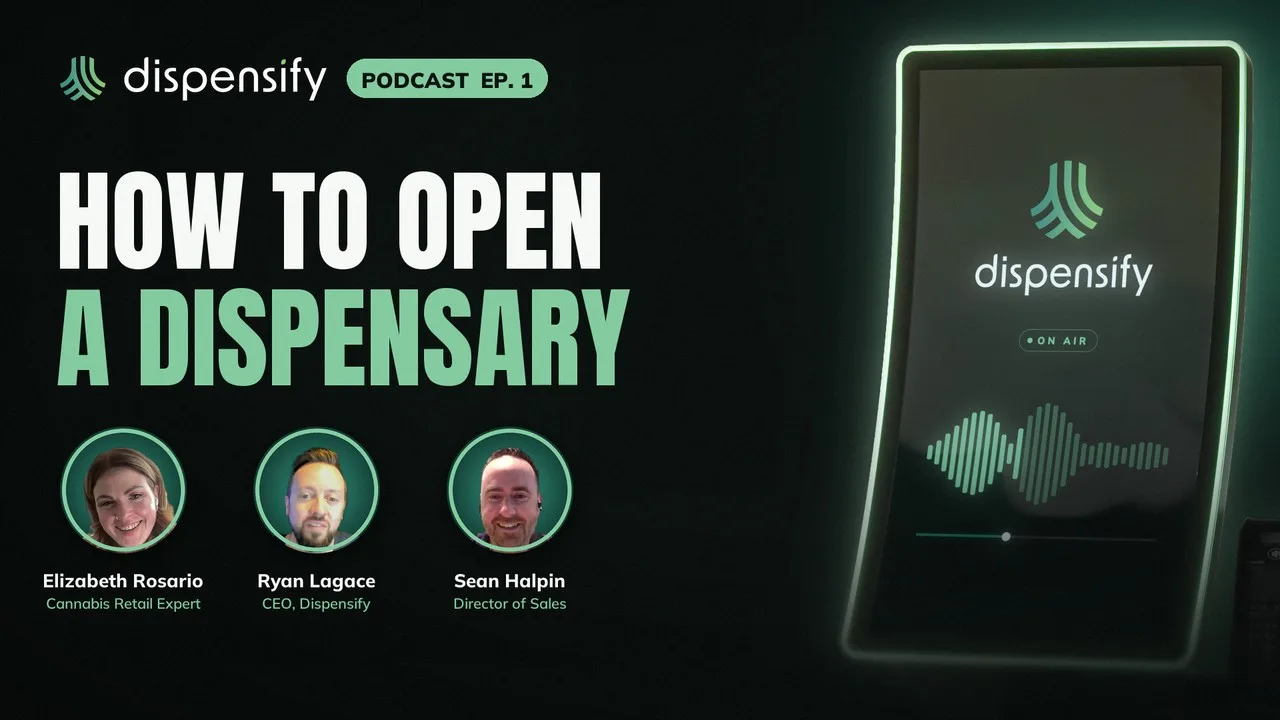
In episode 1 of the Dispensify Podcast, cannabis retail expert Elizabeth Rosario and Dispensify CEO Ryan Lagace walk the stretch from license award to opening day: locking down the location, building a go list, bringing your tech provider in before the drywall, running a pretend day and opening soft.
Short clips on opening a store
16 clips from episode 1. Open one to watch it here, with new clips added as they're released.

Elizabeth Rosario
Dispensary Menu Strategy: Give Your Best Category Its Share of the Menu
Ryan Lagace
Why Closed APIs Still Hold Dispensary Technology Back
Elizabeth Rosario
What First-Time Dispensary Owners Get Wrong: The Customer Journey

Elizabeth Rosario
Opening a Dispensary? Plan for What Goes Wrong
Elizabeth Rosario
Just Got a Dispensary License? Lock Down the Location First
Ryan Lagace
Dispensary Build-Out: Bring Your Tech Provider In Before the Drywall
Ryan Lagace
Who Manages Your Dispensary IT After Opening Day?
Elizabeth Rosario
Dispensary Compliance: The Regulations End Up Writing Your SOPs
Elizabeth Rosario
Dispensary Inspections: Use Your Regulator as a Resource

Elizabeth Rosario
Dispensary Owners: Don't Let Your Attorney Write Your SOPs
Elizabeth Rosario
Final Dispensary License: Build Your Go List Before It Arrives
Ryan Lagace
Dispensary Revenue: Budtender, Kiosk and Online All Have to Work
Ryan Lagace
Budtenders Outselling Your Dispensary Kiosks? Here's What It Means
Ryan Lagace
Dispensary Data: Where Are Your High-Margin Products Selling?
Elizabeth Rosario
Don't Guess What Your Dispensary Should Stock. Ask Your Customers

Elizabeth Rosario
Dispensary Buying: Stock for Your Customer, Not for Yourself
Have an opening date?
Bring it, along with the floor plan. We'll build the rollout schedule backward from the day the doors open.