
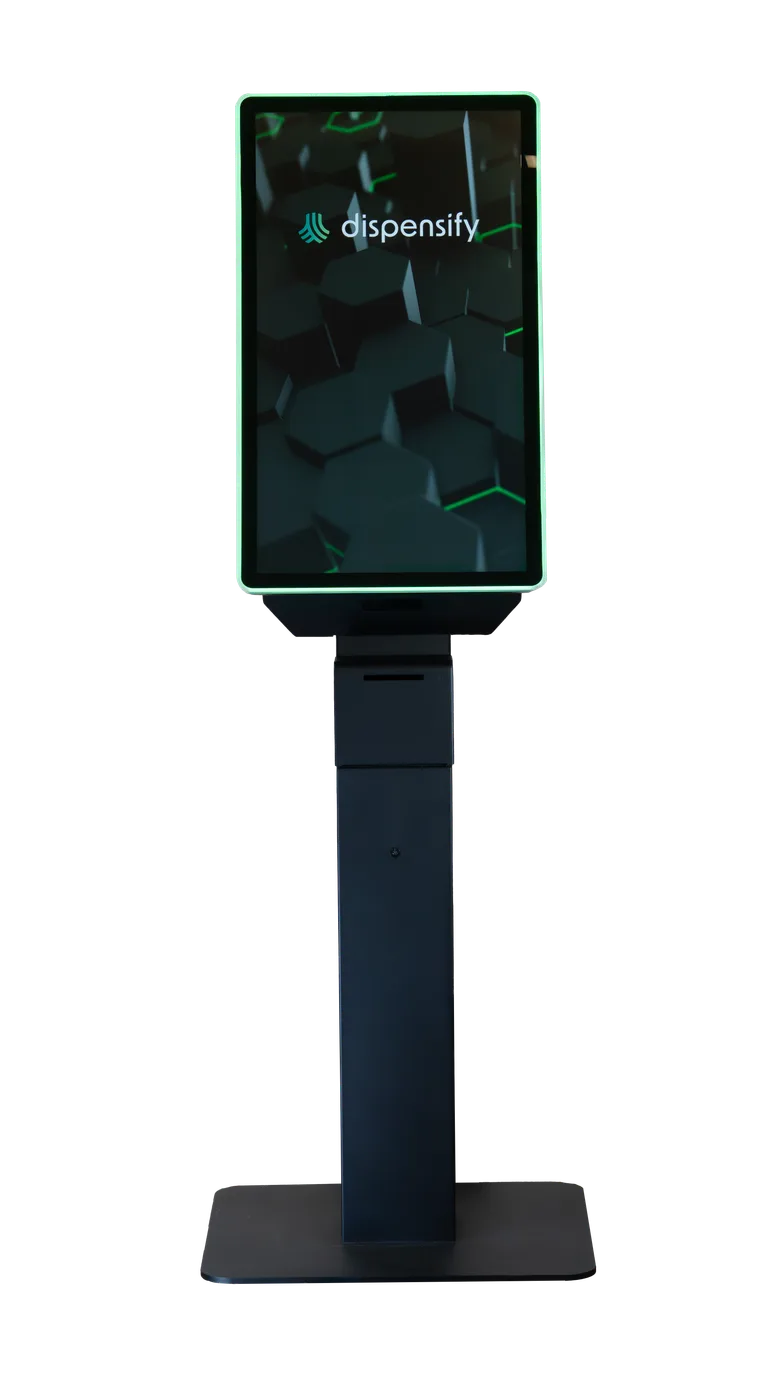
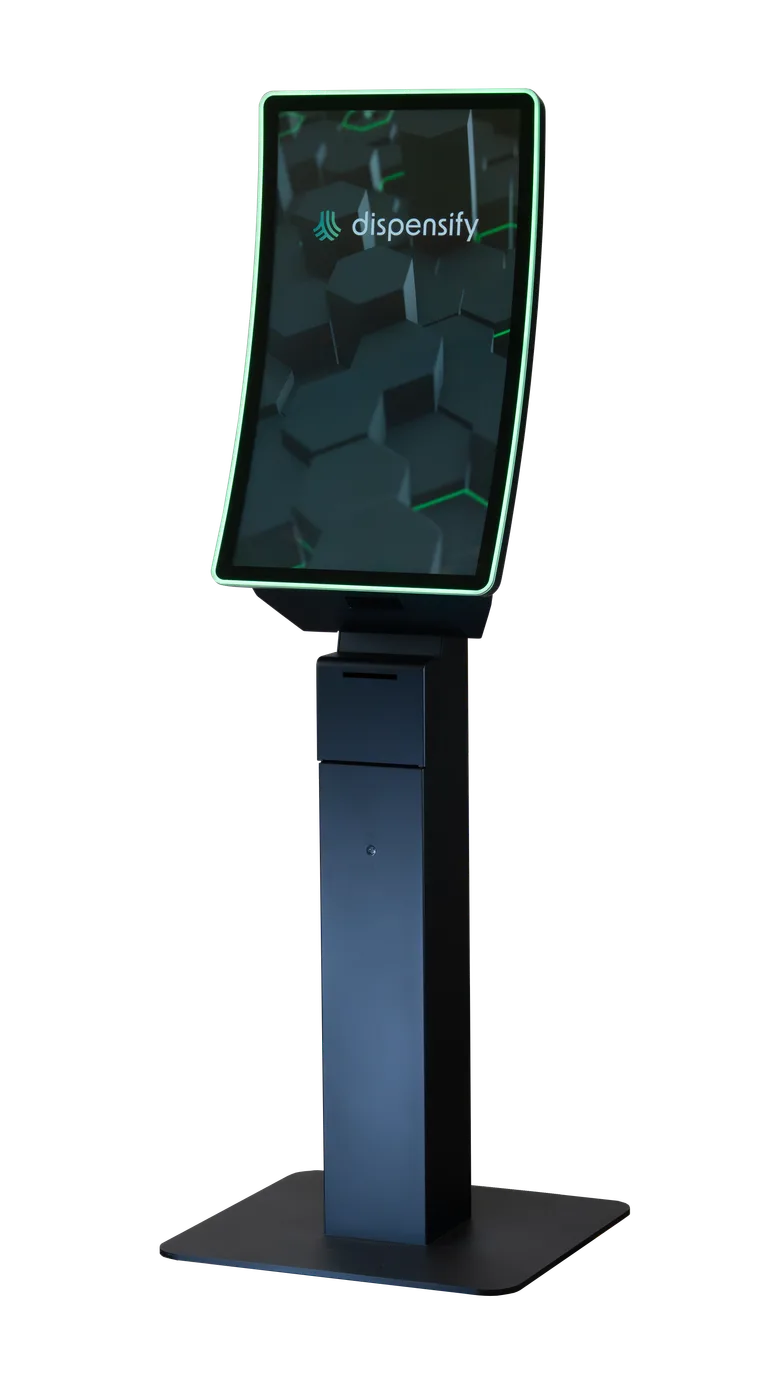
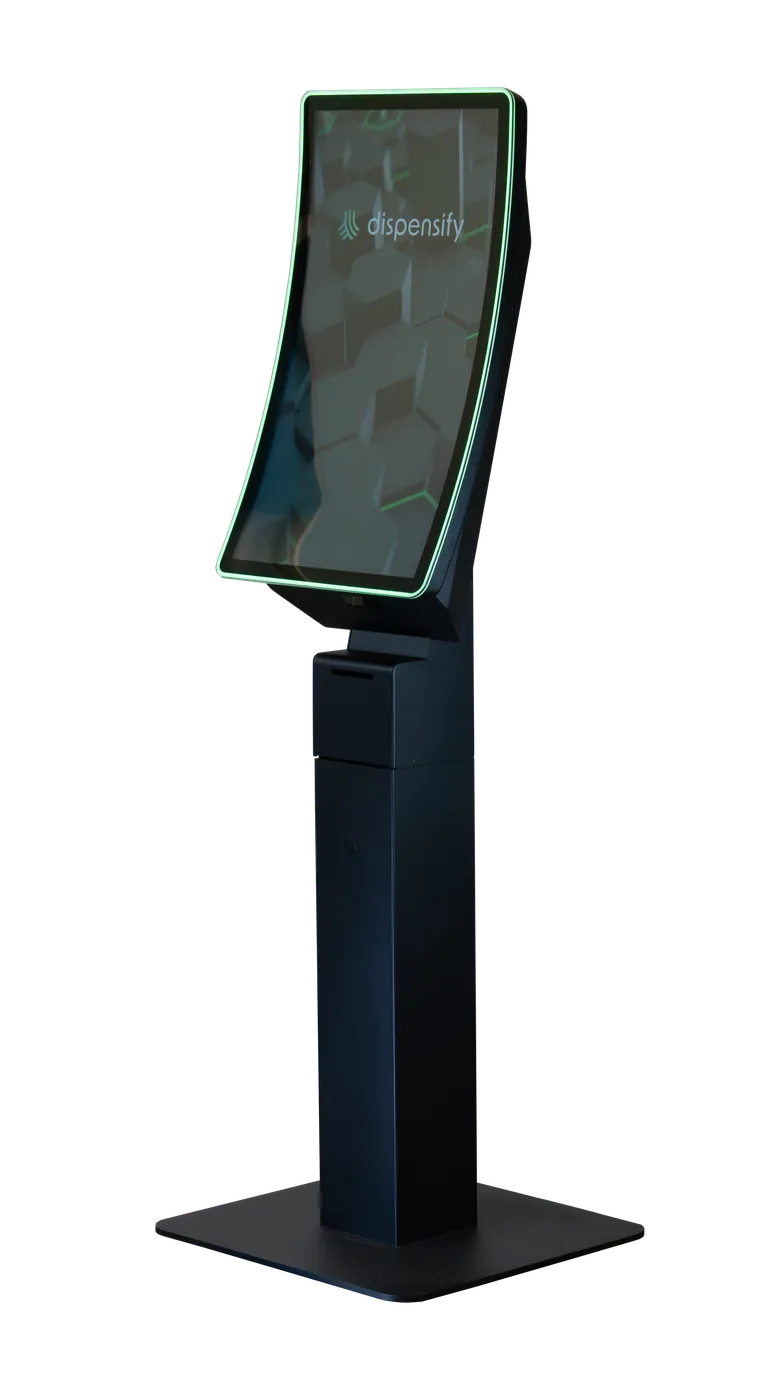
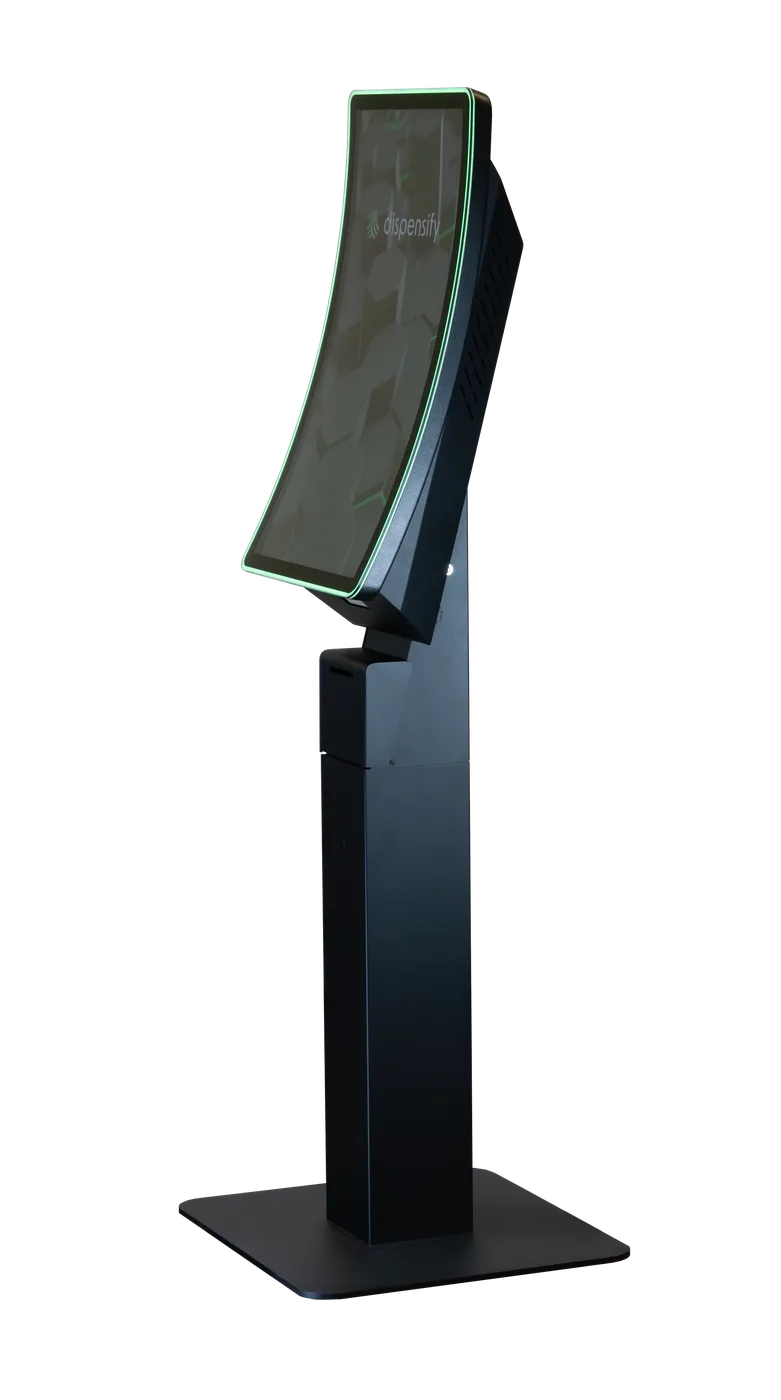
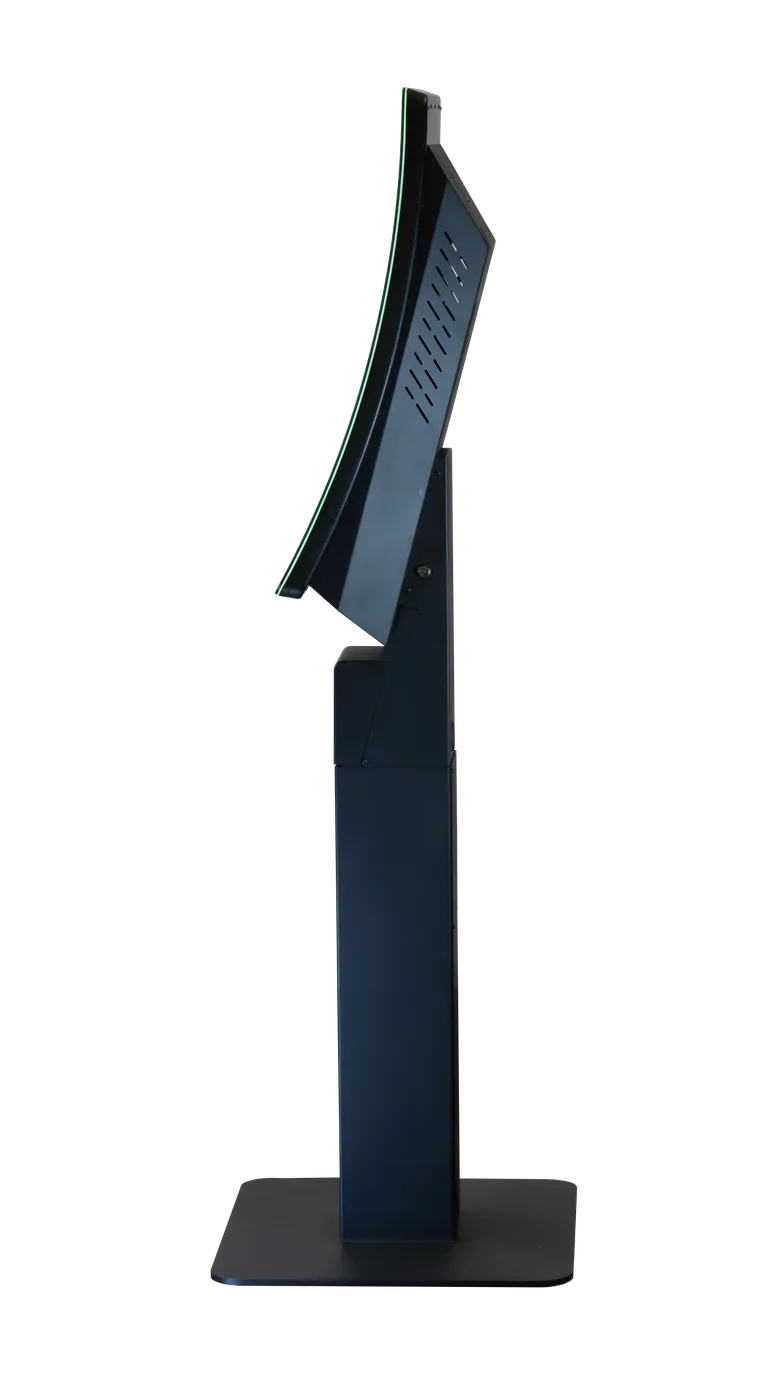
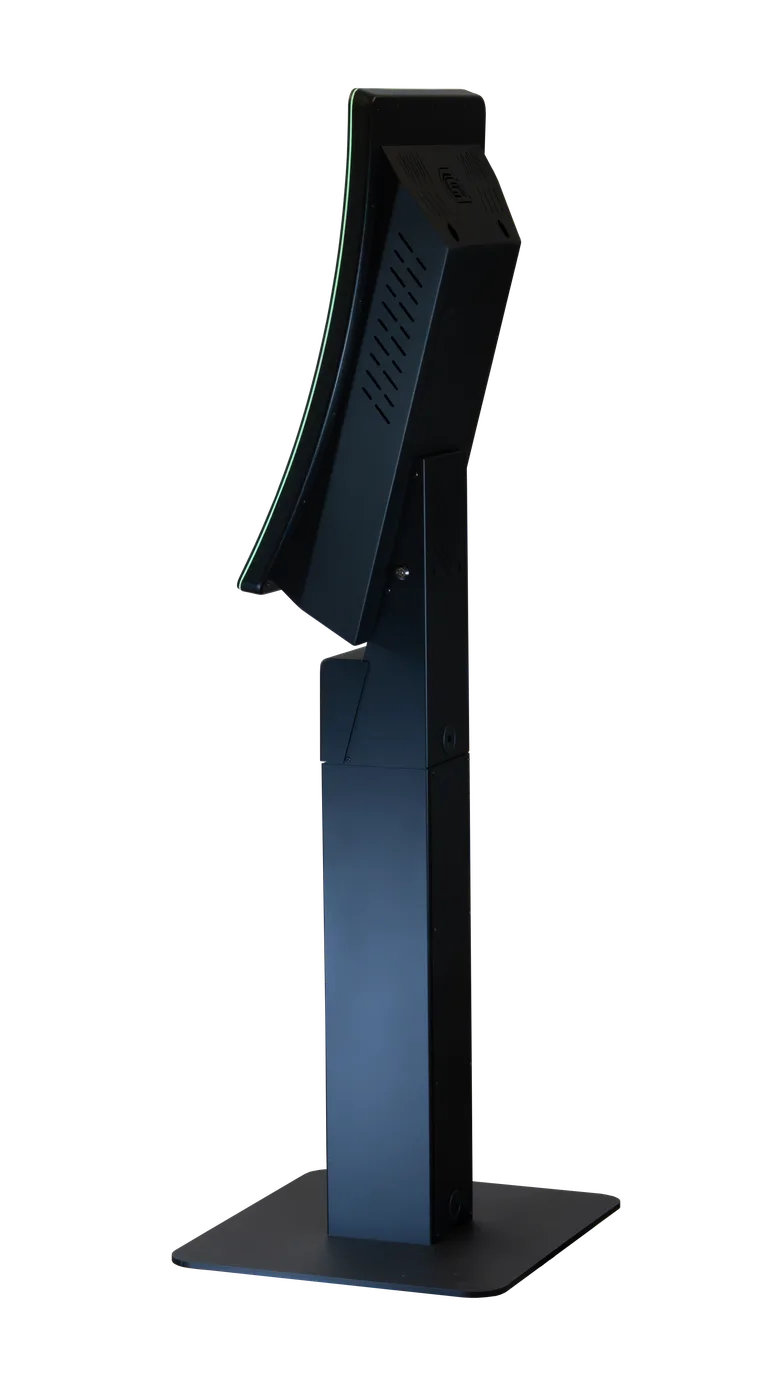
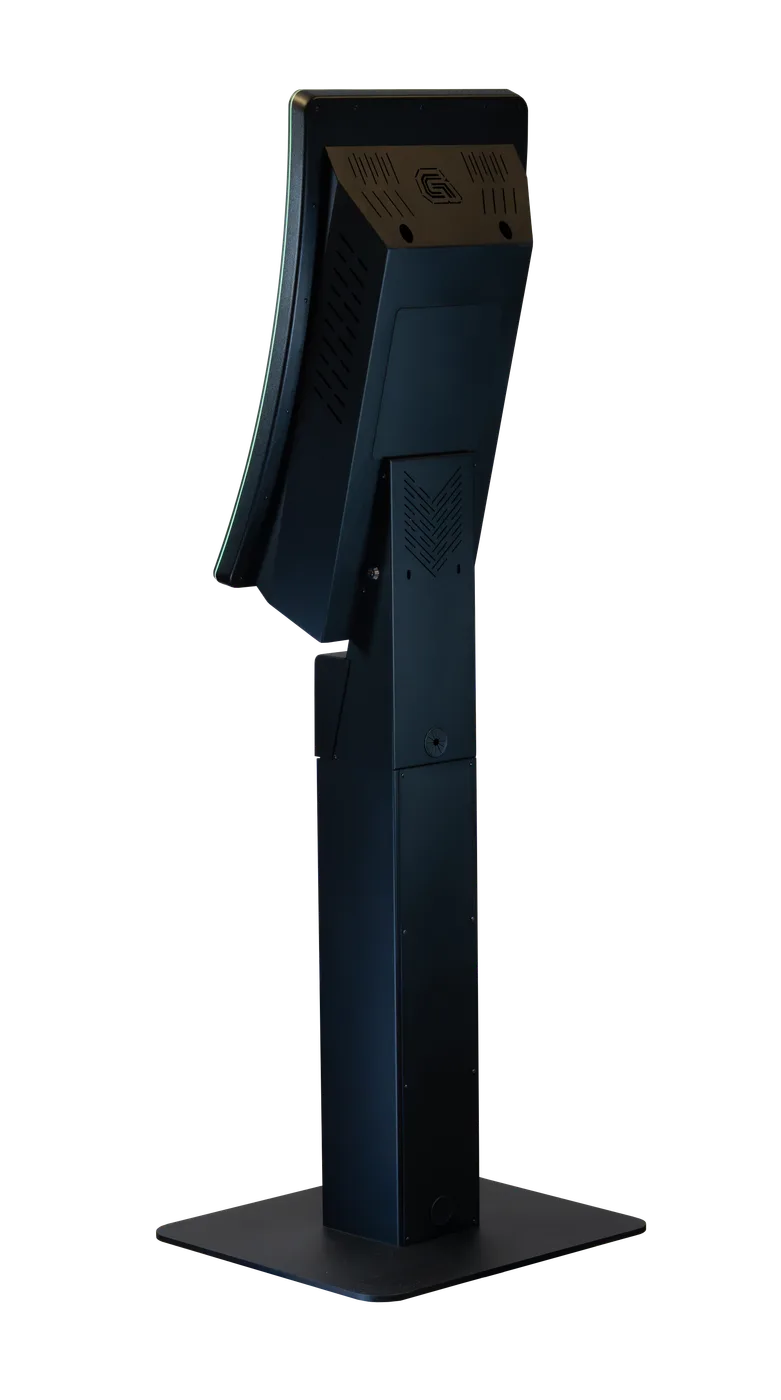
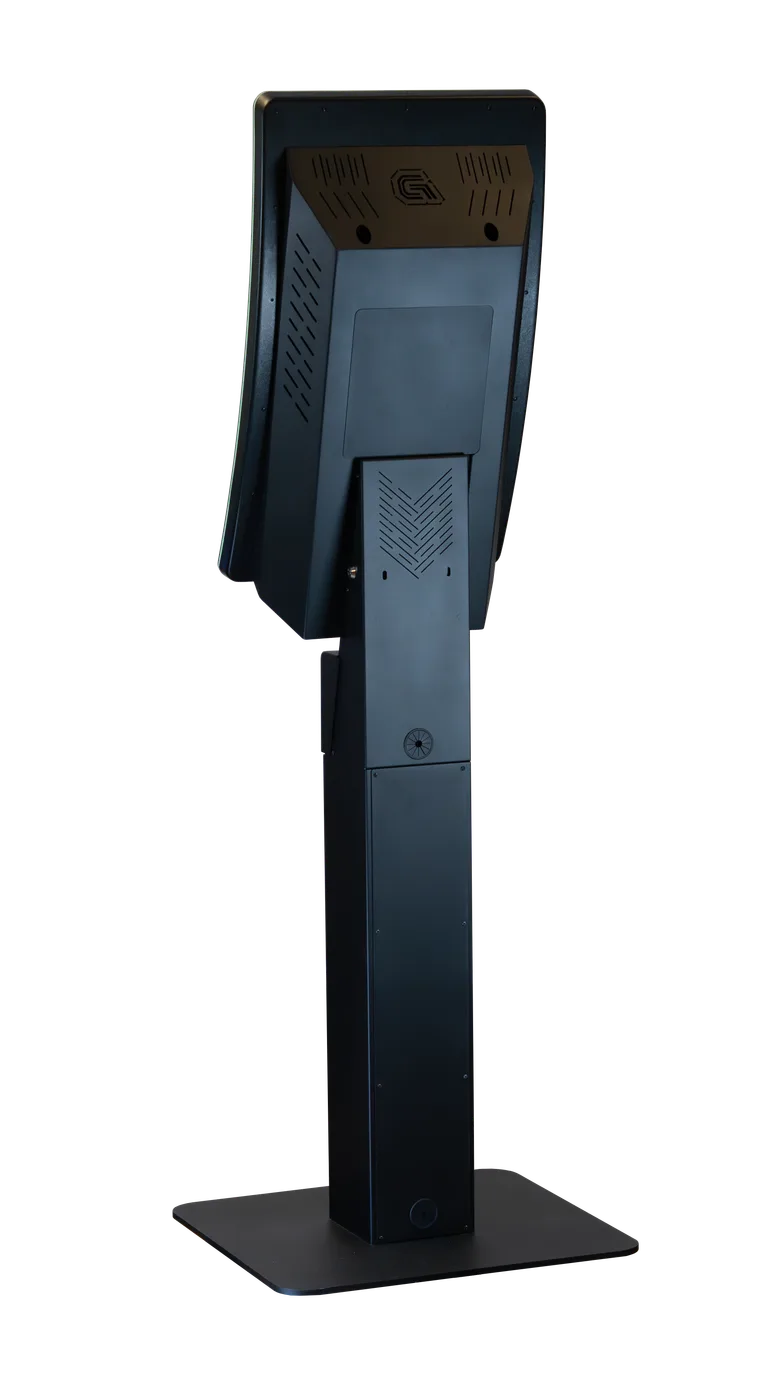
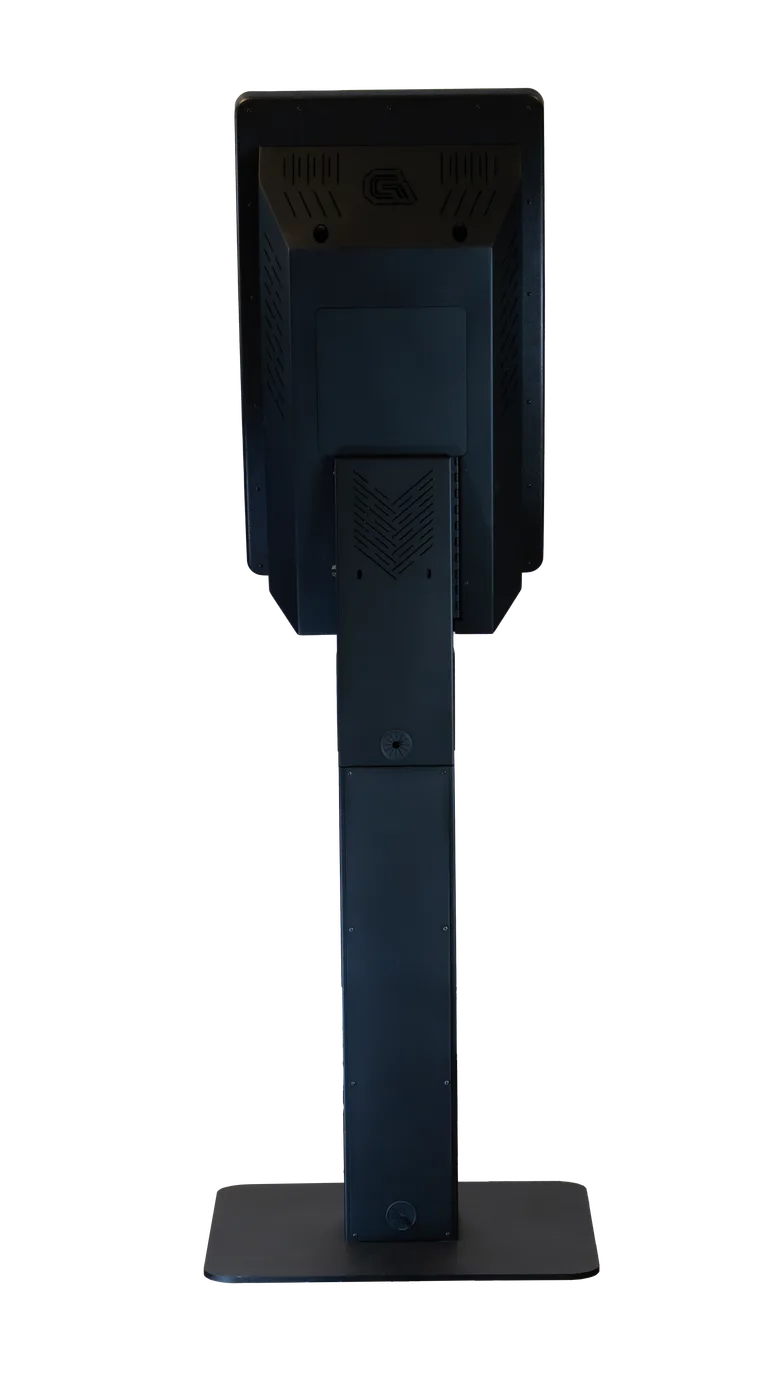
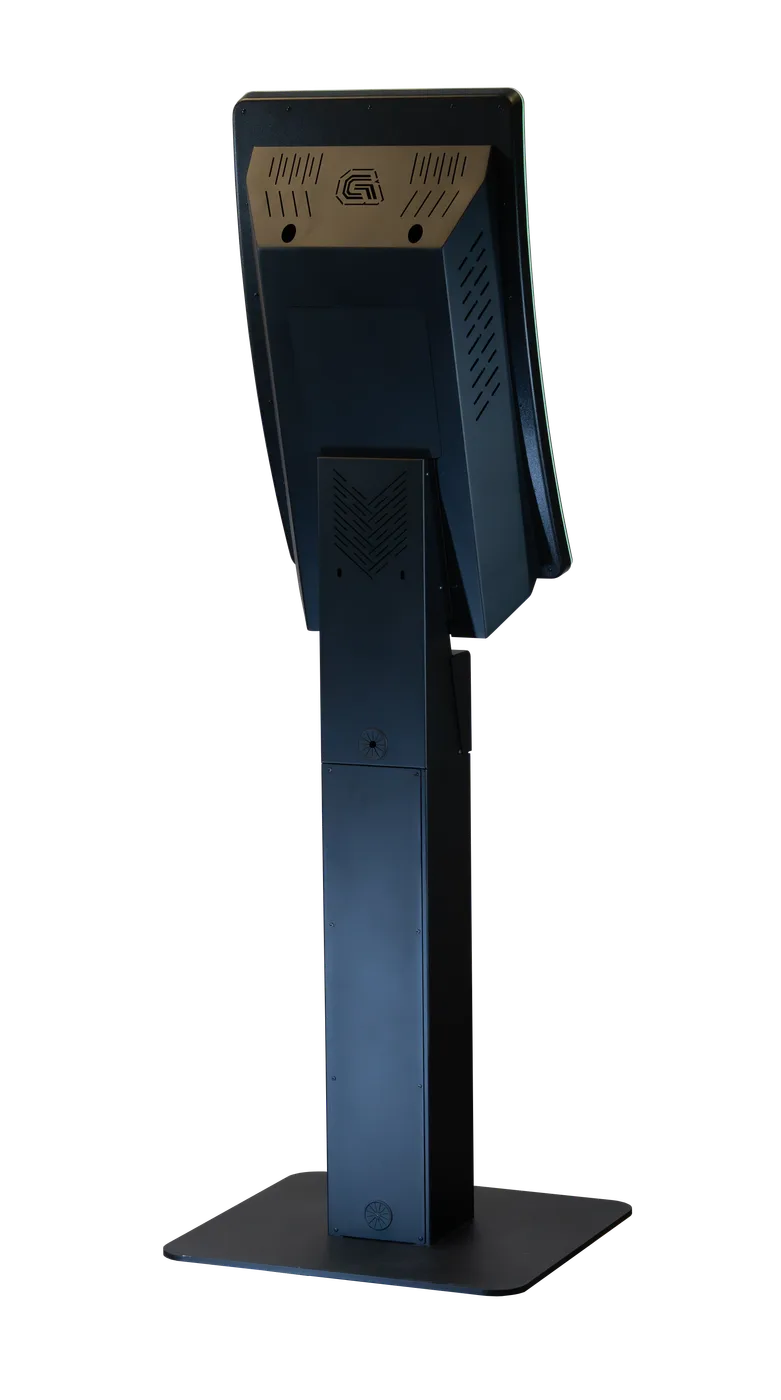
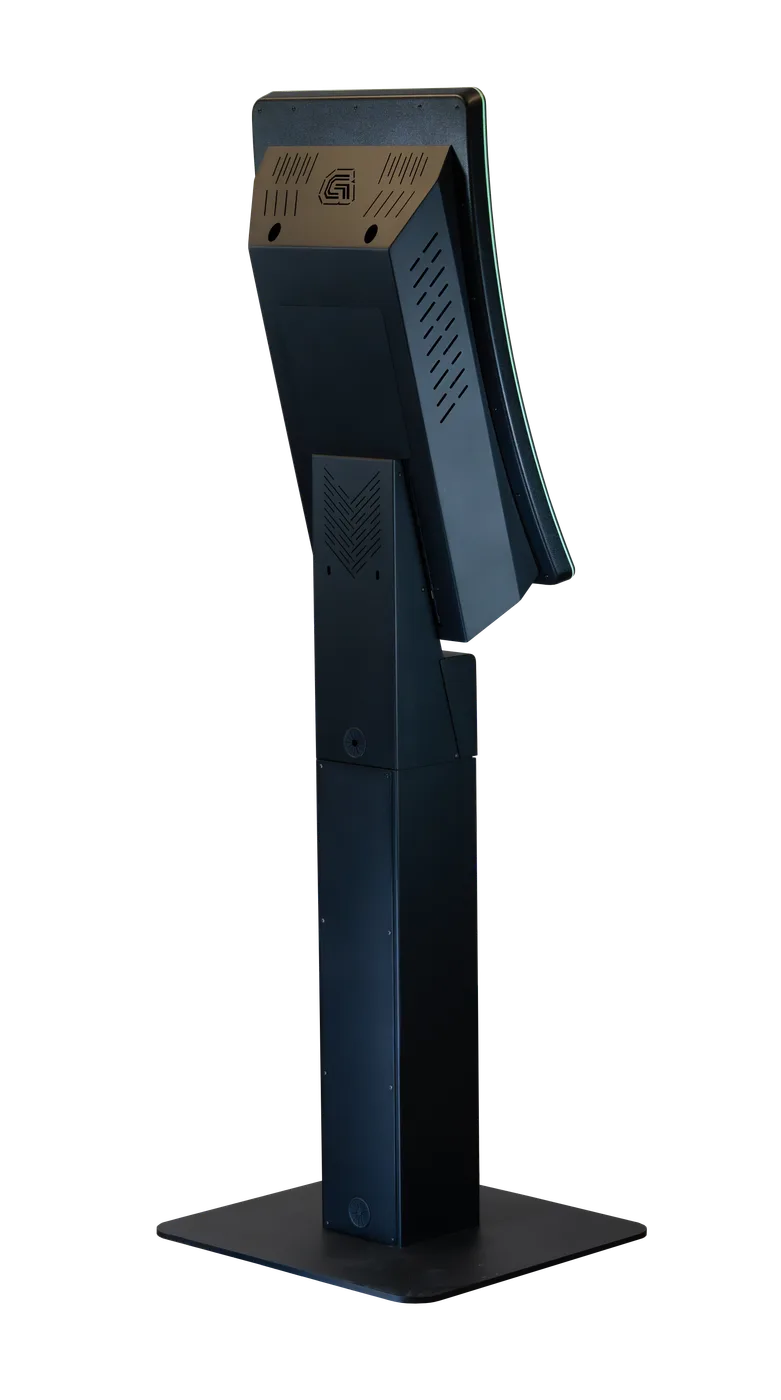
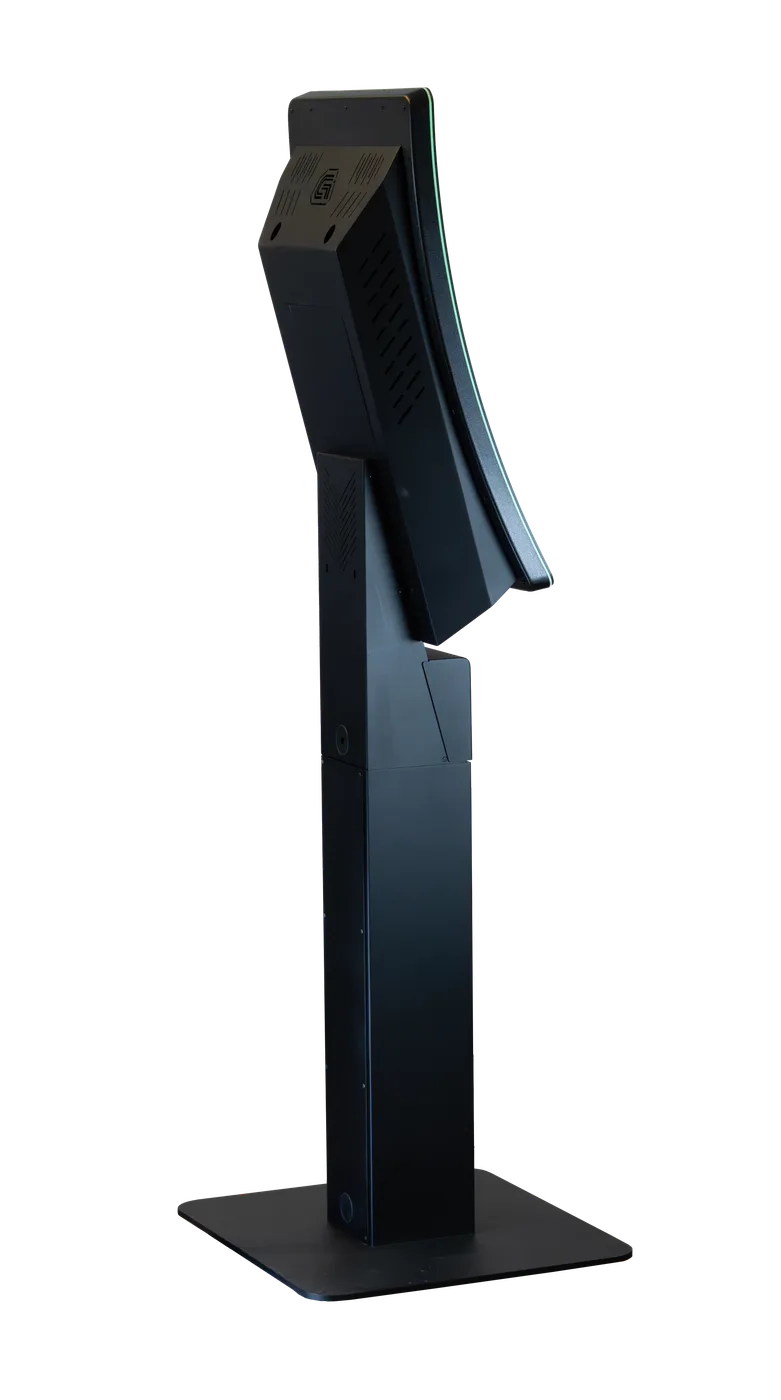
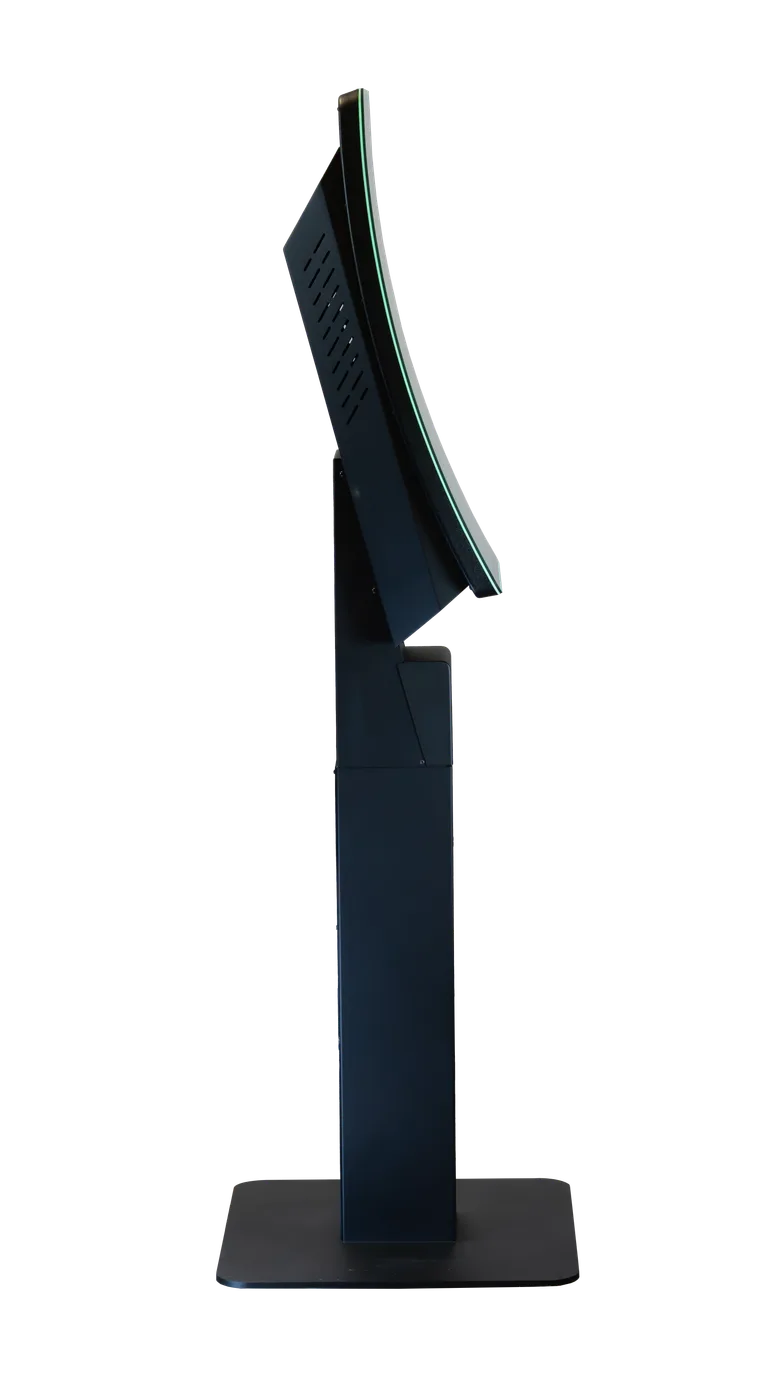
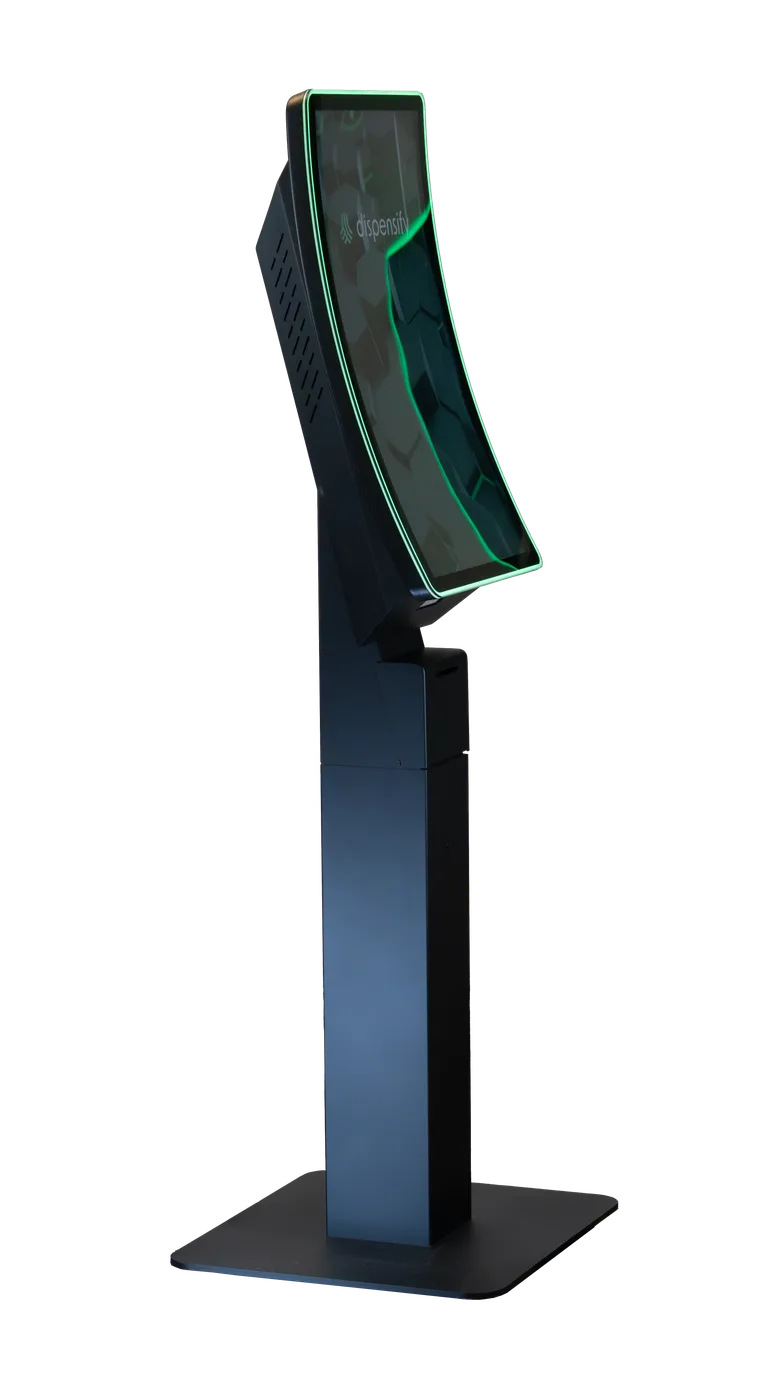
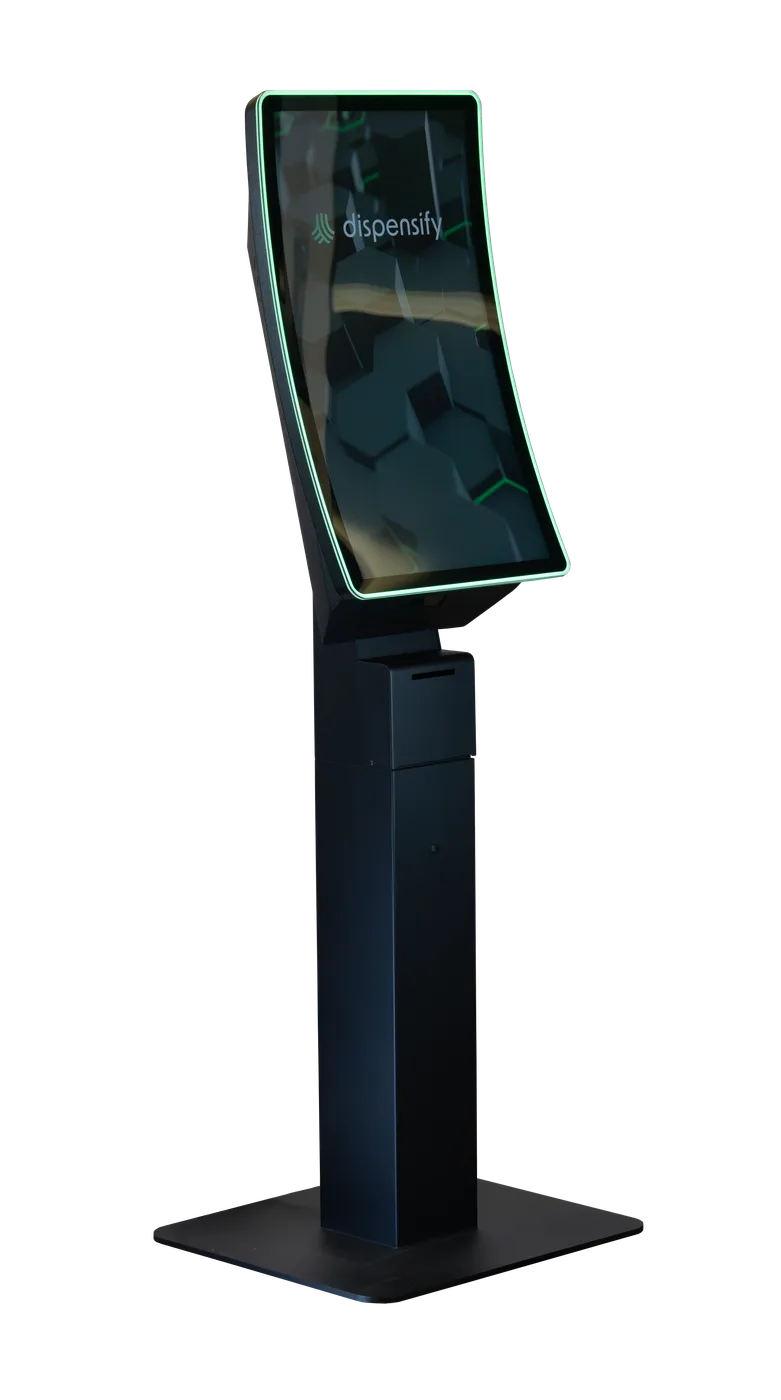
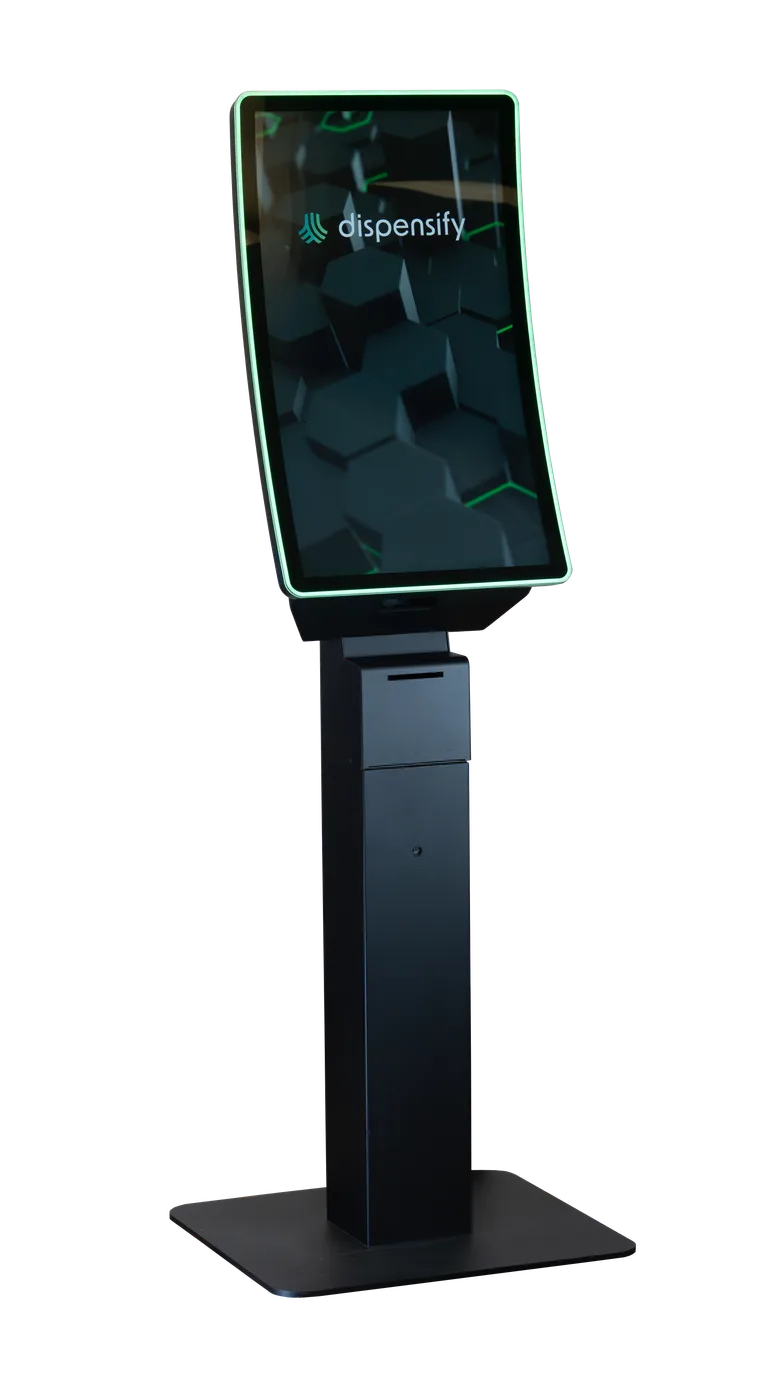
Entryway check-in and pre-order stations
Capture customers as they arrive, before lines form
A dispensary kiosk is a customer-facing self-service ordering station for cannabis retail. It gives shoppers a faster way to browse products, use ID data parsing to pre-populate customer information where configured, place orders, print receipts, and complete checkout while staying connected to the store's POS, inventory, and fulfillment workflow.
Dispensify kiosks are built for cannabis stores, not borrowed from another industry. Start with the job your floor needs done, then choose the model that fits your traffic, wall space, payment path, and support plan.
Dispensary kiosks

"We've successfully implemented their kiosks and signage across most of our existing, new, and remodeled retail locations.
As a result, we're seeing increased sales, reduced wait times, and, most importantly, an enhanced customer experience."
Start with the role the kiosk needs to play: add ordering capacity, save floor space, move cash handling into the flow, or turn a wall into the ordering point.
Start with:Giosk 32CF
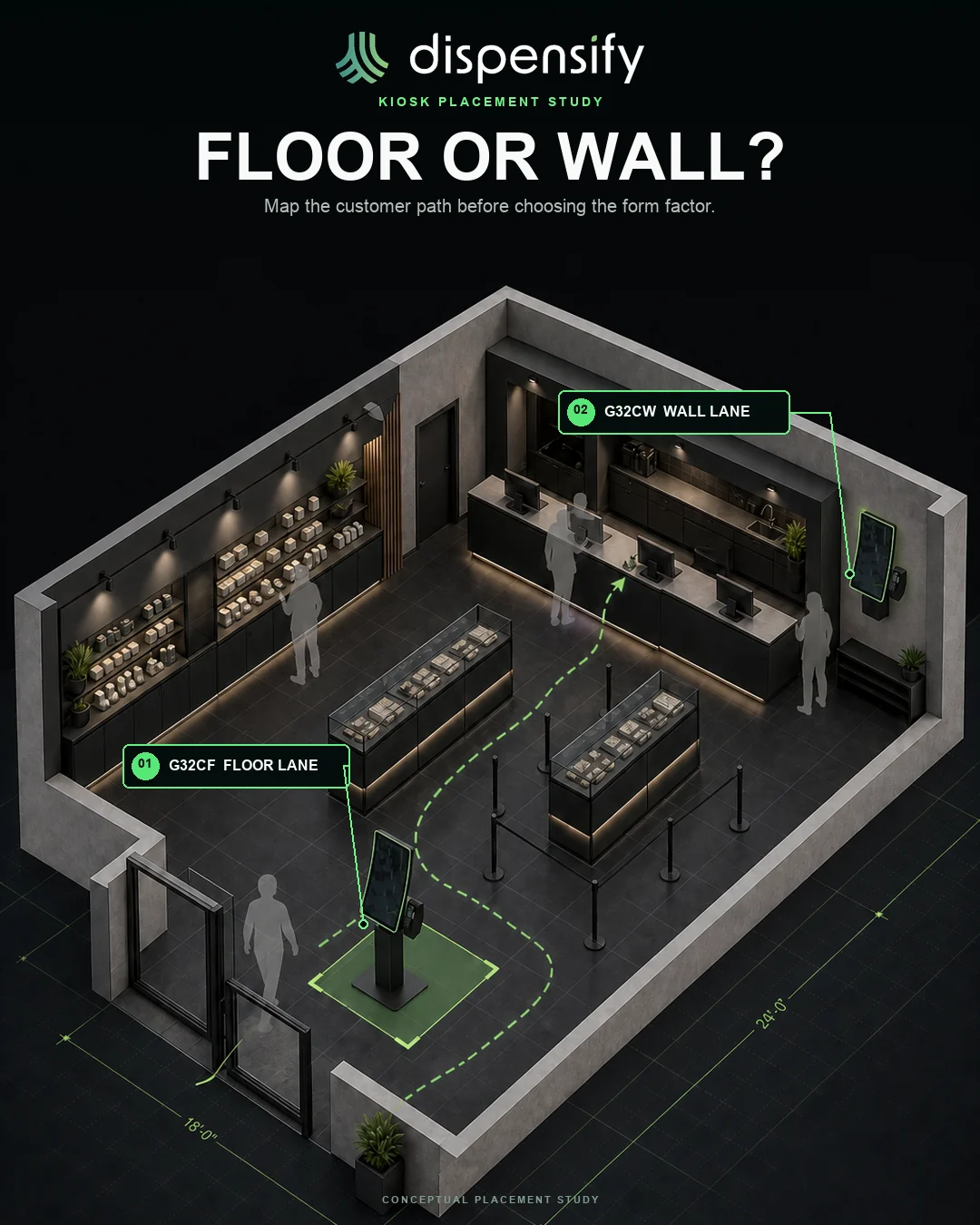
Use the floor unit when the store needs more shoppers ordering without pulling another budtender into order entry.
Floor layoutStart with:Giosk 32CW
Use the wall-mounted 32C when self-service belongs on the perimeter, near pickup, or in a tighter floor plan.
Cash pathStart with:Giosk 32 Cash
Configure the optional cash recycler when bill acceptance and change return should happen at the kiosk.
Wall display sizeStart with:Giosk 43W
Use Giosk 43W when the wall can carry a modular 32-inch or 43-inch touchscreen system with optional payment-arm planning.
Pick a unit to spin it and inspect every part.
Modernize your dispensary with a premium 32″ curved self-service kiosk built for cannabis retail. This dispensary kiosk can parse ID data to pre-populate customer information, support product browsing, and keep checkout moving while staff retain responsibility for verification.
Introducing our latest self-service dispensary kiosk system, designed for 32″ or 43″ touchscreens. With a built-in 1D/2D scanner and compact PC housing, customers can browse products, use ID data parsing where configured, and place orders fast.
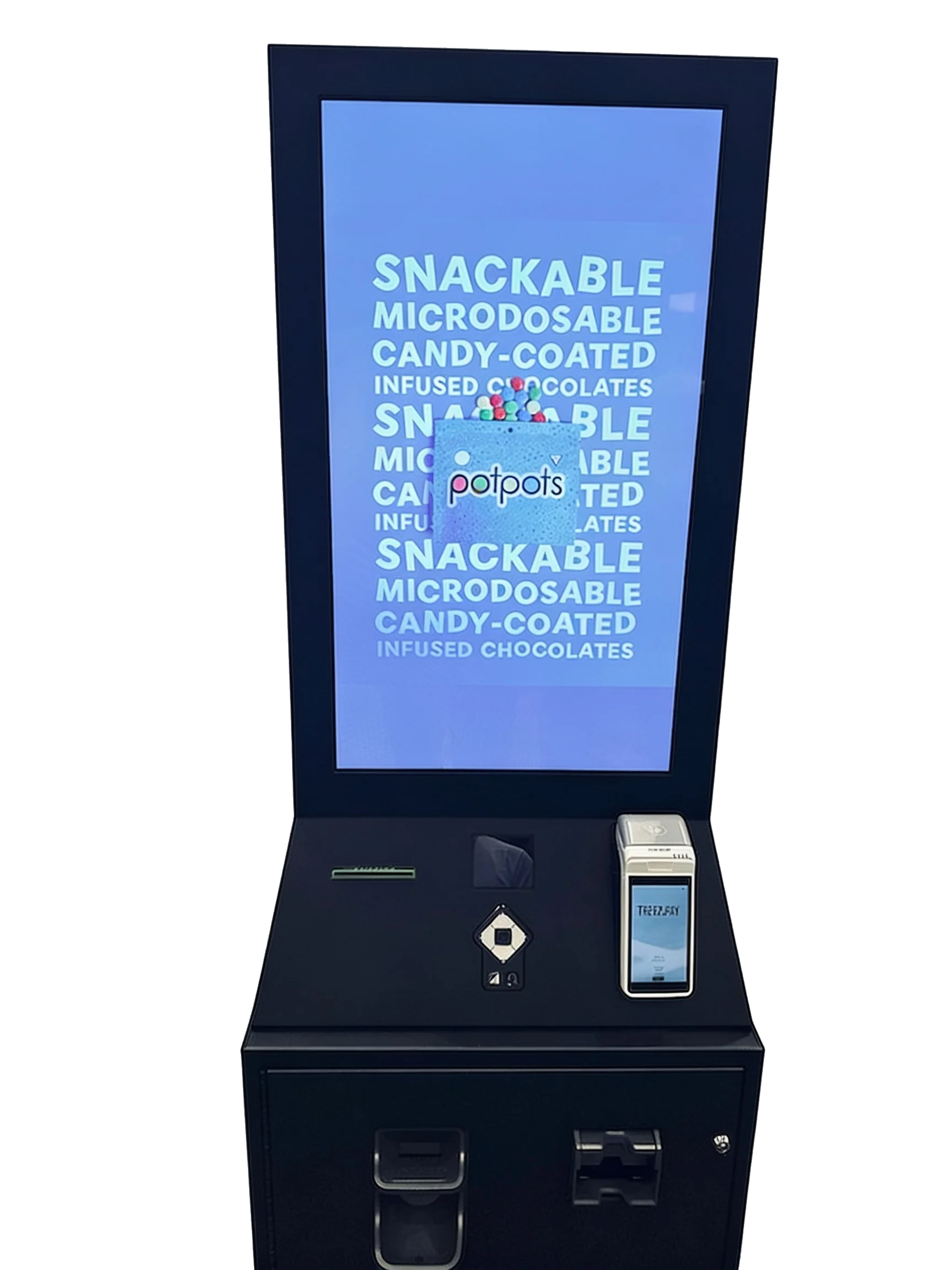
The Giosk 32 Cash is built for dispensaries that need integrated cash automation at the kiosk. It supports optional cash and coin recycling, an integrated barcode scanner, optional EMV card payment, and thermal receipt printing in a single self-service unit. If you’re looking for a kiosk that dispenses cash, start here.
A kiosk isn't a replacement for a good budtender. It's the lane for customers who already know what they want, want to browse privately, or need to get through checkout faster during peak traffic.
That frees staff to handle education, complex orders, fulfillment, and compliance moments while routine ordering moves through a consistent digital flow.
01Shorten customer wait times
02Reduce staff load during peak hours
03Eliminate order entry bottlenecks
04Offer a fast, intuitive ordering experience
Place Dispensify kiosks where lines form, staff get pulled into repetitive ordering work, or shoppers need a faster path. Most stores start with one of these configurations:
Capture customers as they arrive, before lines form
Relieve checkout pressure during peak hours
Give returning customers a fast lane
The checkout fork
It's the one moment you have the customer's full attention and their wallet open. Handled manually at a busy register, it leaks. Structured through a kiosk, it compounds.
Without kiosks - the leak
With Dispensify - the compound
A kiosk only works if menu sync, inventory, payment, receipts, and fulfillment all land cleanly inside the store's existing operating rhythm.
Dispensify maps the kiosk around your current infrastructure: POS configuration, network readiness, order routing, and field testing before the unit goes live.
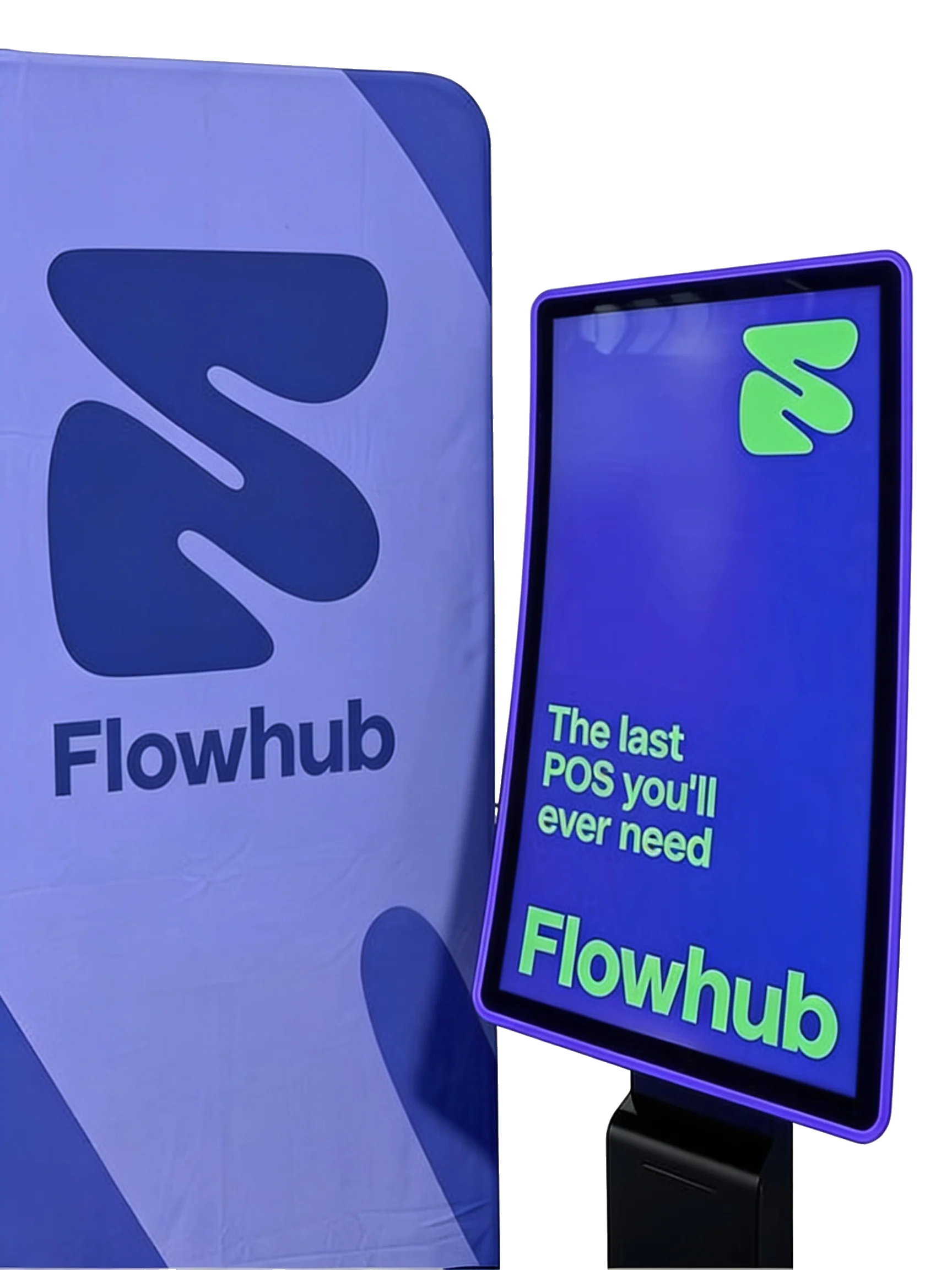
If you're evaluating kiosks alongside Dutchie, AIQ, Flowhub, Dispense, or another POS or back-office platform, we'll walk through fit before you commit to hardware.
See POS integrationMost dispensary kiosk decisions come down to three paths: a real self-service terminal built for the floor, a kiosk-mode app on someone else's tablet, or a hardware stack you wire together yourself. If you're standardizing checkout across multiple stores, compare what decides whether the sale finishes at the unit, repeats cleanly across locations, and stays supported by one team.
| Buyer question |  | Kiosk-mode software | Hardware / DIY stack |
|---|---|---|---|
| Can customers complete more of checkout at the unit? | Full checkout laneOrdering, peripherals, and checkout flow planned together. | Order laneStrong for browsing and cart building; checkout depth varies. | Custom buildPossible, but the operator owns the connection points. |
| Are scanner, EMV, receipt, and cash options coordinated? | Coordinated hardwareScanner, printer, EMV, and cash configurations can be built into the lane. | Add-on dependentUsually depends on selected devices, payment setup, and store workflow. | More vendorsEach peripheral adds another setup and support surface. |
| Does it route into POS and fulfillment? | Configured workflowBuilt around the store's POS, fulfillment, and checkout path. | Often POS-syncedMenu, order, and inventory sync can be strong, depending on platform. | Integration workReliability depends on the custom integration layer. |
| Who installs and supports the lane? | One accountable teamHardware, configuration, install, and support stay coordinated. | Split scopeSoftware support and physical hardware support may separate. | You own itInternal team or vendor mix owns the support path. |
| Can this repeat across multiple locations? | Standardized rolloutA repeatable physical checkout layer for growing operators. | Software rolloutScaling the app is one part; hardware consistency is separate. | Site-by-siteEvery location can become a slightly different project. |
| What is the operational risk? | Fewer handoffsLess stitching between ordering, payment, receipt, cash, POS, and support. | Staff bridges gapsGreat software still may leave payment or hardware steps elsewhere. | More moving partsLower upfront clarity can become higher support burden. |
compare dispensary kiosk models, or size the math for your floor.
The real question isn't kiosk vs budtender. It's which customers should self-serve and which customers need a human conversation. Our floor-flow model shows how quick orders move to the kiosk while budtenders keep the relationship-driven lane.
See the floor modelWhen the kiosk is idle, the screen can run brand placements, house promos, bundles, or store announcements. When a shopper walks up, the unit can move back into ordering.
That turns the kiosk into a point-of-purchase media surface without adding another screen to the store.
The next step is to match the kiosk configuration to your floor plan, checkout workflow, POS environment, and support needs. Request a demo and we’ll walk through the right setup for your store, whether that’s self-order kiosks, wall-mounted units, cash-accepting kiosks, or custom cannabis kiosk hardware.
A customer-facing ordering station for cannabis retail. Customers can browse products, use ID data parsing to pre-populate customer information where configured, scan products, place orders, print receipts, and move through checkout with less staff help.
Yes. Current options include the Giosk 32CF, Giosk 32CW, Giosk 43W, and Giosk 32 Cash.
Yes. The Giosk 32CW and Giosk 43W are designed for wall-mounted ordering. The Giosk 43W supports 32 inch or 43 inch touchscreens with an integrated scanner and compact PC housing. Placement should be reviewed for access, traffic flow, and installation requirements.
The Giosk 32 Cash is the relevant product. It supports an optional cash recycler, barcode scanning, optional card payment, and receipt printing. Cash acceptance and change return depend on the selected configuration.
We map the kiosk to your store’s existing infrastructure, POS workflow, and network setup, then field-test before launch. If you’re using Dutchie, AIQ, Flowhub, Dispense, or another platform, request a demo to confirm fit.
Implementation timelines depend on configuration, integration scope, and site readiness. Request a demo and we’ll walk through a realistic timeline for your store.
Cost depends on screen size, form factor, payment hardware, scanner needs, cash automation, installation, and support scope. Request a demo and we’ll put together a quote based on what your store actually needs.
Tell us which unit, payment path, cash workflow, and site constraints you’re working with. We’ll help map the setup before you commit.