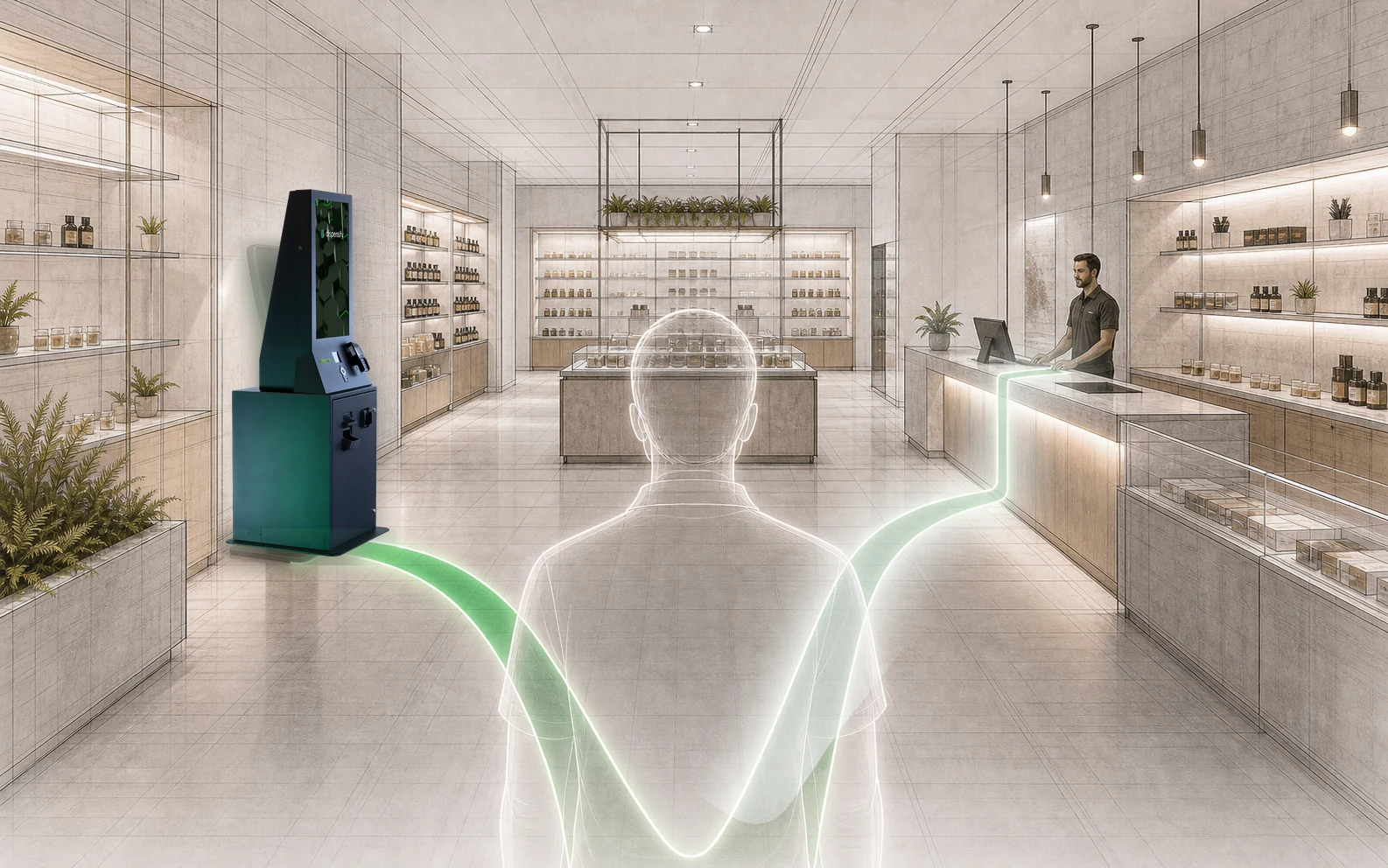
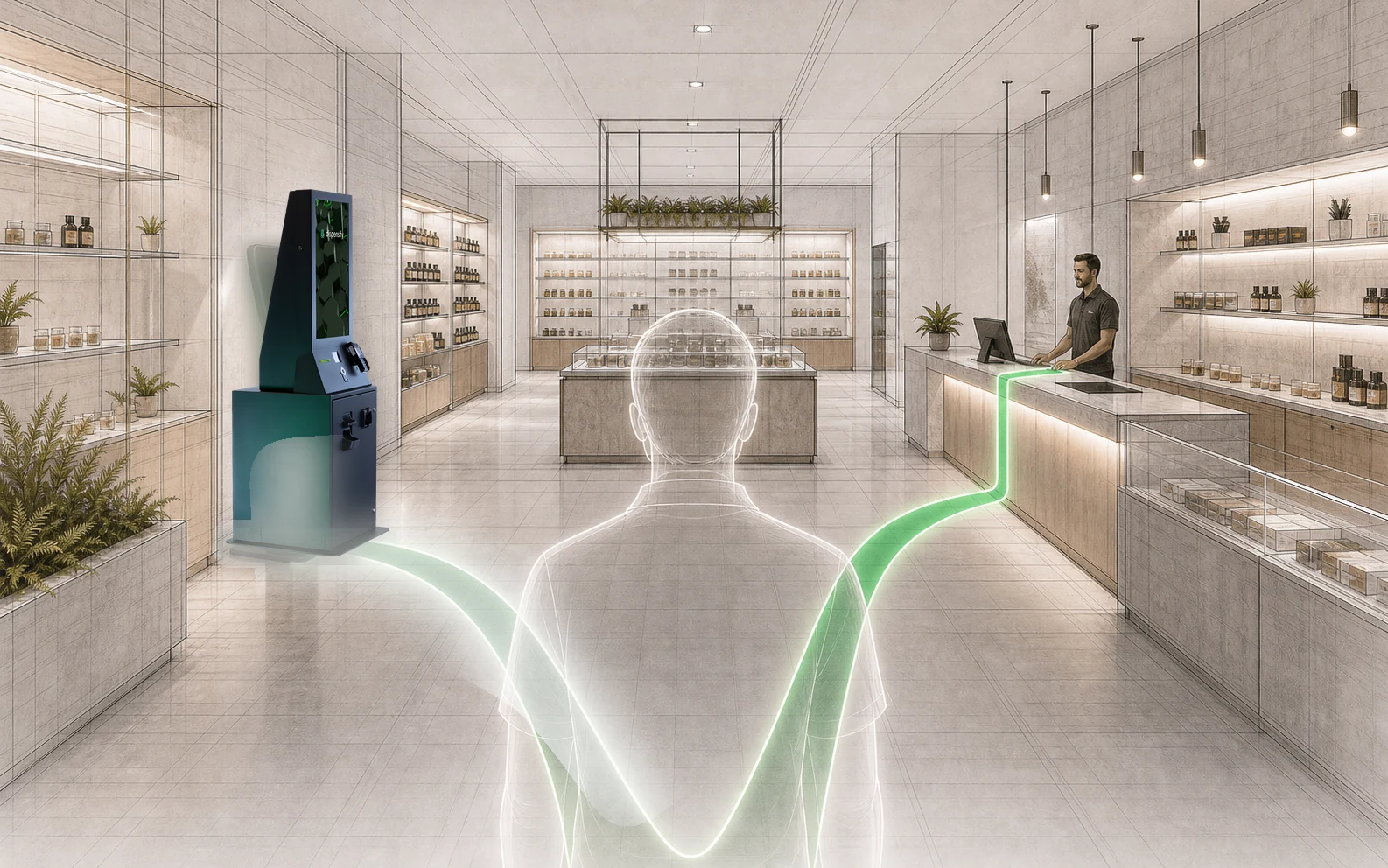
Any vendor can install a single screen. Standardizing self-service across every location, on time, with one crew that still answers the phone at store number eight, is a different problem. It's the one we're built for. Start with the math for your fleet, then move the sliders.
Want the deeper operating framework? Read the multi-location guide.
Our products really shine when we're helping a business deploy across its fleet, capturing the network effects of operational optimization store by store. Standardize checkout in every location and the benefits compound: same training, same support, comparable numbers, faster troubleshooting, cleaner staff onboarding, and one playbook every manager can trust.

"Dispensify has been an invaluable partner in our retail digital transformation journey. We've successfully implemented their kiosks and signage across most of our existing, new, and remodeled retail locations.
Not only did they provide top-quality hardware, but their onsite services and support have been crucial to our successful deployment.
As a result, we're seeing increased sales, reduced wait times, and, most importantly, an enhanced customer experience.
Dispensify operates like an extension of our team, delivering a client and partner experience that is exceptional and truly rare in the dispensary space."
The pilot goes great. Then the rollout slows, the next installs drift out of spec, and support turns into four vendors pointing at each other while your floor waits. The real risk in multi-store self-service was never the hardware. It's whether one team can stand behind every unit in every location. We built the company around that answer, not around a demo that looks good once. The number above only matters if it holds at store number eight.
A kiosk stitched from separate vendors looks like three line items: the software, the hardware, the POS. There's a fourth nobody quotes you for, keeping them in sync. On a fleet, that job lands on you, at every store.
Three vendors each own their slice, and none of them owns the seams. You're the one syncing the software, the hardware, and the POS, and the one refereeing when they don't agree. Three vendors across eight stores is up to twenty-four relationships to keep straight, and they're all yours.
When something stops working, first you have to figure out what broke and where. Is it the kiosk, the POS, the payment device, the network? That's IT triage on a system you didn't build, and every minute you guess wrong is a register down and a line backing up.
It's the difference between owning a building and managing it.
You could call the plumber, the electrician, and the HVAC tech yourself every time, or pay one manager who knows the building and makes one call. Dispensify is that manager for your checkout lane. We build it, install it, and stand behind it, so when the lane goes down you make one call, not three, and you don't lose an hour guessing which vendor owns the failure.
Want to see what this would mean for your current POS, payment flow, cash process, and store layout?
The estimated projection depends on dedicated terminals for the parts of the store flow that matter: checkout, cash, customer routing, and customer-information intake. The checkout units carry ordering, ID data parsing, payment, and cash without sending customers back to the counter. Giosk FROG is different: it is the coming-soon compact intake unit for ID data parsing and customer handoff.
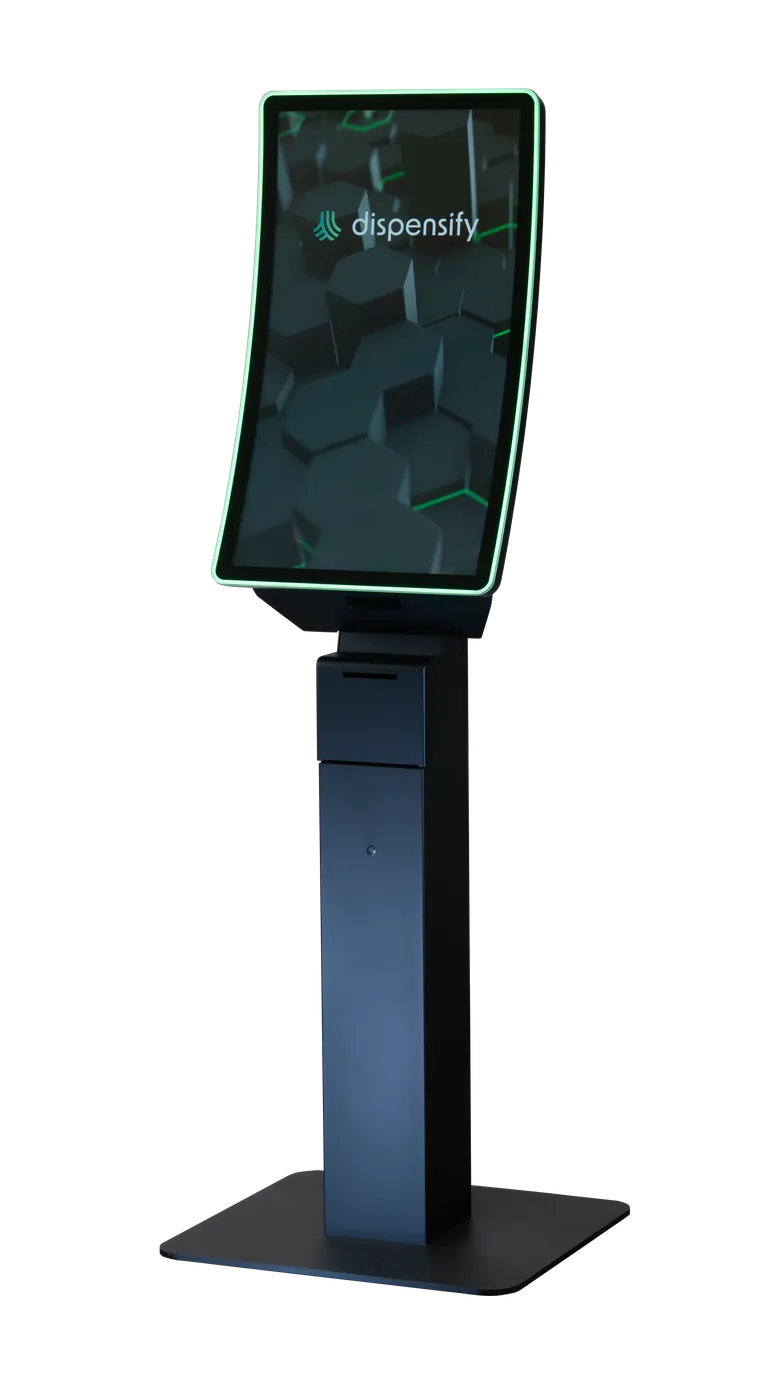
A 32-inch curved touchscreen built for high-volume floors. ID data parsing and payment happen on the unit, so the customer never leaves the screen.
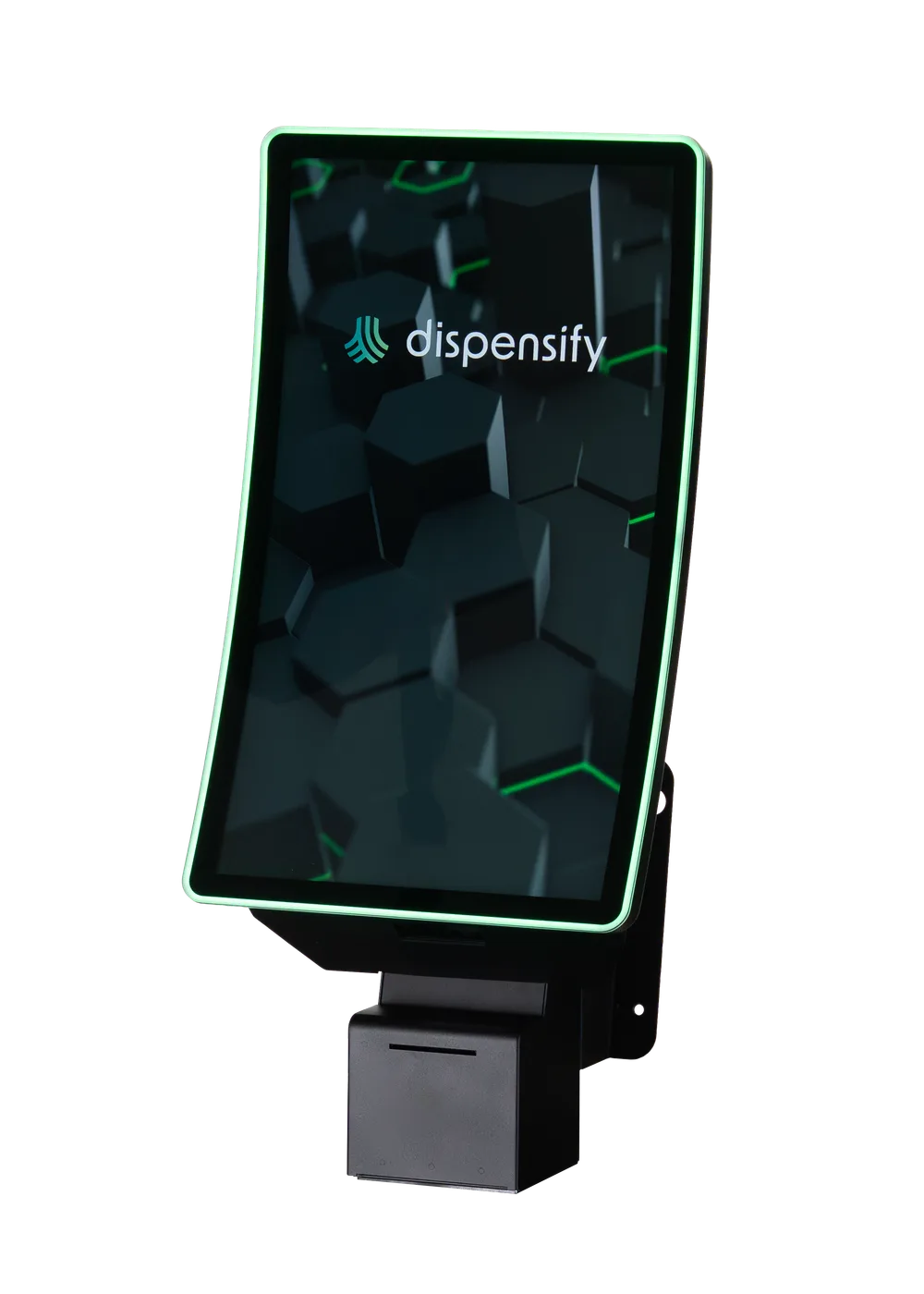
A wall-mounted terminal for tight layouts and express lanes. Same checkout capability, none of the floor space.
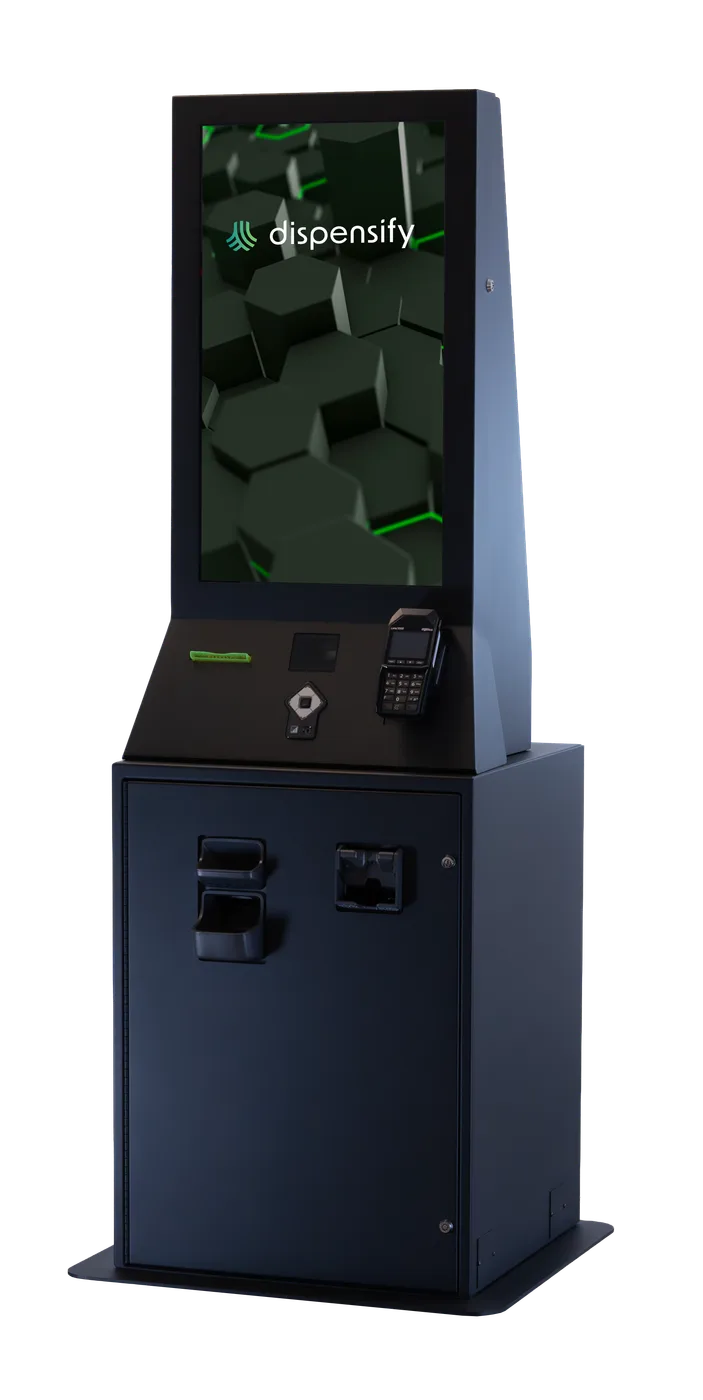
Cash and coin handled inside the cabinet. Every cash customer can self-serve without routing back to the counter.
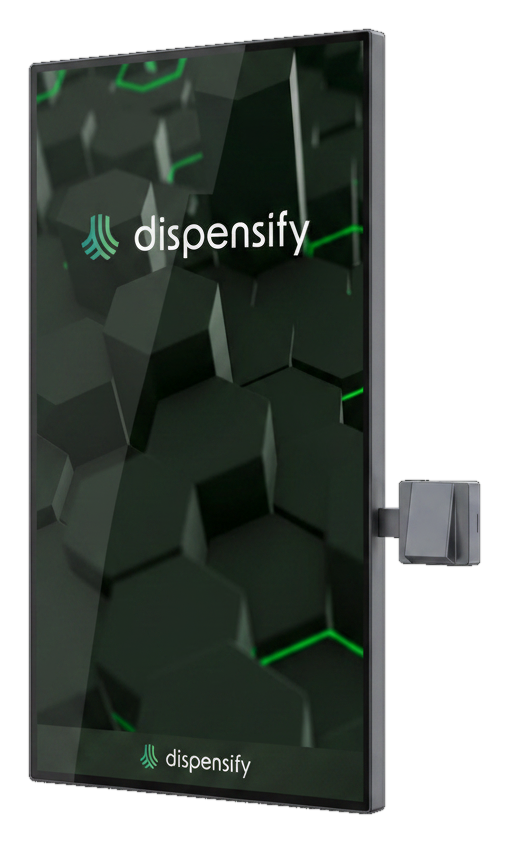
A wall-mounted self-service system for 43-inch ordering surfaces, with integrated 1D/2D scanning and compact PC housing for cleaner perimeter ordering.
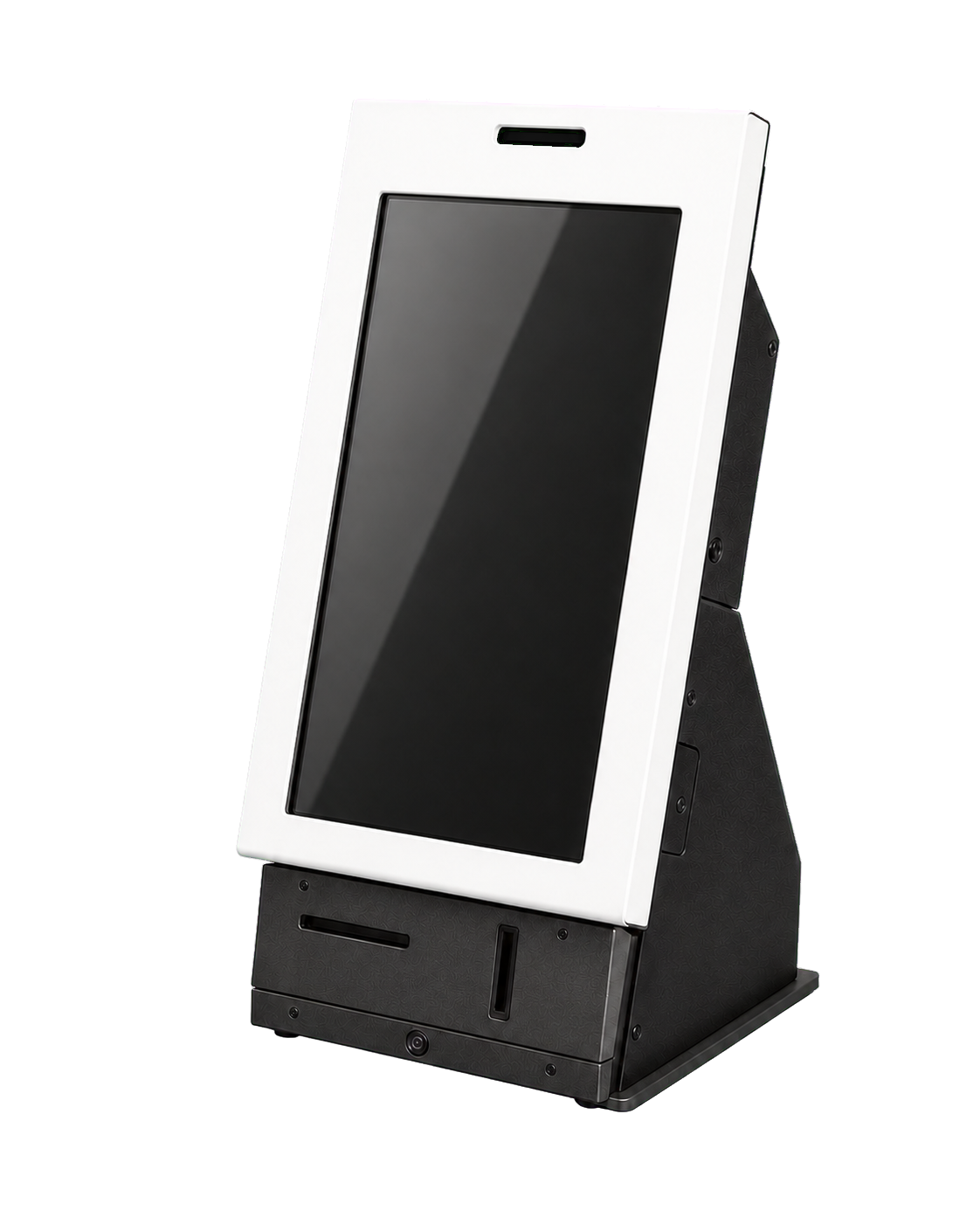
The compact Giosk FROG is coming soon. It is being built for ID data parsing, customer-information prepopulation, and faster front-of-store intake, not checkout.
Want more detail on the kiosk line, configurations, and where each unit fits?
The kiosk doesn't replace the conversation. It routes transactions based on customer comfort, timing, and access, so more shoppers get the experience they want while your budtenders stay available for the customers who need guidance.
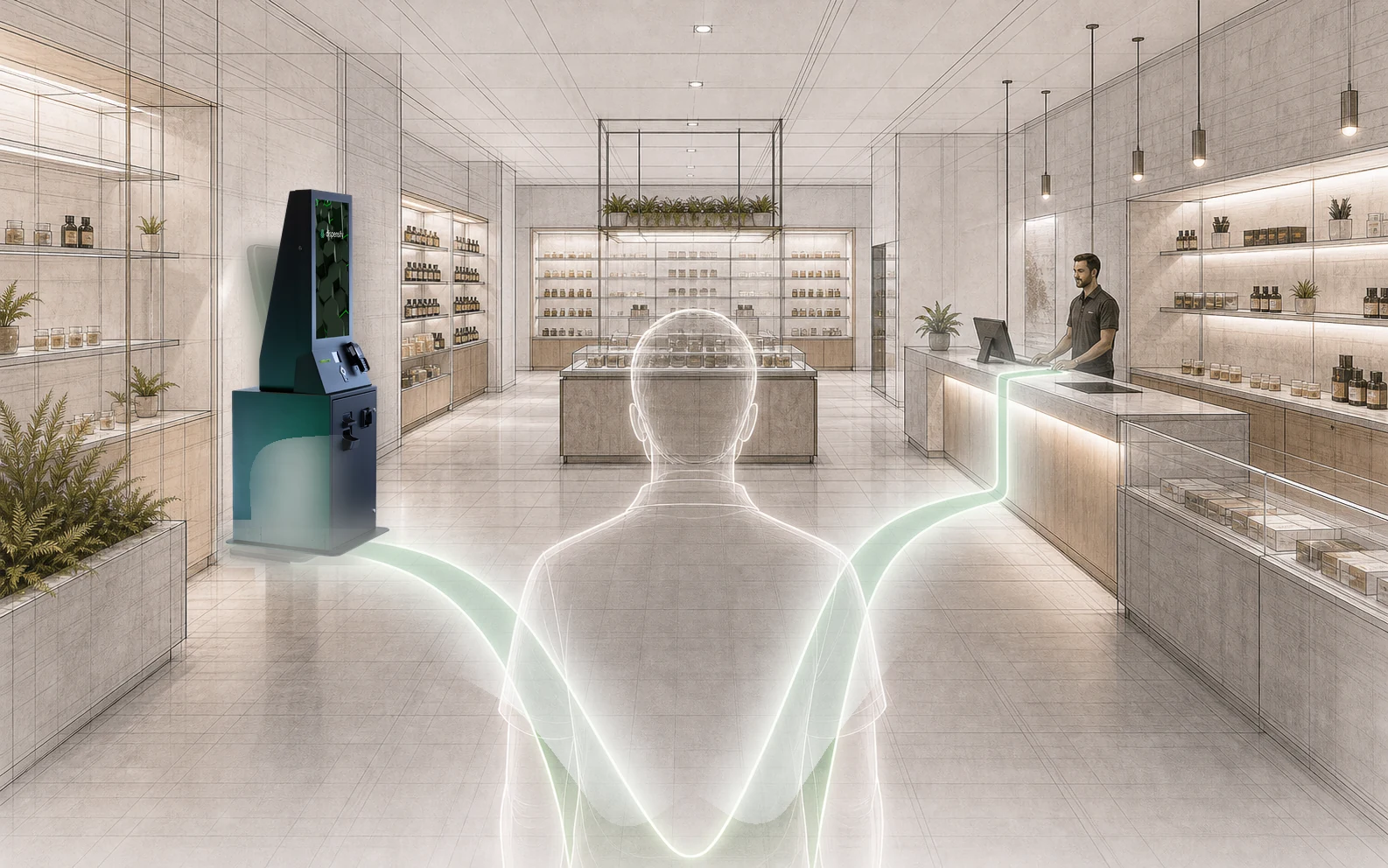
No third-party installer who's never seen your store. The same team that engineers the units installs them and stands behind them, in one location or across the whole fleet. We'll give you the real timeline for your buildout on the walkthrough.
Our crew handles the hardware and the floor placement. One team, accountable for the whole job, set up the same way in every store.
On siteThe kiosk runs alongside the point of sale you already use. Your system stays the system of record, we add a terminal that talks to it.
At installStaff pick it up quickly, usually the same day. It works the way they already think about a sale, so there isn't much to unlearn.
Day oneWhen something needs attention you call the team that built and installed it, not a chain of vendors pointing at each other. That's the part a software-only reseller can't offer.
OngoingCase studies highlight one experience. Your checkout lane has its own traffic, payment mix, layout, and staff rhythm, so we tailor the feedback to your stores and turn it into a practical kiosk plan your team can review.
Which lanes should become self-service, which should stay staffed, and how to avoid forcing the wrong customers to the screen.
Ordering, ID, payment, cash, receipts, and POS handoff mapped to the way your stores actually operate.
A practical view of installation, training, support, and consistency across one store or the full fleet.
Bring your store count, daily transaction volume, payment mix, and the places where lines form. We'll translate the estimate into a practical recommendation: where kiosks belong, which transactions they should handle, and what it would take to deploy consistently.