Dispensify isn’t a POS software company, and that’s the point. Your dispensary already runs on a POS platform. What most operators struggle with is the physical side of the checkout counter: the terminals, cash drawers, barcode scanners, and receipt printers that the software actually runs on.
That’s the layer Dispensify owns. We provide enterprise-grade POS hardware, configure it for your platform, and stage it for faster deployment. You keep the POS software you already chose. We make sure the physical checkout layer behind it is reliable, properly configured, and built for cannabis retail.
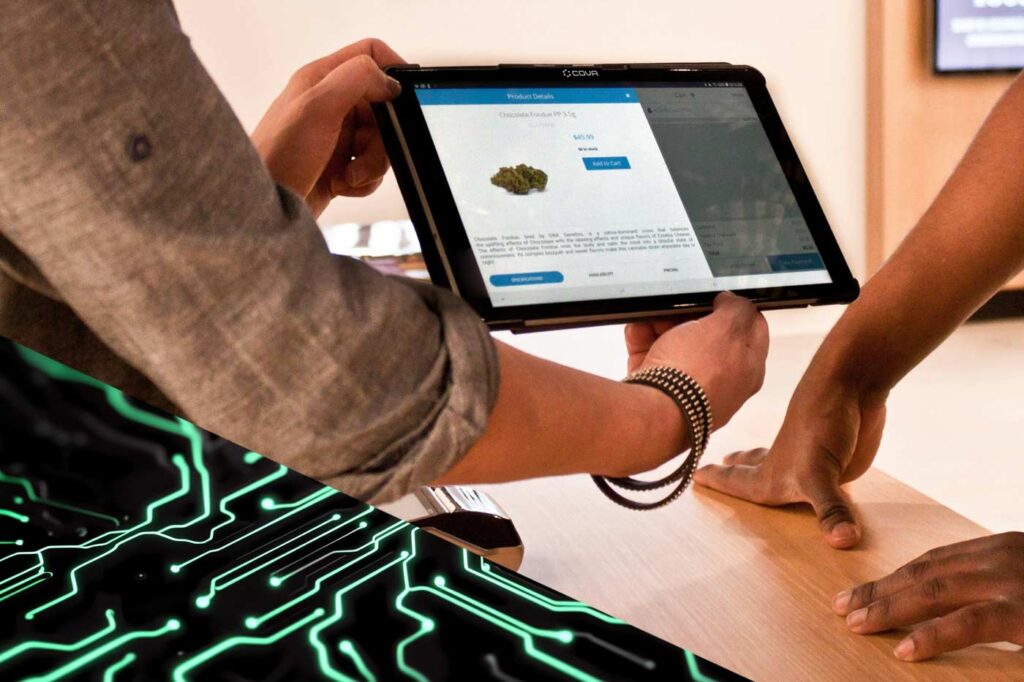
Dispensify hardware is configured around the POS system your dispensary already relies on.
You don’t need to switch platforms or learn a new system. We configure the hardware around the POS software you already run, so your team keeps working the way they already know.
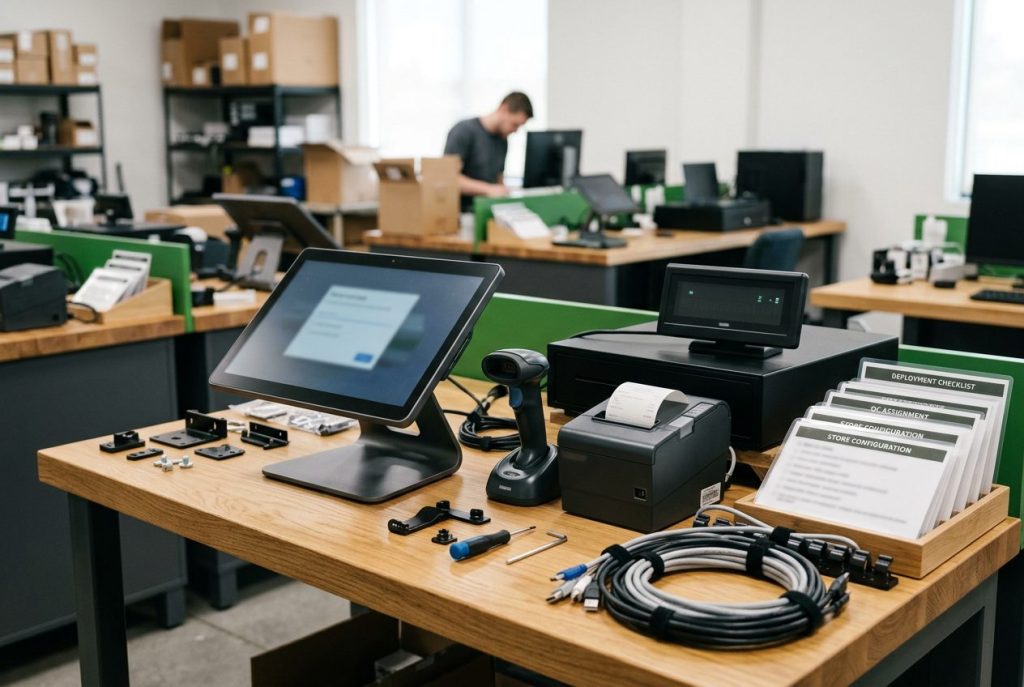
A dispensary POS bundle is more than a screen. Dispensify provides the physical checkout hardware your POS software runs on, including terminals, cash drawers, barcode scanners, and receipt printers.
Every piece is selected and configured to work together as one retail hardware stack, not bought piecemeal from different vendors and stitched together on site.
Dispensify sources and configures proven retail hardware from established manufacturers, including Volcora, Touch Dynamic, Elo, Custom, and additional brands depending on your store’s needs.
We match the hardware to your environment, traffic, and POS platform rather than forcing a one-size-fits-all setup.
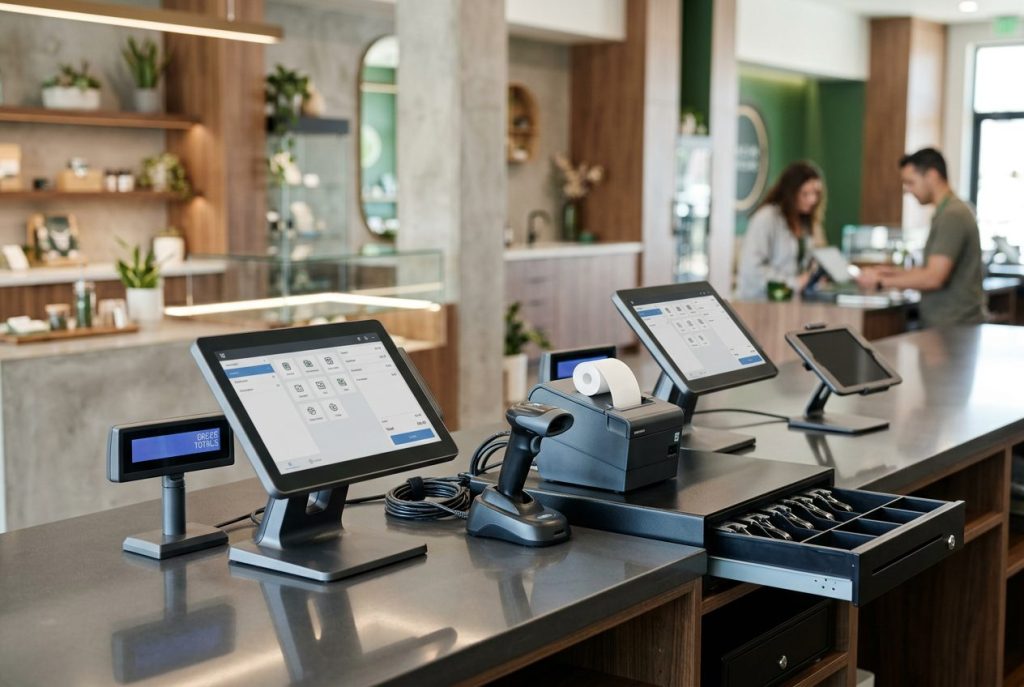
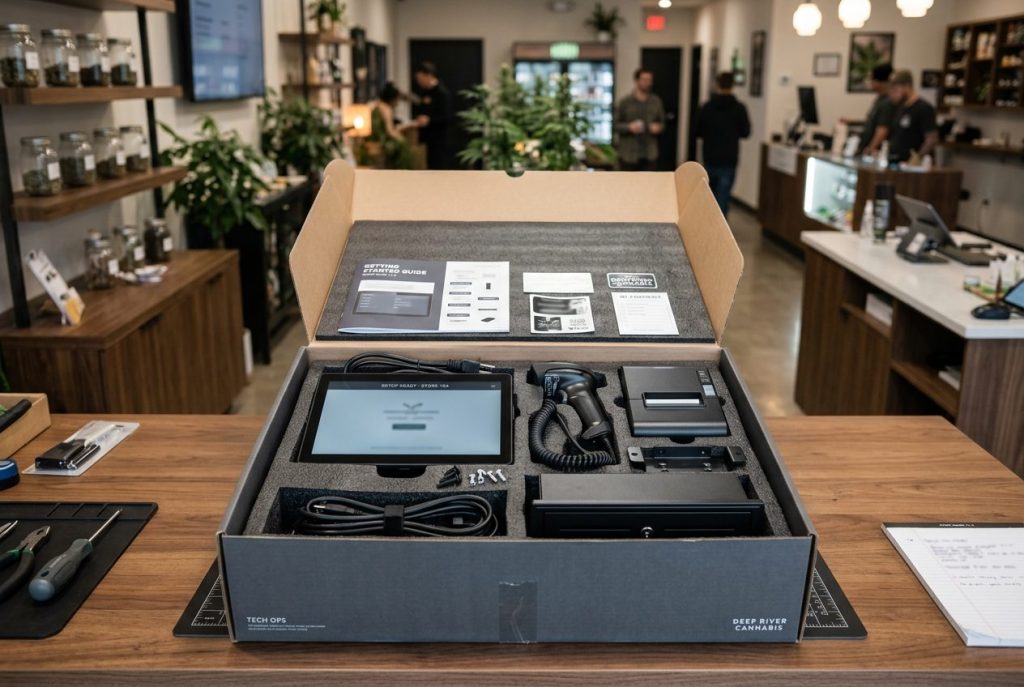
Most hardware vendors ship a box of disconnected parts and leave the setup to you. Dispensify does the opposite. We stage and configure your hardware before it ships, so it arrives configured, tested, and documented for your approved setup.
That means faster deployment, fewer setup headaches, and a checkout counter your team is not assembling from scratch. Networking, credentials, and store-specific POS settings may still need final configuration on site, which we help coordinate.
For more on POS, kiosk, and inventory workflows, see our dispensary compliance checklist.
Scaling across multiple stores is where stitched-together hardware breaks down. When every location runs different terminals, drawers, scanners, and printers, training, support, and troubleshooting multiply with each store.
Dispensify standardizes the physical checkout layer across all of your locations. The same hardware, configured the same way, supported by one team. For multi-state operators and growing chains, that standardization is the difference between a checkout infrastructure that scales cleanly and one that gets harder to manage with every new store.
For a deeper look at scaling checkout, cash, and kiosk infrastructure across stores, read our guide to multi-location cannabis dispensary operations.
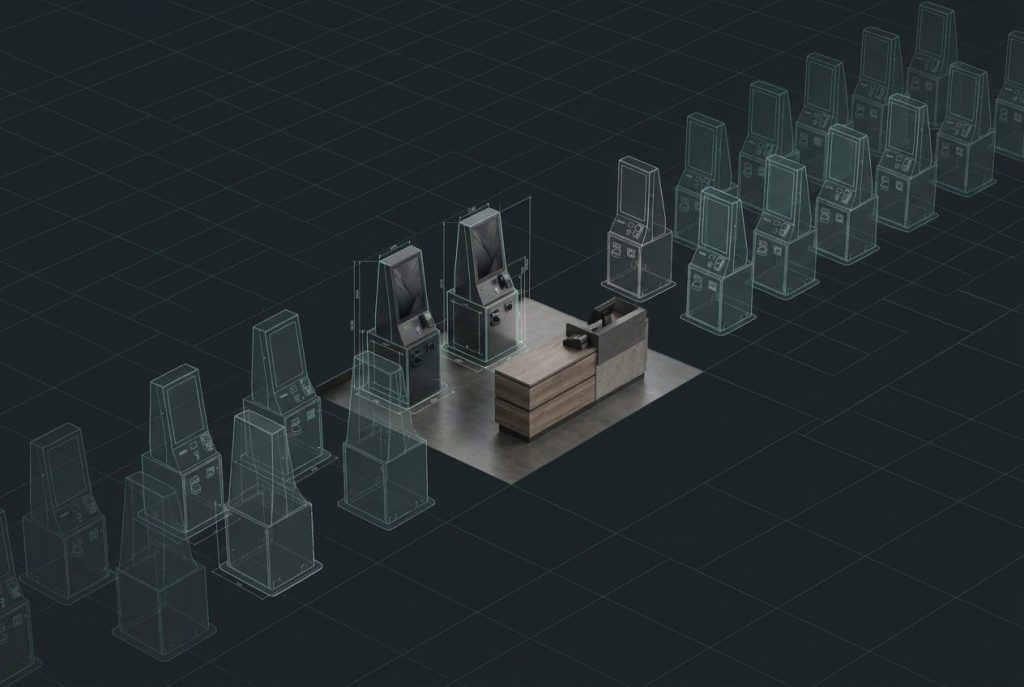
Dispensify helps cannabis operators standardize the hardware, configuration, and support behind the POS software they already use.
No. Dispensify provides POS hardware such as terminals, cash drawers, barcode scanners, receipt printers, and then configures that hardware to work alongside the POS software you already use.
Compatibility is confirmed for each store’s existing POS environment before hardware is selected and configured. Request a hardware consultation to verify the platform, peripherals, network requirements, and checkout workflow for your location.
No. You keep the POS platform you already run. Dispensify configures the hardware around your existing software so your team can keep working in the system they already know.
Dispensify provides POS terminals, cash drawers, barcode scanners, receipt printers, and related checkout hardware matched to your store layout, traffic, and POS platform.
Dispensify stages and configures hardware before shipping so it arrives configured, tested, and documented for your approved setup. Final on-site steps like networking, credentials, and store-specific POS settings may still apply, and Dispensify helps coordinate those details.
Yes! Standardizing terminals, drawers, scanners, printers, and configuration across locations helps reduce training, support, and troubleshooting complexity as operators add stores.
A dispensary POS bundle can include a touchscreen terminal, cash drawer, barcode scanner, thermal receipt printer, cables, mounting hardware, and setup documentation. The final bundle depends on the store layout, POS platform, payment workflow, and deployment requirements.
Want POS hardware that actually fits your operation? We’ll help you configure the right setup, integrate it with your ecosystem, and support your team every step of the way.