
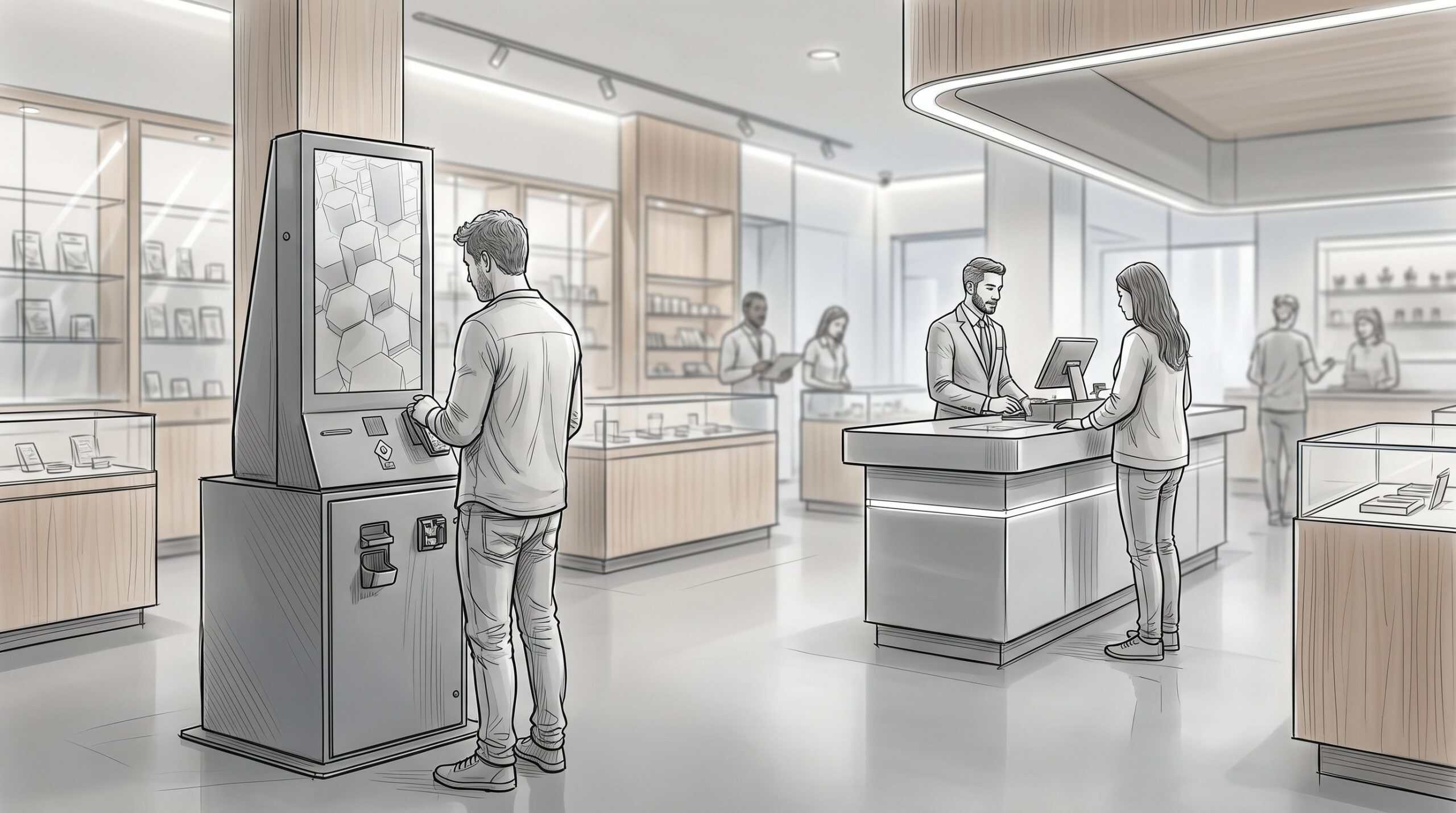
Self-service is one of the few investments in cannabis retail where the math can actually be pretty straightforward.
Shorter lines. Bigger baskets. Less front-of-house pressure every time someone calls out or the Friday rush hits harder than expected. Customers already know the behavior from every other part of retail. A lot of them would rather build an order on a screen than talk through it at the counter while ten people wait behind them.
So why do so many self-service kiosk rollouts underperform?
Because a lot of dispensaries don’t actually buy a self-service cannabis kiosk. They buy kiosk software, mount a consumer tablet to a stand, and then call it done.
Then the ID scanner doesn’t talk cleanly to the POS. Payment still gets pushed to the counter. Cash is still a manual workflow. The receipt printer is somewhere else. The kiosk freezes during a rush, and the whole idea gets blamed when the real problem was the hardware layer.
That’s the part operators need to understand before they deploy. Self-service in cannabis is not just a menu on a screen. It’s a hardware, payment, compliance, and support decision.
Here’s what that actually means.
Four different things get called a kiosk
The word kiosk gets used way too broadly. In practice, most dispensaries are talking about one of four different workflows.
1. Check-in
The customer walks in, scans an ID, and joins the queue without waiting on someone at the front desk.
This is usually the easiest win. It reduces the first bottleneck in the store, especially for returning customers who don’t need much help. If the ID scan is fast and the queue handoff is clean, check-in can remove a lot of small friction from the front of house.
2. Self-ordering
The customer browses the menu, builds a cart, and sends the order to fulfillment.
This is what a lot of dispensary kiosks are today: a menu on a touchscreen. It can still be useful. Customers can browse without pressure, compare products, and build the order at their own pace. But if a budtender still has to handle payment and handoff, you’re not really at self-checkout yet.
3. Self-payment
This is where the deployment gets more serious.
Card payment is one layer. Cash is another. Cannabis is still a cash-heavy category, and a kiosk that can’t accept bills or return change will push a meaningful share of customers right back to the counter.
A cash-capable kiosk is a different machine from a tablet running menu software. It needs payment hardware, bill validation, change handling, receipt printing, POS handoff, and support that works when the store is busy.
4. End-to-end self-checkout
This is the full version: check in, browse, order, pay, and move to handoff with minimal staff involvement unless the customer needs help.
That’s where the bigger return lives. It’s also where the gap between a real cannabis kiosk and a tablet on a stand becomes obvious.
Most stores deploy the first two steps and assume they’ve done self-service. The gains are real, but partial. The more of the workflow your hardware can actually carry, the more the investment starts to pay back.
The throughput math depends on execution
Most of the hard data lives in quick-service retail, where self-order kiosks have been around longer, but the behavior carries straight over. When customers order on a screen instead of out loud at a counter, the basket grows. McDonald’s has pointed to roughly a 30 percent lift in average order value after rolling out kiosks, and QSR studies generally land in the 15 to 30 percent range. In cannabis specifically, one cannabis kiosk platform reported self-service orders running about $25 higher than walk-up. On speed, dispensary check-in kiosks are widely reported to cut wait times by 30 to 40 percent, and self-service in retail tends to lift transaction throughput by 20 percent or more once the line stops bottlenecking at a single counter.
That makes sense. Customers explore more when they aren’t trying to make a decision out loud at the counter. Upsell prompts do quiet work in the background. Budtenders are no longer stuck doing repetitive order entry for every basic transaction.
But those numbers aren’t automatic.
The difference between a good deployment and a mediocre one is usually boring operational stuff:
- Does the ID scanner work the first time?
- Does the kiosk stay online during peak hours?
- Does the POS handoff happen cleanly?
- Can the customer pay at the kiosk, or do they still have to wait at the counter?
- Does someone answer the phone when the hardware breaks?
A kiosk that scans IDs in two seconds gets used. One that takes four attempts gets abandoned. A kiosk that goes down for an hour on Friday night doesn’t just lose its own transactions. It backs up the floor around it.
The throughput gain everyone advertises is really a hardware reliability and workflow-design story.
Self-service raises the compliance bar
Self-service doesn’t make cannabis compliance simpler. It makes the workflow more dependent on the system doing its job correctly every time.
A kiosk transaction without a verified and recorded ID scan is harder to defend than a counter sale. There wasn’t a budtender in the loop to say they checked. The system needs to scan the ID, verify the customer, apply the right purchase-limit logic through the POS, and leave a clean record of what happened.
That doesn’t mean self-service is a compliance problem. It means the hardware and integrations need to be treated as compliance infrastructure, not just convenience tools.
State rules matter too. Some markets still require budtender involvement in parts of the customer experience. That doesn’t kill self-service, but it changes the workflow. The kiosk might handle check-in, browsing, and payment while staff still handles consultation, exceptions, and handoff.
Again, that’s okay, but just know that before you spec the rollout.
ADA is in the same category. Touchscreen height, reach ranges, floor placement, and accessibility support are not nice-to-have features. They’re part of the deployment. This becomes a hardware decision pretty quickly.
The hardware layer is where most deployments live or die
The major cannabis POS platforms have good kiosk software. That’s not the issue.
The issue is what that software is running on.
If the screen, scanner, payment device, printer, mount, and support model are all stitched together after the fact, the store inherits that complexity. Maybe it works when traffic is light. Maybe it even works well in a demo. The real test is whether it works for twelve-hour retail days, peak traffic, cash payments, compliance checks, and staff who don’t have time to troubleshoot four vendors.
A few pieces matter more than operators usually expect.
Screen and form factor
A consumer tablet wasn’t built for dispensary traffic, greasy fingers, constant use, and the occasional shoulder check from a customer walking by.
Retail-grade hardware matters. So does the form factor. Floor-standing, wall-mounted, and counter units all change the way people move through the store. They also affect accessibility and ADA fit.
ID scanning
Scan speed is adoption. If it works cleanly, customers trust it. If it fails twice, they get in line and the kiosk becomes furniture.
The scanner also needs to feed the actual verification and compliance workflow. If it’s just another gadget someone reconciles later, it isn’t solving the right problem.
Payment
EMV and contactless should be expected. Cash is where cannabis gets different.
A self-service kiosk that can’t handle cash will still send a large portion of transactions back to the counter. That’s fine if you’re only trying to support browsing or order entry. It’s not enough if the goal is real self-checkout.
The Giosk 32 Cash is built around that distinction. It accepts bills and returns change at the point of sale, which is the difference between self-ordering and an actual cash-aware checkout path.
The back-of-house cash side matters too. Counting and verifying cash after it enters the store is a separate operational problem, which is why we cover that on our cash management page.
Receipts and order routing
A printer jam can stop a line. A slow fulfillment handoff can move the bottleneck instead of removing it.
The kiosk needs to push the order into the store’s actual fulfillment flow quickly and consistently. Otherwise, the front-end experience looks modern while the back end still runs like a workaround.
Support ownership
Hardware will fail eventually. The real question is what happens next.
If the screen vendor blames the software vendor, the software vendor blames the payment device, and the payment vendor blames the network, the store is stuck. That might be tolerable for a back-office tool. But it’s just not tolerable for a customer-facing checkout lane.
You want one accountable party for the terminal, scanner, payment hardware, peripherals, integration, and support path.
That’s the lane we built the Giosk line around: purpose-built cannabis retail terminals that work with the POS platforms operators already run.
Multi-location rollouts need a tighter spec
A self-service setup that works at one store can get messy across five.
The fix isn’t complicated, but it does require discipline. Standardize the hardware spec across locations. Keep the POS, ID verification, payment, and compliance workflow as consistent as possible. Make sure the fleet can be monitored and supported remotely. Plan for connectivity issues before they happen.
Driving across town to reboot a kiosk is not a scaling strategy.
This is the same multi-site infrastructure problem operators already understand from POS, inventory, security, and networking. The difference is that the kiosk is the machine customers touch most, so weak implementation shows up fast.
Six questions to ask before you buy
If you’re evaluating self-service cannabis kiosks, these six questions will tell you more than most vendor demos:
- Are we deploying check-in, ordering, payment, or full self-checkout?
- Is the hardware actually built for cannabis retail, or is this a tablet in a metal shell?
- Does it integrate with our POS, ID verification, payment, and compliance workflow out of the box?
- Can it handle cash at the kiosk, or does cash still go back to the counter?
- Who supports the hardware when it fails, and is that one accountable vendor or several?
- Can this same spec work across every location we operate or plan to open?
If the answers get vague on cash handling or support ownership, that’s the signal.
The bottom line
Self-service isn’t new in cannabis anymore. In competitive markets, customers already expect some version of it. The operators getting the most value are the ones treating it as an infrastructure decision, not a software feature.
The gains are real. Shorter lines, cleaner order flow, better basket-building, and less repetitive work for staff all matter.
But they don’t come from the menu on the screen. They come from the machine underneath it doing the boring work correctly every hour the store is open.
If you’re evaluating self-service for your dispensary, talk to us about the actual deployment. We’ll walk through the workflow, the hardware, the cash path, the POS fit, and what it takes to get the numbers vendors like to advertise.
Frequently asked questions
Do self-service kiosks replace budtenders in a dispensary?
No. The best deployments usually redeploy budtenders instead of replacing them. The kiosk handles repetitive work like check-in, browsing, basic order entry, and payment. Budtenders stay focused on product education, recommendations, complex orders, exceptions, and handoff.
How much faster do dispensaries operate with self-service kiosks?
Most published numbers come from quick-service retail, where kiosks are more established. Average order value commonly rises 15 to 30 percent (McDonald’s has cited around 30 percent), and self-service tends to lift throughput by 20 percent or more while cutting wait times. In cannabis specifically, one cannabis kiosk platform reported kiosk orders averaging about $25 more than walk-up. The high end of any of these depends on hardware reliability, POS integration, payment flow, and whether the kiosk actually gets used during peak traffic.
Can a self-service kiosk handle cash payments in a dispensary?
Yes, but only if the kiosk is built for it. Cash-capable kiosks need bill validation, change handling, counterfeit detection, secure cash storage, receipt printing, and POS/payment integration. Most general-purpose retail kiosks and tablet-based setups don’t cover that full workflow, which is why cash still gets routed to the counter.
Are self-service kiosks compliant with cannabis regulations?
They can be, but the workflow has to be auditable. ID verification, purchase-limit logic, POS or seed-to-sale handoff, exception logging, and ADA accessibility all need to be part of the deployment. Self-service doesn’t remove compliance work. It moves more of that work into the system.
What’s the difference between a self-service kiosk and a self-ordering tablet?
A self-ordering tablet usually lets customers browse and build an order. A purpose-built self-service kiosk can combine the touchscreen, ID scanner, EMV/contactless payment, optional cash module, receipt printer, and POS handoff in one retail-grade terminal. That’s the difference between a digital menu and an actual checkout lane.